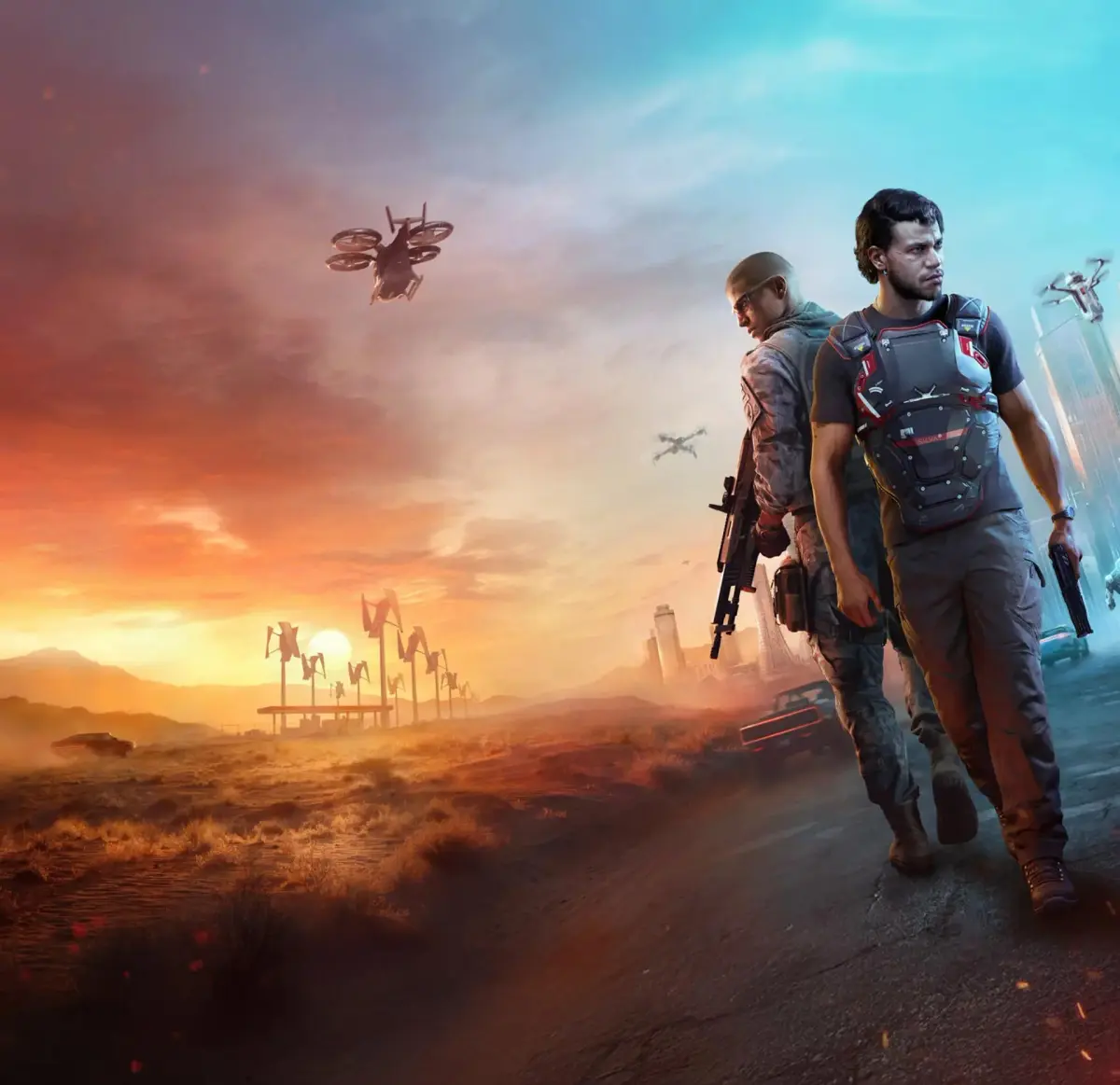
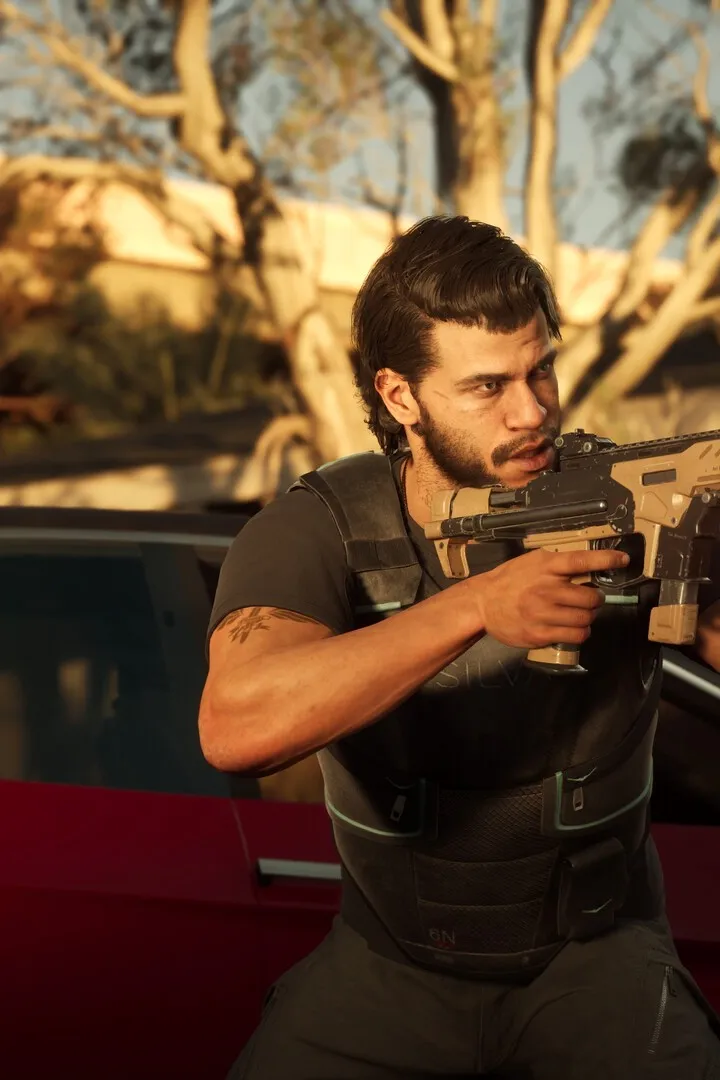
Master MindsEye controls and UI. Learn button mappings for combat, hacking, and navigation, plus essential HUD elements for survival.
Navigating the futuristic world of MindsEye is made intuitive through its well-designed controls and user interface. Understanding the button mappings for movement, combat, hacking, and interacting with the environment is essential for a smooth gameplay experience. The UI provides critical information at a glance, including your health, ammo count, objective markers, and available cybernetic abilities, ensuring you're always aware of your status and surroundings.
The control scheme in MindsEye is generally designed to be familiar to players of modern action-adventure games, with common actions mapped to intuitive buttons. Movement is typically handled by the left analog stick, with the right analog stick controlling camera perspective. Aiming down sights is often a trigger button, while firing is another. Melee attacks, grenade usage, and activating special abilities are usually assigned to face buttons or shoulder buttons, depending on your platform.
Key UI elements to familiarize yourself with include:
- Health Bar: Displays your current health. Depletion leads to death.
- Armor Indicator: Shows the remaining durability of your equipped body armor.
- Ammo Counter: Indicates the number of rounds in your current magazine and your total reserve.
- Minimap/Radar: Shows your immediate surroundings, objective markers, and nearby enemies.
- Objective Tracker: Displays current mission goals and progress.
- Ability Wheel/Hotkeys: Allows quick selection and activation of cybernetic abilities.
Hacking mechanics are integrated seamlessly, often initiated by holding a specific button when near a hackable object. The UI will then present a mini-game or prompt for input. For vehicle navigation, the controls will shift to steering, acceleration, and braking, with additional options for weapons or special maneuvers if applicable.
It's highly recommended to spend a few minutes in the game's settings menu to customize your controls if needed. Many players prefer to rebind certain actions for greater comfort or efficiency. Understanding the UI elements will allow you to react quickly to threats, manage your resources effectively, and stay on track with your objectives, making your journey through Neo-Veridia much more enjoyable.
| Action | Default Control (Example) |
|---|---|
| Movement | Left Analog Stick |
| Camera | Right Analog Stick |
| Aim | Left Trigger |
| Fire | Right Trigger |
| Activate Ability | Face Buttons / Shoulder Buttons |
100% Human-Written. AI Fact-Checked. Community Verified. Learn how AntMag verifies content