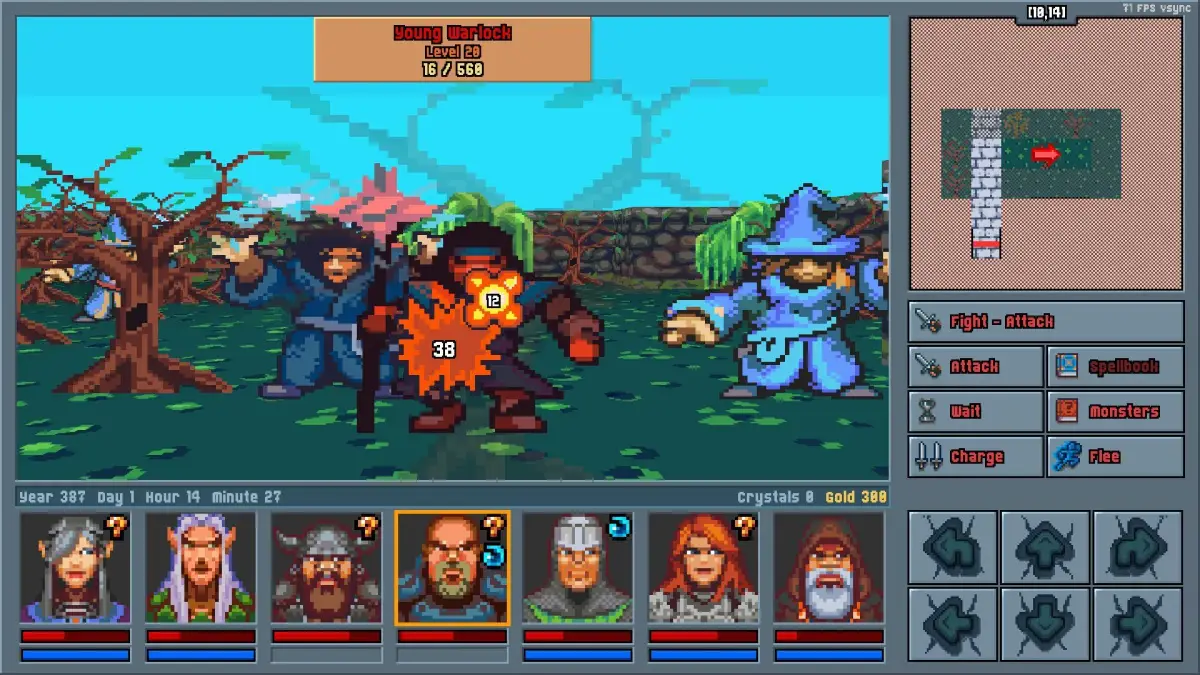
Decode the HUD in Legends of Amberland III: The Crimson Tower. Track HP, MP, action slots, and mini-map indicators for tactical advantage.
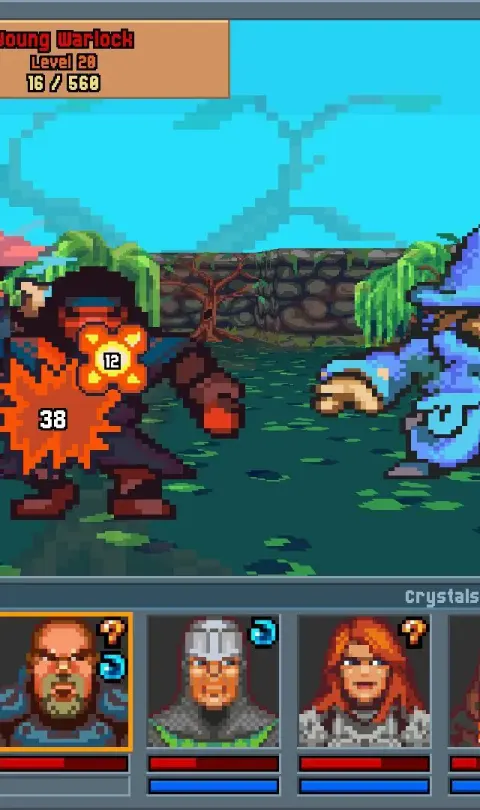
The Heads-Up Display (HUD) in Legends of Amberland III: The Crimson Tower is your primary source of information, providing critical data at a glance to aid in your strategic decisions. Dominating the lower portion of the screen, you'll find the party status bars, displaying the current Health Points (HP) and Mana Points (MP) for each of your active heroes. Below these bars, a series of action slots are visible, indicating available abilities, spells, and items that can be quickly deployed. The active character's portrait is usually displayed prominently, often accompanied by their current status effects, such as 'Poisoned' or 'Buffed'. Understanding these elements is paramount, especially when facing challenging encounters like the swarm of Goblins in the Sunken Caves, where precise resource management is key to survival.
In the upper corners of the screen, you'll typically find the mini-map and important game notifications. The mini-map provides a simplified overview of your immediate surroundings, highlighting points of interest, enemy locations, and quest markers. This is invaluable for navigation and avoiding ambushes, particularly when traversing treacherous areas like the Blighted Forest. Alongside the mini-map, a notification area will display important alerts, such as incoming enemy attacks, the discovery of new quests, or the acquisition of significant items like a 'Dragon Scale'. Paying close attention to these indicators can prevent costly mistakes and ensure you are always aware of the unfolding situation. For instance, a warning about an incoming 'Fireball' spell from a distant mage requires immediate defensive action.
The central area of the HUD often features combat logs or event messages, detailing the outcomes of attacks, spells cast, and other significant game events. This text-based feedback is crucial for understanding combat mechanics, such as damage resistances or critical hit successes. For example, seeing "Grog the Barbarian deals 45 damage to the Skeleton Warrior" provides direct feedback on your party's offensive capabilities. Conversely, observing "The Skeleton Warrior resists 10 damage from the magic attack" informs you about enemy immunities. Mastering the interpretation of these HUD elements, from the HP bar of your tank, Sir Kaelan, to the cooldown timer on Elara's 'Heal' spell, is fundamental to achieving victory and unraveling the secrets of the Crimson Tower.
100% Human-Written. AI Fact-Checked. Community Verified. Learn how AntMag verifies content