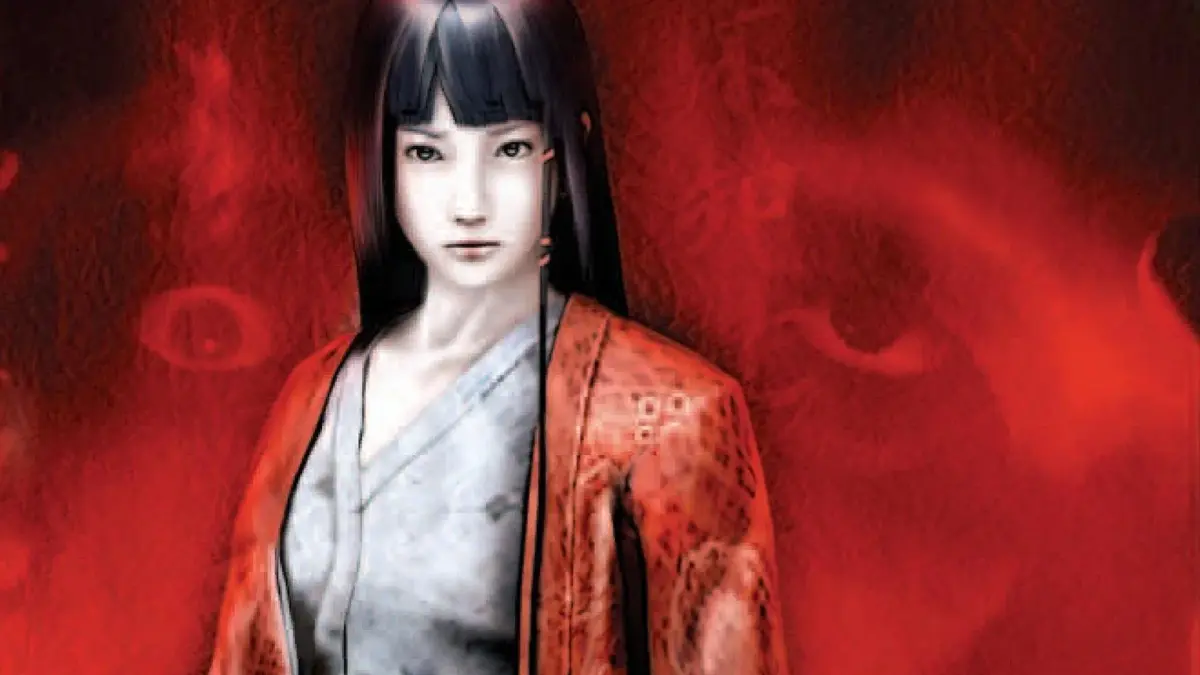
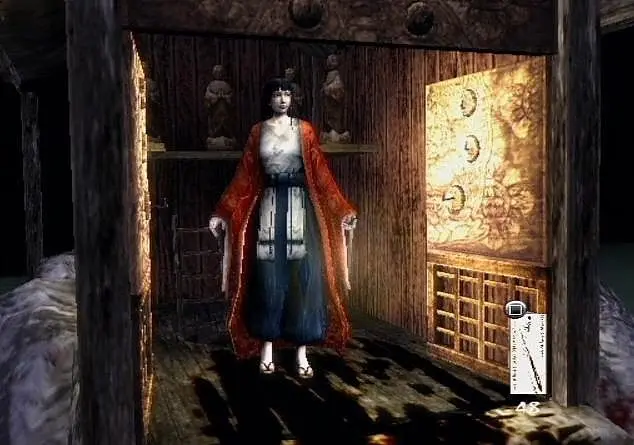
Navigate Kuon's interface with ease. This guide breaks down the UI elements, controls, and essential information to enhance your gameplay experience.
This guide provides an overview of the user interface (UI) in the game Kuon. Understanding the UI is crucial for effective gameplay, allowing players to access information, manage inventory, and execute commands efficiently.
| Action | Description |
|---|---|
| Health Bar | Displays the current health of your character. |
| Stamina Bar | Indicates available stamina for actions like running or attacking. |
| Inventory | Allows you to view and manage items, weapons, and equipment. |
| Map | Shows your current location and the surrounding environment. |
| Objective Marker | Highlights the current mission or objective location. |
| Dialogue Box | Displays conversations with NPCs and story-related text. |
| Action Buttons | Context-sensitive buttons for performing various actions like attacking, interacting, or using items. |
100% Human-Written. AI Fact-Checked. Community Verified. Learn how AntMag verifies content