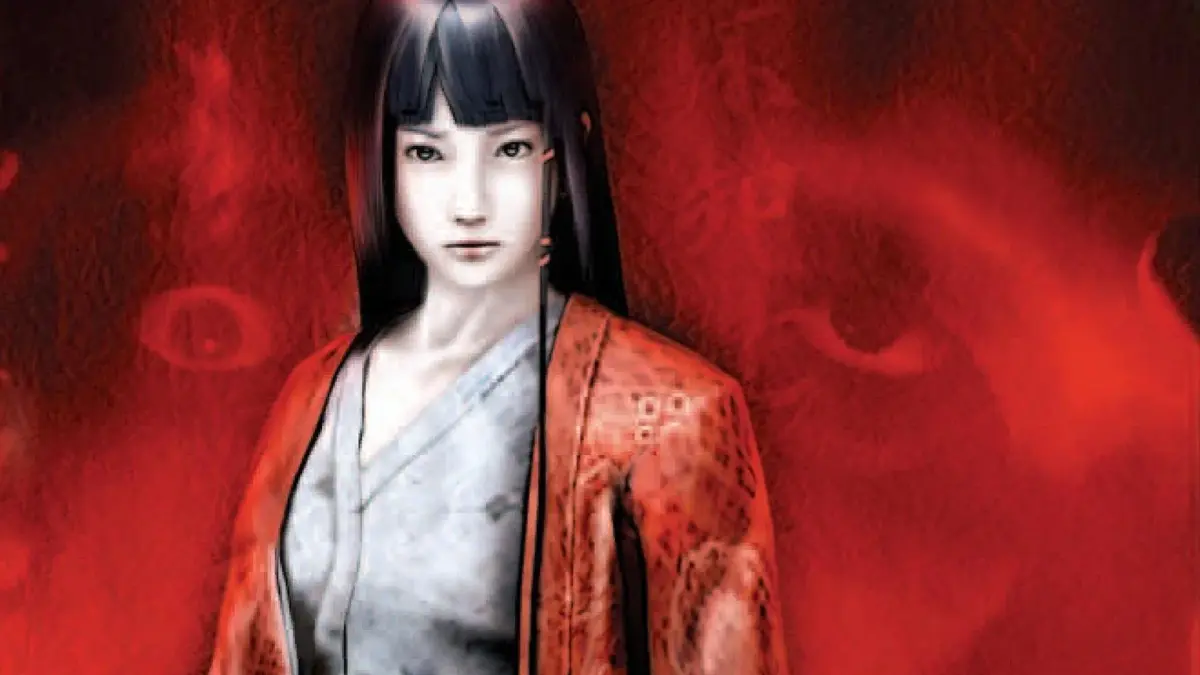
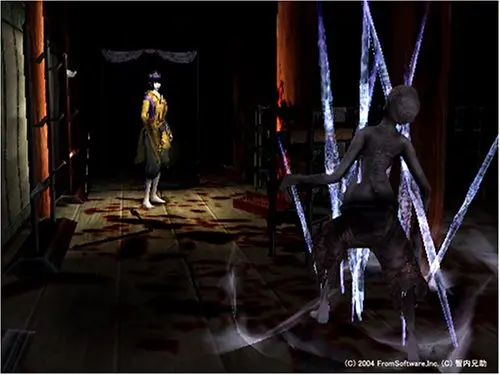
Master Kuon's tank controls, including movement, interaction, combat, and the essential quick turn for survival.
Kuon utilizes classic tank controls, which can feel clunky at first but become second nature with practice. Familiarize yourself with these inputs:
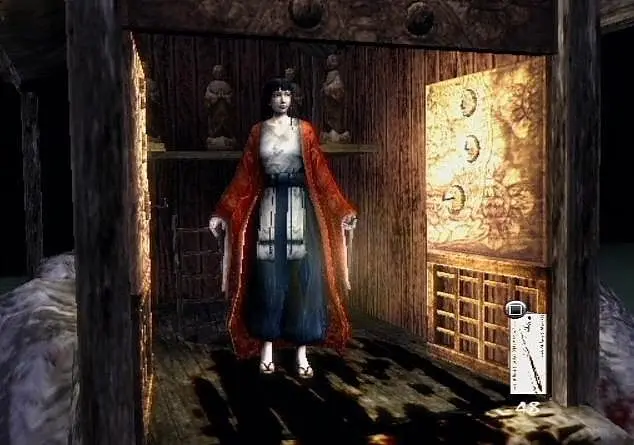
- Analog Stick/D-Pad: Move character (forward, backward, turn left/right).
- X Button (PS2): Interact/Examine. This is crucial for picking up items, opening doors, and reading documents.
- Square Button (PS2): Attack. Your primary means of defense against the grotesque creatures.
- Circle Button (PS2): Run. Hold this down while moving to increase your speed, but be mindful of stamina.
- Triangle Button (PS2): Open Inventory/Status Screen. Manage your items, check your health, and review collected documents.
- R1 Button (PS2): Ready Weapon. Hold to aim your weapon before attacking.
- L1 Button (PS2): Quick Turn. A vital maneuver for escaping tight situations or quickly facing a threat behind you.
- Start Button (PS2): Pause Game/System Menu.
Practice these controls in a safe area to get a feel for the character's movement and combat. Mastering the quick turn is especially important for avoiding enemy attacks and repositioning during encounters.
100% Human-Written. AI Fact-Checked. Community Verified. Learn how AntMag verifies content