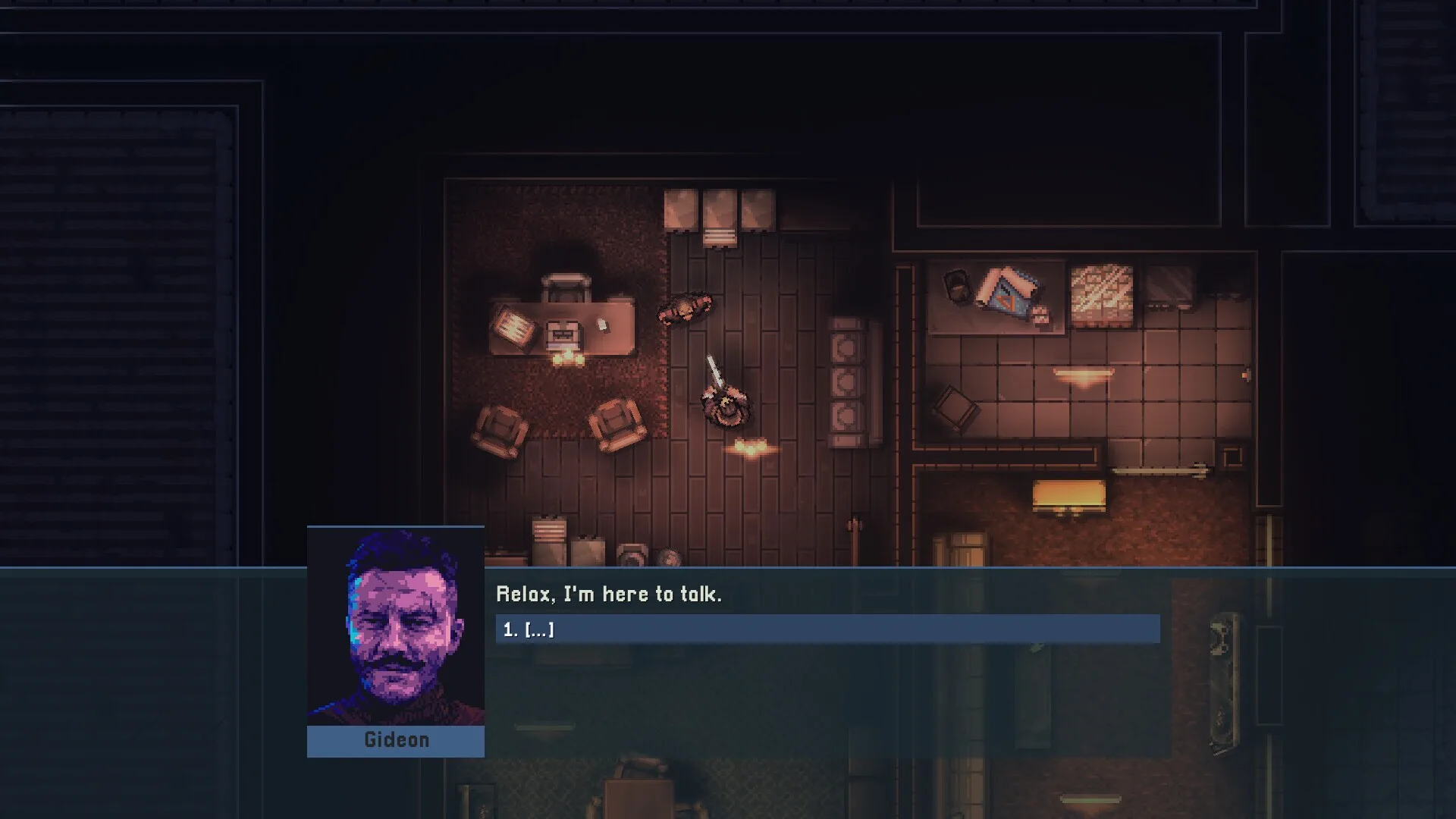
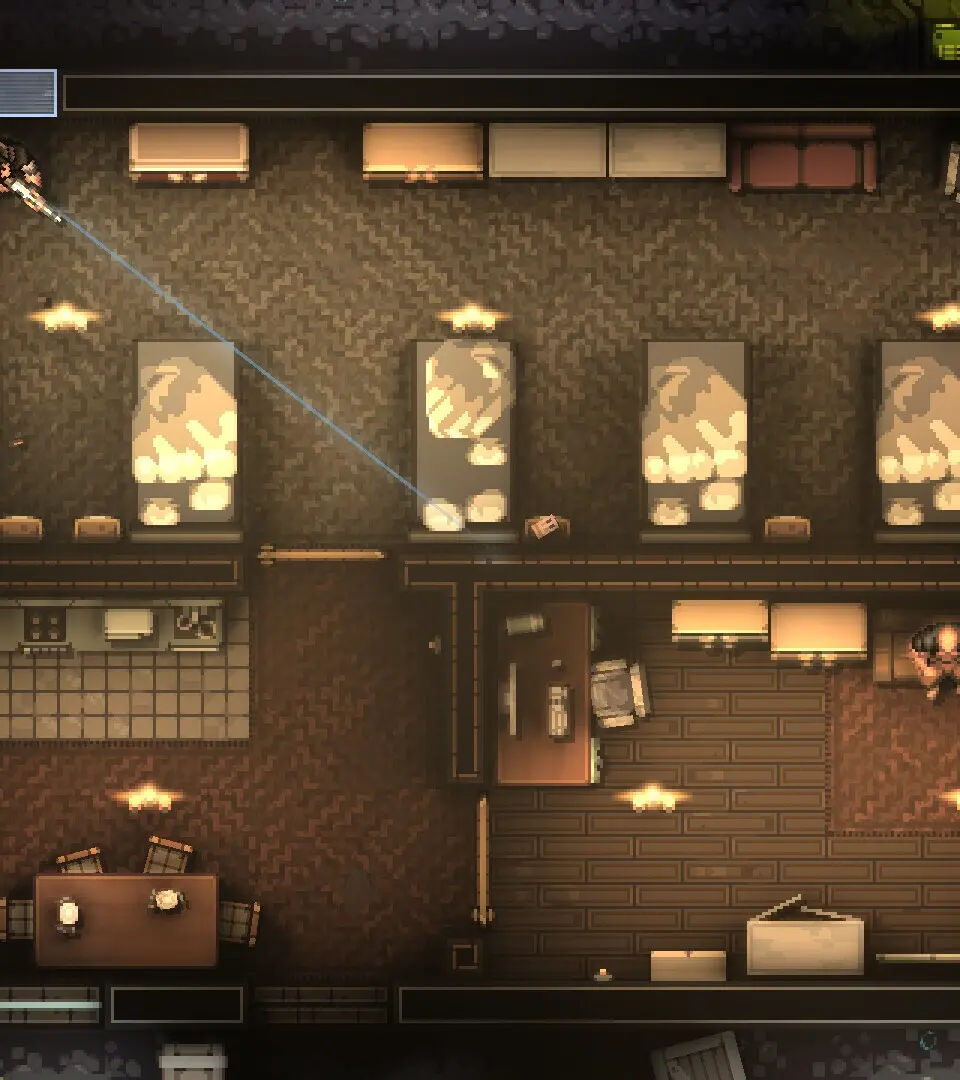
Navigate the UI of Intravenous 2: Mercenarism like a pro! Understand every element to maximize your tactical freedom and mission success in this top-down shooter.
Hey there! So you're diving into Intravenous 2: Mercenarism and want to get a handle on what all those icons and bars on your screen mean? It's super important to know your way around the UI, especially when you're playing as Gideon, a mercenary who's all about the cash and has zero time for hesitation. This guide will break down the interface so you can focus on the mission, not on figuring out what's what.
Mercenarism itself is a standalone tech demo and a prelude to the main Intravenous 2 game. It showcases the gameplay and mechanics you'll be using, and what happens here directly impacts the story of the main game. Think of it as your training ground before the real contract.
As Gideon, you've got tactical freedom, a bunch of weapons, and cool gadgets. The UI is your command center for all of that. Knowing it means you can make split-second decisions, manage your resources effectively, and complete your objectives without any moral qualms getting in the way. Let's get you familiar with the battlefield display!
100% Human-Written. AI Fact-Checked. Community Verified. Learn how AntMag verifies content