
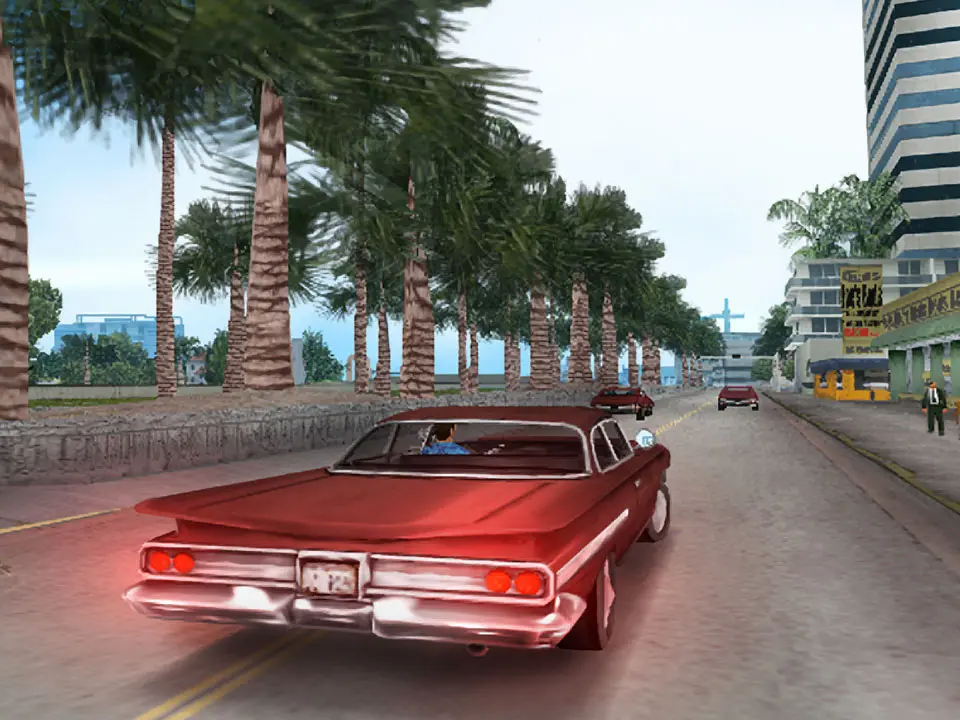
Learn how to save your progress in Grand Theft Auto: Vice City. This guide covers the essential steps to ensure your game is saved properly, allowing you to pick up where you left off.
Saving your game in Grand Theft Auto: Vice City is crucial for preserving your progress. The primary method for saving your game is by utilizing safehouses scattered throughout Vice City.
Walkthrough
- 1Locate a safehouse. The first safehouse you gain access to is the Ocean View Hotel after completing the mission "In The Beginning...".
- 2Enter the safehouse. You will see a bed icon on your map indicating the location of a safehouse.
- 3Interact with the bed. Once inside, approach the bed and a prompt will appear.
- 4Save your game. Interacting with the bed will initiate the save process, allowing you to save your current game progress.
Tips
- Save frequently, especially after completing significant missions or acquiring valuable assets.
- Safehouses also serve as respawn points if your character dies or is arrested.
- Other safehouses can be purchased throughout the game, providing more convenient save locations.
100% Human-Written. AI Fact-Checked. Community Verified. Learn how AntMag verifies content