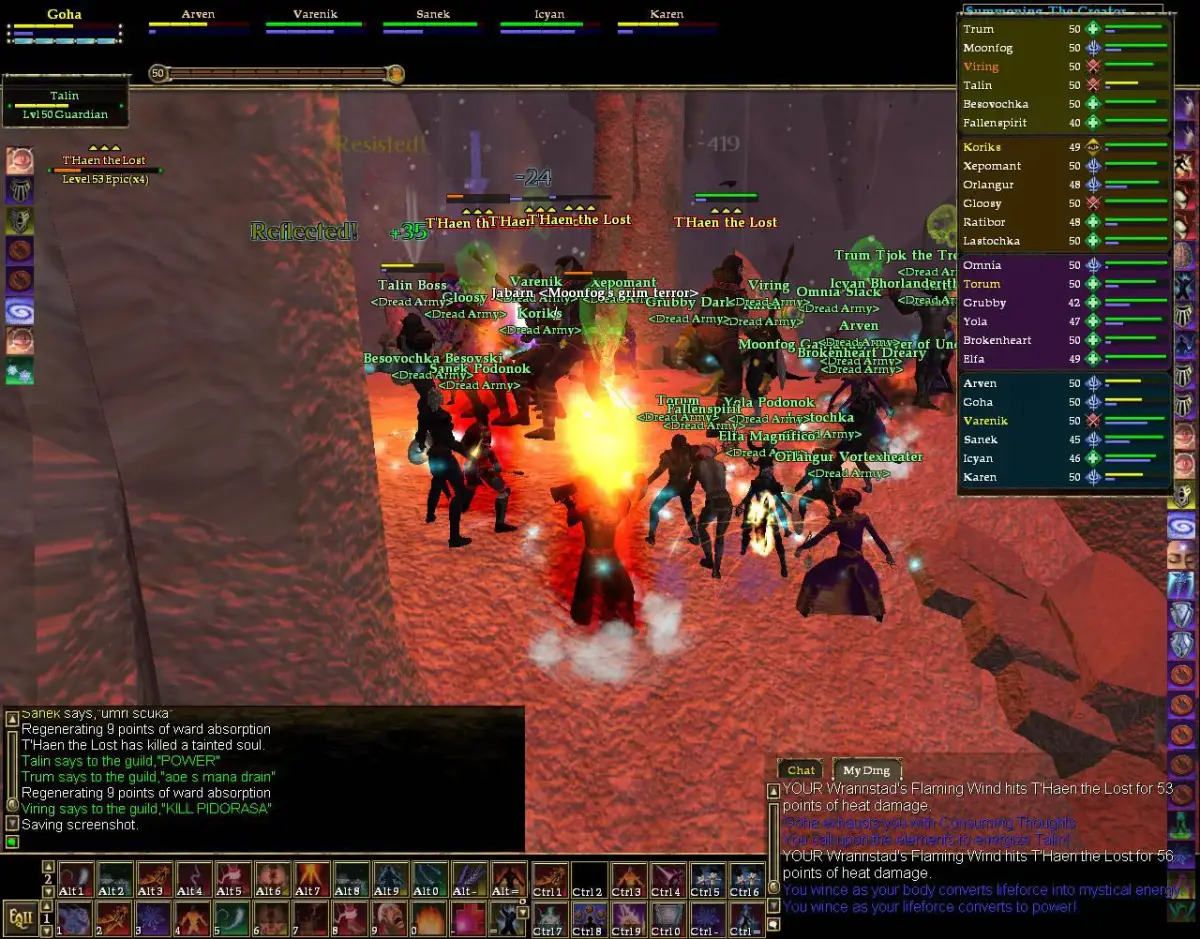
Master EverQuest II's WASD movement and keybinding customization. Learn basic PC controls for navigating Norrath and combat effectively.
Mastering the basic controls is fundamental to navigating Norrath and engaging in combat effectively. EverQuest II uses a standard WASD movement scheme, but also offers extensive keybinding customization.
Movement:
- W: Move Forward
- S: Move Backward
- A: Strafe Left
- D: Strafe Right
- Q: Turn Left
- E: Turn Right
- Spacebar: Jump
- C: Crouch (useful for stealth classes or fitting into tight spaces)
- X: Sit/Stand (regenerates health and power faster while sitting)
- Autorun: Typically bound to Num Lock or R.
Camera Control:
- Right Mouse Button (Hold): Rotates the camera.
- Mouse Wheel: Zooms in/out.
- F9-F12: Cycle through different camera perspectives (first-person, third-person, overhead).
Targeting:
- Tab: Target nearest enemy.
- Shift+Tab: Target nearest friendly.
- F1: Target yourself.
- F2-F6: Target group members (F2 for group member 1, etc.).
- Left Click: Selects an object or NPC.
Interaction:
- F: Interact with target (talk to NPCs, open doors, loot corpses).
- Right Click: Contextual menu for interacting with objects or players.
Combat:
- 1-0, -, =: Default hotbar keys for abilities.
- Left Click (on enemy): Initiates auto-attack.
It's highly recommended to customize your keybindings (Alt+O -> Keybindings) to suit your playstyle. Many players rebind frequently used abilities to easily accessible keys around WASD, such as Q, E, R, F, Z, X, C, and mouse buttons. This allows for quicker reaction times in combat and more fluid gameplay. Practice moving and using abilities in a safe starting zone to get comfortable with your setup.
100% Human-Written. AI Fact-Checked. Community Verified. Learn how AntMag verifies content