Learn the essential controls and user interface elements for Chivalry 2. Master combat, movement, and interactions to dominate the battlefield in this epic medieval slasher.
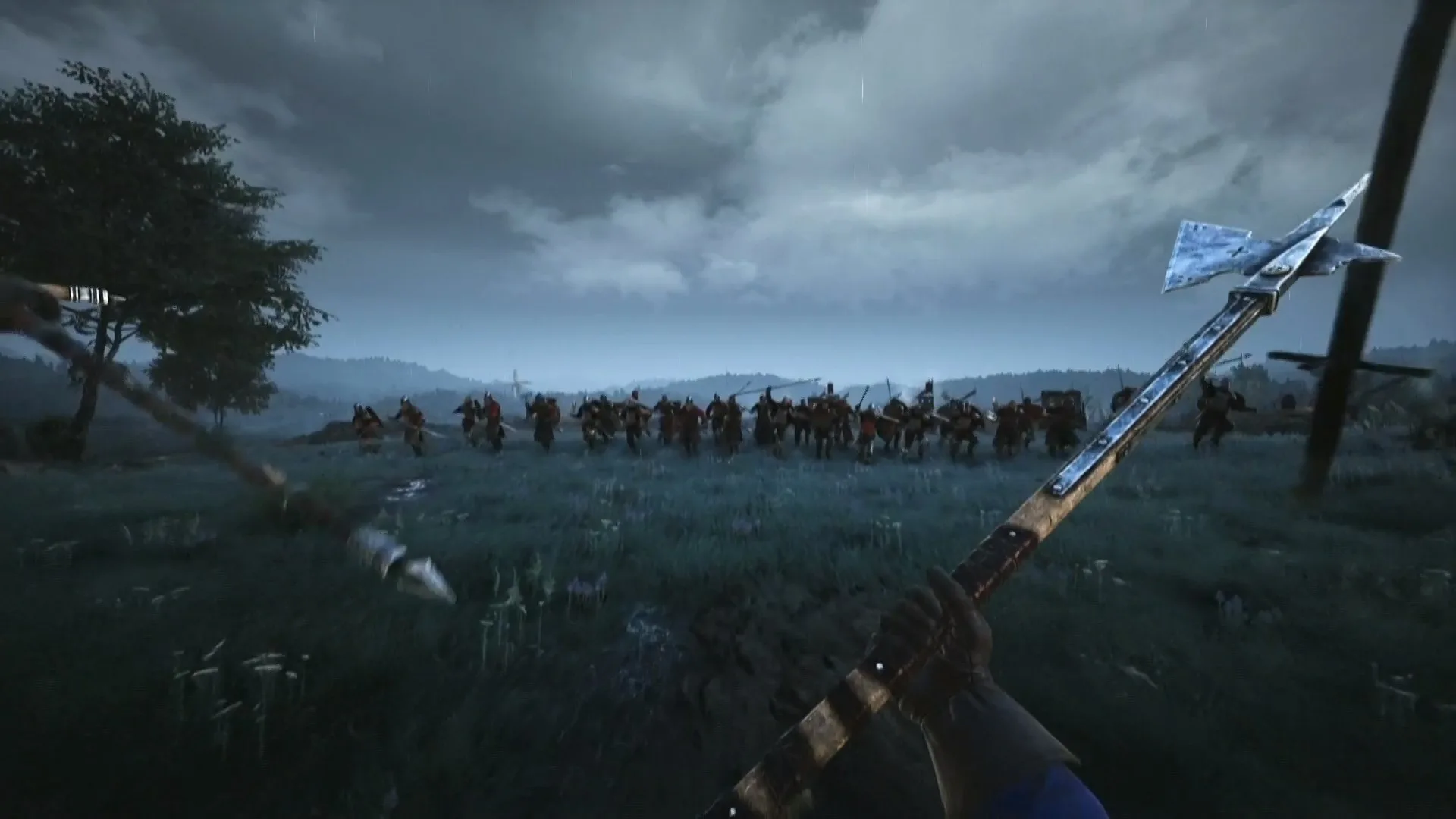
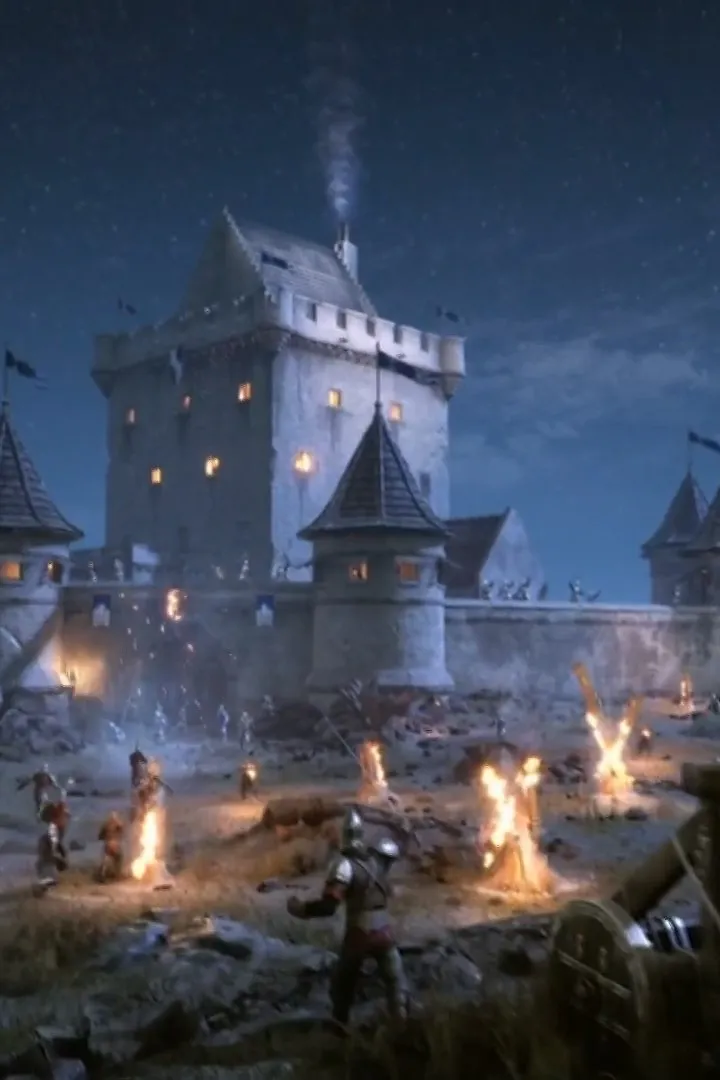
Chivalry 2 is a multiplayer first-person slasher game that thrusts players into iconic medieval combat scenarios. With massive 64-player battlefields, players can experience the chaos of charges, arrow storms, and castle sieges. The game features a variety of new mechanics and features designed to enhance the medieval warfare experience.
Key features include:
- Stunning Cinematic Presentation: Improved visual quality and atmosphere for an immersive combat experience.
- Epic Environments: Sprawling maps ranging from tournament grounds to full-scale castle sieges.
- Choose your Fighting Style: A subclass system offers diverse combat options, with four base classes expanding into subclasses, unique weapons, and support items like oil pots and barricades.
- Unleash Fury: Utilize heavy siege engines such as Ballistae, Catapults, Trebuchets, Battering Rams, Mantlets, Spike Traps, and Ladders.
- Build your hero: A detailed customization system allows for millions of combinations of head type, skin tone, facial features, heraldry, helmets, armor, and weapons.
- Hilarious Roleplay: Expanded voiceovers and emotes enhance roleplaying with new characters and animated emotes.
- Refuse to Die: The game allows players to continue fighting even after severe injuries, with mechanics like bandages, revives, and a downed state to keep players in the action.
100% Human-Written. AI Fact-Checked. Community Verified. Learn how AntMag verifies content