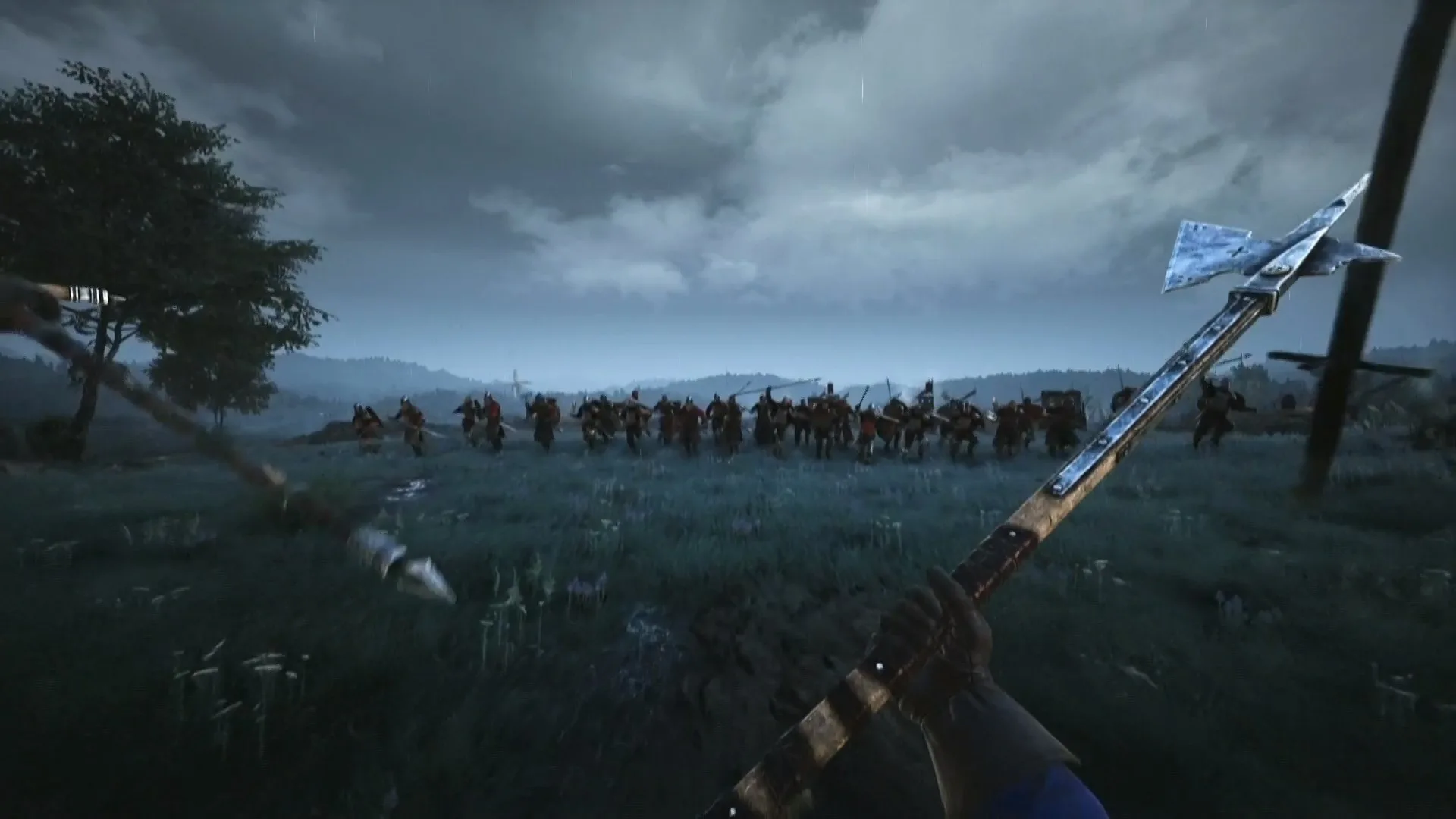
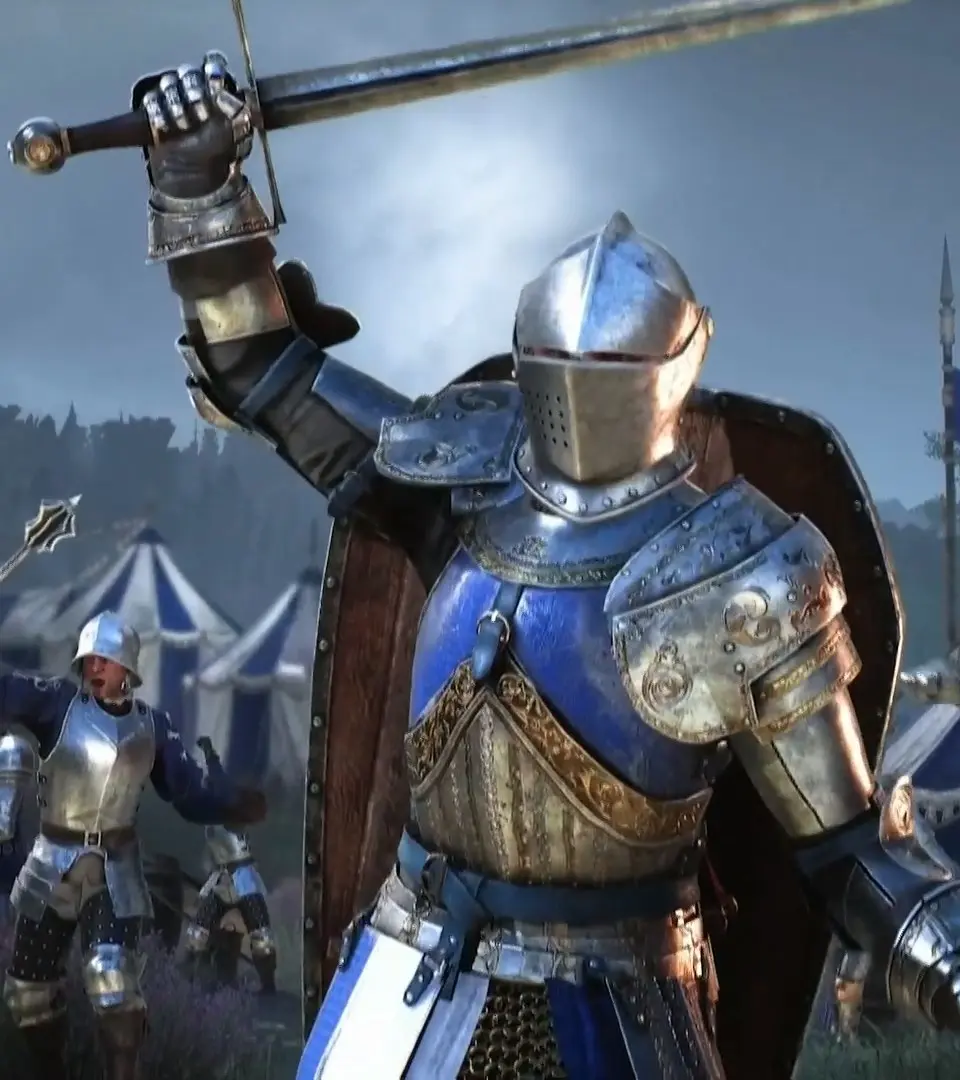
Learn the essential controls and movement mechanics in Chivalry 2. Master your attacks, blocks, dodges, and battlefield navigation to dominate medieval combat.
Chivalry 2 is a multiplayer first-person slasher game that thrusts players into iconic medieval combat scenarios. This guide will cover the fundamental controls and movement mechanics necessary to survive and thrive on the battlefield.
| Action | Default PC Controls | Console Controls (Example) |
|---|---|---|
| Movement | WASD keys | Left Analog Stick |
| Look Around | Mouse movement | Right Analog Stick |
| Jump | Spacebar | A (Xbox) / X (PlayStation) |
| Crouch | Left Ctrl | B (Xbox) / Circle (PlayStation) |
| Sprint | Left Shift | Press Left Analog Stick |
| Primary Attack | Left Mouse Button | Right Trigger (R2/RT) |
| Secondary Attack | Right Mouse Button | Left Trigger (L2/LT) |
| Block | Middle Mouse Button / Q | Left Bumper (L1/LB) |
| Kick | E | Right Bumper (R1/RB) |
| Special Attack / Ability | F | Y (Xbox) / Triangle (PlayStation) |
| Interact / Pick Up Item | F | X (Xbox) / Square (PlayStation) |
| Change Weapon | Mouse Wheel Scroll / 1-4 keys | D-Pad Up/Down |
| Throw Weapon | Middle Mouse Button (Hold) + Left Mouse Button | Hold Left Trigger + Press Right Trigger |
| Emote / Voice Line | V | D-Pad Left/Right |
| Taunt | C | D-Pad Down |
| Revive Teammate | F (when downed near teammate) | X (Xbox) / Square (PlayStation) (when downed) |
| Use Bandage / Medical Supply | 4 | D-Pad Up |
Mastering these controls is crucial for effective combat in Chivalry 2. Practice your timing for attacks, blocks, and kicks, and learn to utilize your special abilities and secondary attacks strategically. Effective movement, including sprinting and dodging (often tied to directional input during attacks or blocks), will help you outmaneuver opponents and survive the chaos of large-scale battles.
100% Human-Written. AI Fact-Checked. Community Verified. Learn how AntMag verifies content