
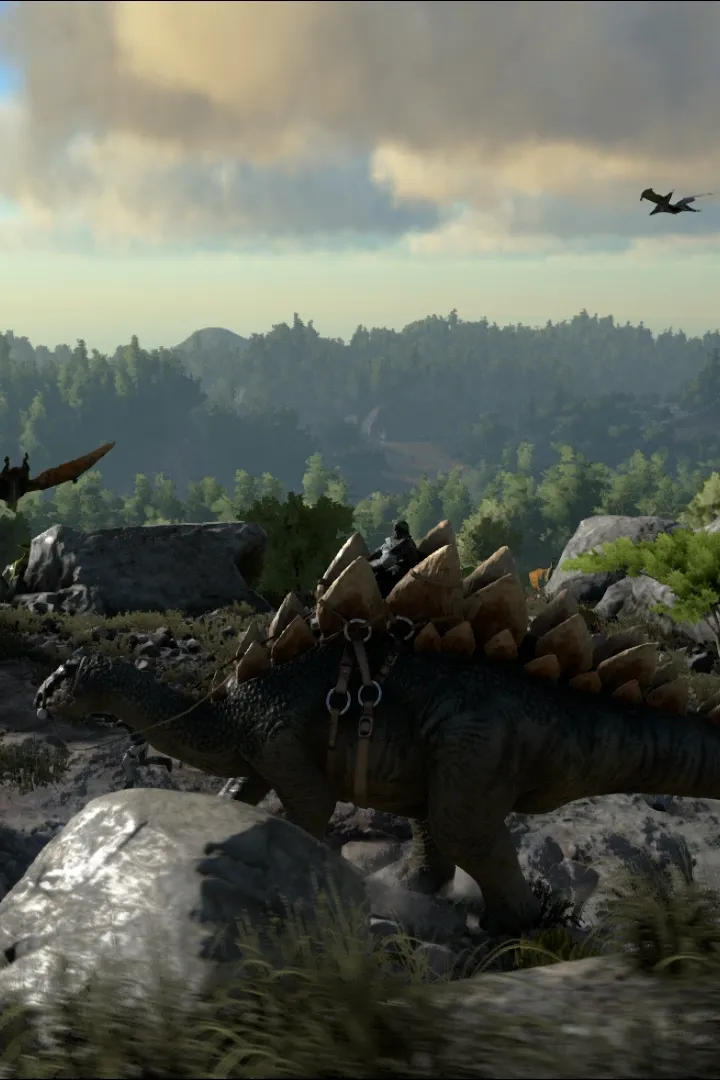
Learn the essential controls and user interface elements of Ark: Survival Evolved. Navigate the game world, manage your inventory, and interact with your environment effectively with this comprehensive guide.
This guide provides an overview of the basic controls and user interface elements within Ark: Survival Evolved. Understanding these fundamentals is crucial for effective gameplay, from basic movement and interaction to managing your inventory and crafting.
| Action | Button |
|---|---|
| Move Forward | W |
| Move Backward | S |
| Move Left | A |
| Move Right | D |
| Jump | Spacebar |
| Crouch | Ctrl |
| Sprint | Left Shift |
| Interact | E |
| Primary Attack | Left Mouse Button |
| Secondary Attack | Right Mouse Button |
| Use Item | Q |
| Inventory | Tab |
| Map | M |
| Pause Menu | Esc |
The user interface provides vital information at a glance, including your character's status (health, stamina, hunger, thirst), current location, and available crafting recipes. Familiarize yourself with these elements to survive and thrive in the harsh world of Ark.
100% Human-Written. AI Fact-Checked. Community Verified. Learn how AntMag verifies content