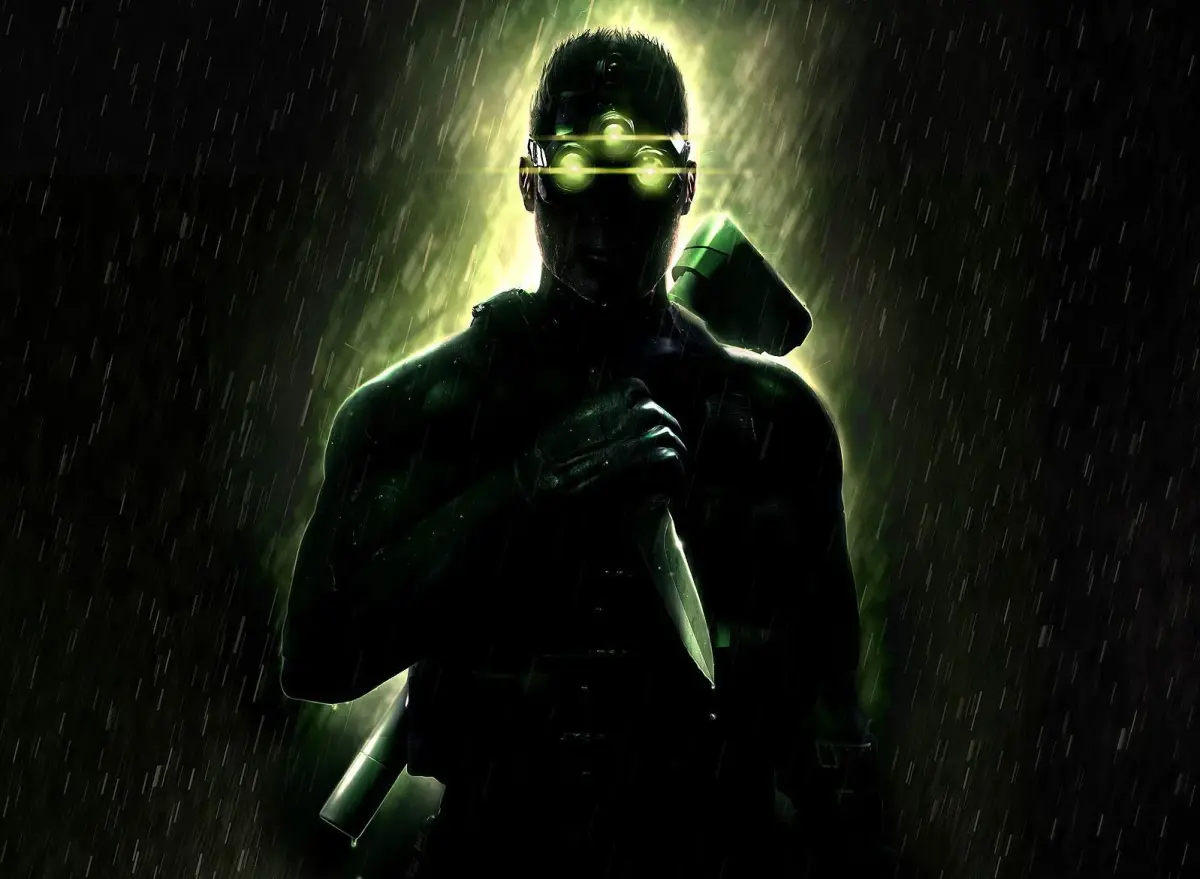
Complete walkthrough for the Battery mission in Tom Clancy's Splinter Cell: Chaos Theory, including objectives, enemy locations, and item retrieval.
Walkthrough
- 1Start by climbing down a rope into the warehouse. Head left towards a truck and drop down a maintenance hatch. Follow the tight passages, taking the first left, then right, then left, then right again to find a ladder. Climb up and open the trap door.
- 2Enter the hallway on the right, ignore the right path, and take the dark left one. Open the door silently and move along the right wall. Interrogate the preoccupied guard and hide his body.
- 3Enter the next room through the door on the right. Use your EEV to access the computer and retrieve the first log.
- 4Return to the previous room and take the door on your right. Head down the hallway to the right and approach the double doors.
- 5Wait in the doorway for a patrolling guard and camera. Hide by a crate, and when the guard looks over a shelf of boxes, grab him from behind. Hide his body in the dark. Head to the brightly lit area on the right.
- 6Pick the lock and enter the room on the left. Grab the med kit if needed. Head to the right side of the room and into the door on the right.
- 7In the small, dark hallway, approach the next room. Use your EEV to remotely access the computer and get the second log.
- 8Backtrack to the room with the camera, go down the stairs to the left, and enter the door at the bottom.
- 9Head straight through the hall, stopping before the light. Listen to the conversation. Hug the left wall, OCP the light to distract guards, and sneak past them.
- 10Wait for the light to return and guards to calm. Grab the guard under the camera on the left, interrogate, and hide his body. Climb onto the small platform on the right wall. Wait for the other guard to pass, grab him, and dispose of his body.
- 11Head into the right area, on the left side of the truck. Bypass the circuit box to move the missile. Climb onto the truck, turn on thermal vision, and grab the hot bar above. Follow the missile across the camera room.
- 12Drop down from the pole and find a ladder leading below. Climb down and drop through the open hatch.
- 13Proceed through the hall, staying in shadows. OCP the light on the right to distract guards. Lure them to the left side by whistling. Sneak behind them and incapacitate both guards, hiding their bodies.
- 14Approach the middle door, hack the keypad, and call the elevator. Enter the elevator, shoot out the light, and use the console to go up.
- 15At the top, OCP the camera by the elevator to draw a guard. Move to the far right corner by the retinal scanner. Whistle to attract the guard, sneak up behind him, and force his cooperation with the scanner. Hide his body. OCP the camera again and enter the opened door.
- 16Head down the hall to the right and listen to the conversation. Wait by the door at the end of the hall for the conversation to end, completing the primary objective.
Tips
- Use OCP (Optical Choke Point) to disable lights and distract guards.
- Whistling can lure guards into traps.
- Saving frequently, especially before challenging areas, is recommended.
- Hiding bodies in dark areas prevents guards from discovering them.
- EEV (Enhanced Vision) is useful for navigating dark areas and accessing computers.
- Primary Objective: Determine if the Koreans intentionally launched the missile.
- Opportunity Objective: Recover shipping and repair logs.
100% Human-Written. AI Fact-Checked. Community Verified. Learn how AntMag verifies content