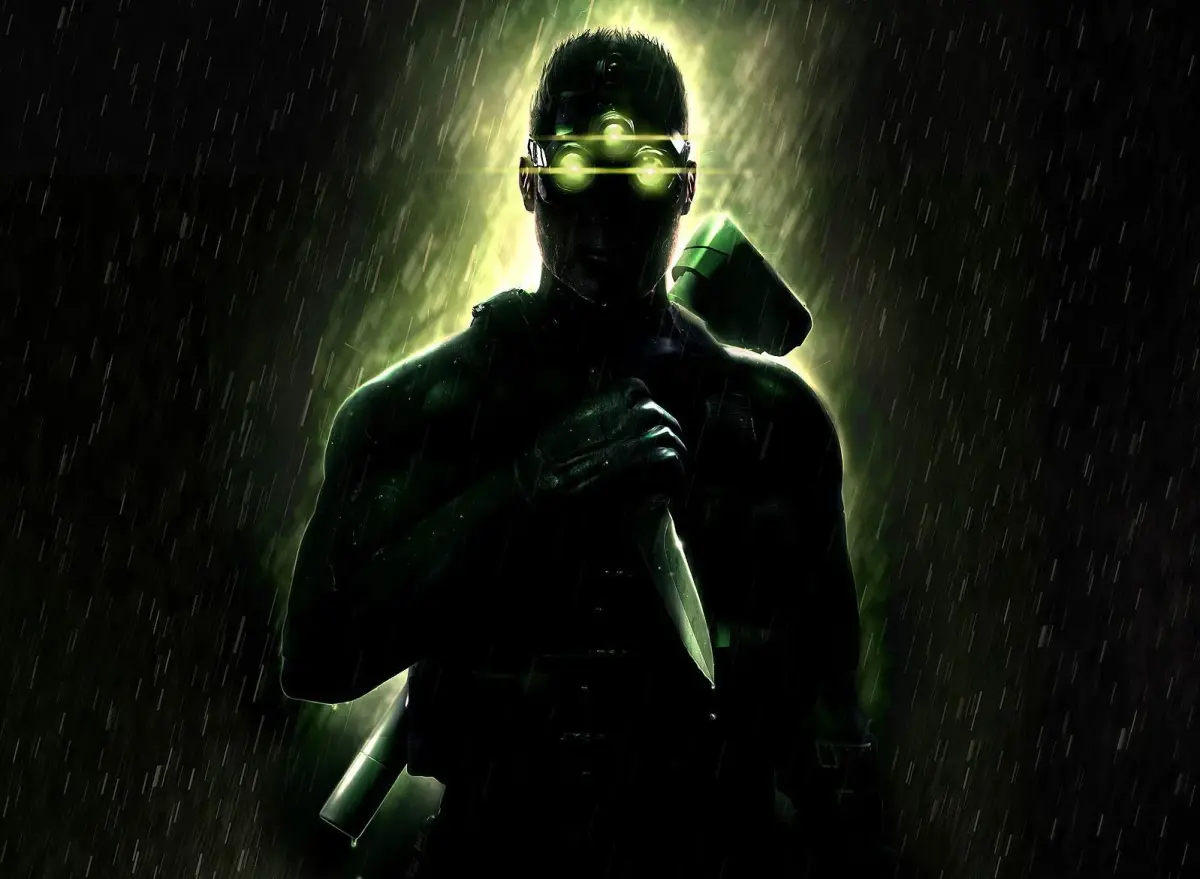
Master the controls for Tom Clancy's Splinter Cell: Chaos Theory, including button mappings for movement, combat, and gadgets.
Controls:
- Square: Equip Item, Draw Weapon
- X: Interact (Pickup, Open, Grab, etc.)
- Triangle: Jump
- O: Crouch/Stand
- Up on D-pad: Equip EMF (Electromagnetic Field detector)
- Down on D-pad: Equip Sticky Camera
- Right on D-pad: Equip Thermal vision
- Left on D-pad: Equip Night vision
- Select: Open OPSAT menu (Objectives, Notes, Maps)
- Start: Open Pause menu (Save, Load, Restart, Quit)
- L1: Perform a KO attack (Non-lethal)
- L2: Whistle
- L3: Back against wall (to cling to surfaces)
- R1: Perform a Lethal attack
- R2: Quick Inventory (Hold for inventory selection)
- R3: Equip EEV (Enhanced Visuals)
- Left Analog Stick: Movement
- Right Analog Stick: Camera control
Tips
- Familiarize yourself with the D-pad functions for quickly switching between essential vision modes and gadgets.
- Use L1 for non-lethal takedowns and R1 for lethal force when necessary.
- The Left Analog Stick controls your character's movement, while the Right Analog Stick controls the camera.
100% Human-Written. AI Fact-Checked. Community Verified. Learn how AntMag verifies content