
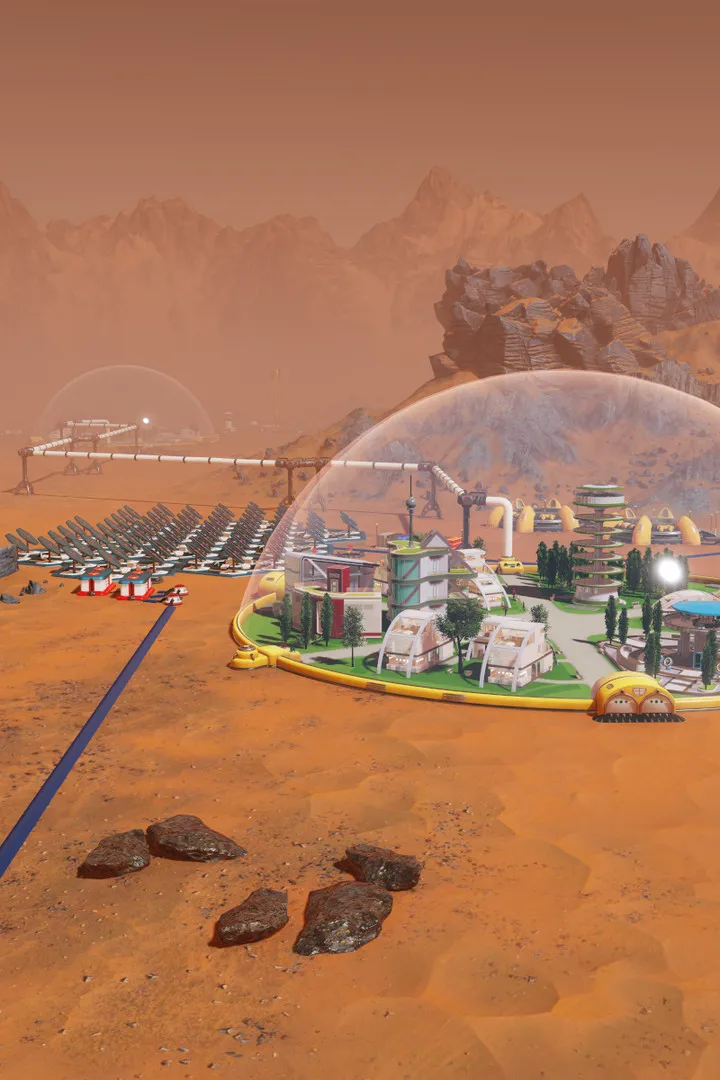
Modify Surviving Mars with custom content. Learn to install and manage mods for new buildings and gameplay mechanics to personalize your Martian colony.
Modding & Custom Content
Extending your Martian experience beyond the base game is incredibly rewarding. Surviving Mars boasts a vibrant modding community, offering everything from minor quality-of-life improvements to entirely new buildings, domes, and gameplay mechanics. This section will guide you through the process of discovering, installing, and managing custom content to personalize your colony on the Red Planet.
Accessing Mods
The primary hub for Surviving Mars mods is the in-game Mod Manager, which directly integrates with the Paradox Mods platform and, for PC players, the Steam Workshop. Both platforms offer a vast array of user-created content.
In-Game Mod Manager (All Platforms)
- From the main menu, navigate to the "Mod Manager" option.
- This will open a browser-like interface displaying available mods.
- You can browse by categories such as "New," "Popular," "Top Rated," or use the search bar to find specific content.
- Click on a mod to view its details, including description, screenshots, and user reviews.
- To install, simply click the "Subscribe" or "Install" button. The mod will download automatically.
- Once downloaded, the mod will appear in your "Installed Mods" list within the Mod Manager. Ensure the checkbox next to the mod's name is ticked to enable it for your game.
Steam Workshop (PC Only)
For PC players, the Steam Workshop offers an alternative and often more comprehensive selection of mods.
- Launch Steam and navigate to your "Library."
- Right-click on "Surviving Mars" and select "Community Hub."
- From the Community Hub, click on the "Workshop" tab.
- Browse or search for mods. Similar to the in-game manager, you can filter by type, popularity, and more.
- To install a mod, click the "Subscribe" button on its Workshop page. Steam will automatically download and integrate the mod into your game.
- After subscribing, launch Surviving Mars. The newly subscribed mods should appear in your in-game "Mod Manager" under the "Installed Mods" tab. Remember to enable them by checking the box.
Managing Your Mods
Effective mod management is crucial to avoid conflicts and ensure a stable game experience.
Enabling and Disabling Mods
Within the in-game "Mod Manager," navigate to the "Installed Mods" section. Each mod will have a checkbox next to its name.
- To Enable: Ensure the checkbox is ticked.
- To Disable: Uncheck the box.
It's recommended to enable or disable mods before loading a save game, as changing them mid-game can sometimes lead to instability or corrupted saves.
Mod Load Order
While Surviving Mars is generally forgiving with mod order, some mods might conflict if loaded in the wrong sequence. If you encounter issues (crashes, missing assets, unexpected behavior), adjusting the load order can help.
- In the "Installed Mods" section of the Mod Manager, you'll see up and down arrows next to each mod.
- Use these arrows to change the position of a mod in the load order. Generally, mods that modify core game mechanics or assets should be loaded earlier, while mods that add new buildings or cosmetic changes can be loaded later.
- If a mod specifically states a required load order in its description, always follow those instructions.
Troubleshooting Common Mod Issues
- Game Crashes: This is often due to conflicting mods. Try disabling recently installed mods one by one to identify the culprit.
- Missing Assets/Textures: Ensure the mod is enabled and that you meet any stated dependencies (other mods required for it to function).
- Outdated Mods: Mods can break with game updates. Check the mod's page for recent updates or comments from other users experiencing similar issues. Some mods may be abandoned by their creators.
- Performance Issues: A large number of complex mods can impact game performance. Consider disabling less critical mods if you experience significant slowdowns.
Recommended Mod Categories for New Players
To get started, consider these types of mods that enhance gameplay without drastically altering the core experience:
- Quality of Life Mods: These often include UI improvements, better camera controls, or automated tasks. Examples might be "Smart Dome Placement" or "Auto-Explore."
- New Buildings & Domes: Add variety to your colony with new functional structures or aesthetically pleasing domes. Look for mods that add unique research buildings or specialized living quarters.
- Visual Enhancements: Improve the look of Mars with better textures, lighting, or environmental effects.
- Expanded Research Trees: For players seeking more long-term goals, mods that add new technologies can provide fresh challenges.
Always read mod descriptions carefully, check for compatibility with your game version and other mods, and back up your save files before installing a large number of new mods. Happy colonizing!
100% Human-Written. AI Fact-Checked. Community Verified. Learn how AntMag verifies content