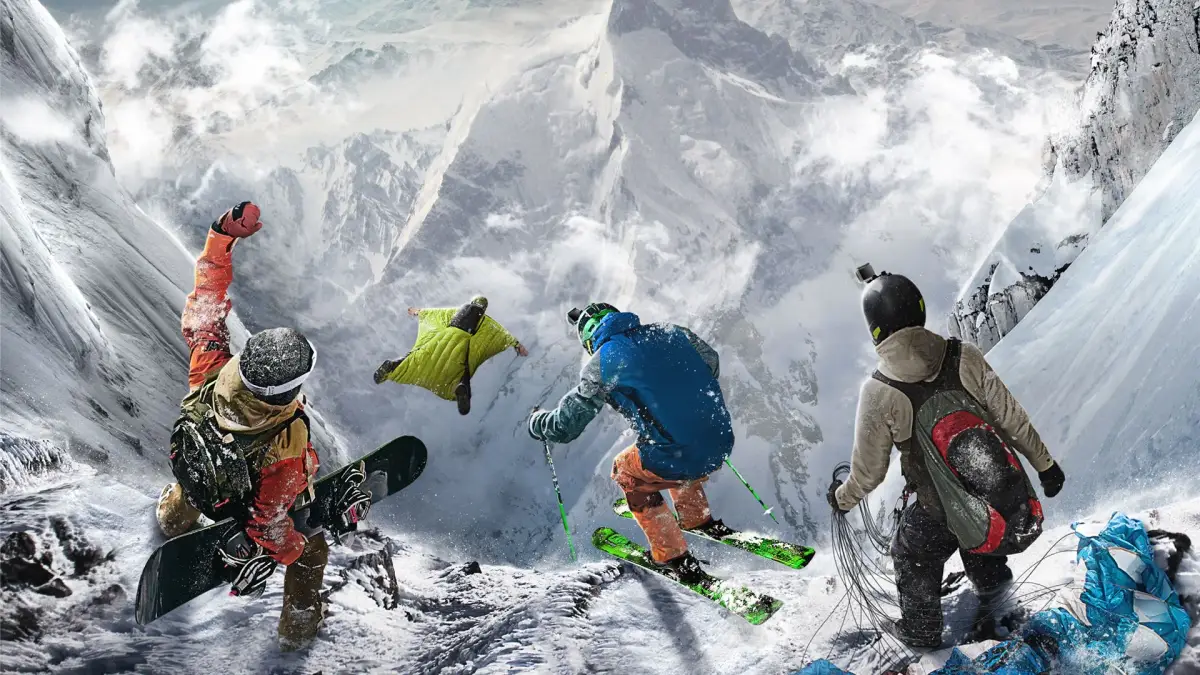
Welcome to Steep, the ultimate winter sports playground! Developed by Ubisoft, this open-world adventure lets you carve your own path down the majestic Alps and Alaska. Whether you're hitting the slopes on skis, soaring through the air with a snowboard, gliding with a wingsuit, or taking on the mountain in a paraglider, Steep offers a thrilling blend of exploration and extreme sports action. It's perfect for anyone looking to experience the freedom of the mountains and push their limits.
This guide is your essential companion to mastering Steep and its expansions. We'll walk you through everything you need to conquer the challenges, from nailing advanced tricks and acquiring the best gear to completing specific events like the demanding Road to Alaska and the exhilarating Fallen Rocks wingsuit challenges. Get ready to dominate every competition and achieve those coveted Gold Medals across PC, Xbox One, and PlayStation 4.
Getting Started
Begin your Steep adventure with our comprehensive guide. Learn about play styles, controls, and essential tips to conquer the Alps like a pro.
Getting Started
Begin your Steep adventure with our comprehensive guide. Learn about play styles, controls, and essential tips to conquer the Alps like a pro.
Initial Setup & Character Creation
Learn how to get started in Steep with our guide to initial setup and character creation. Discover play styles, controls, and basic tips to begin your mountain adventure.
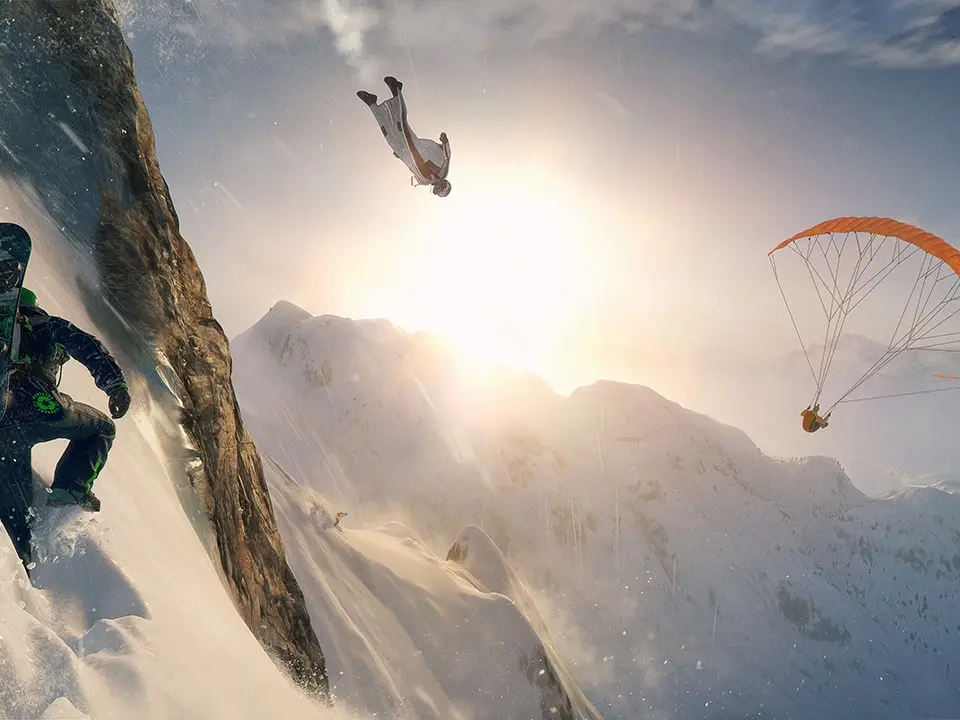
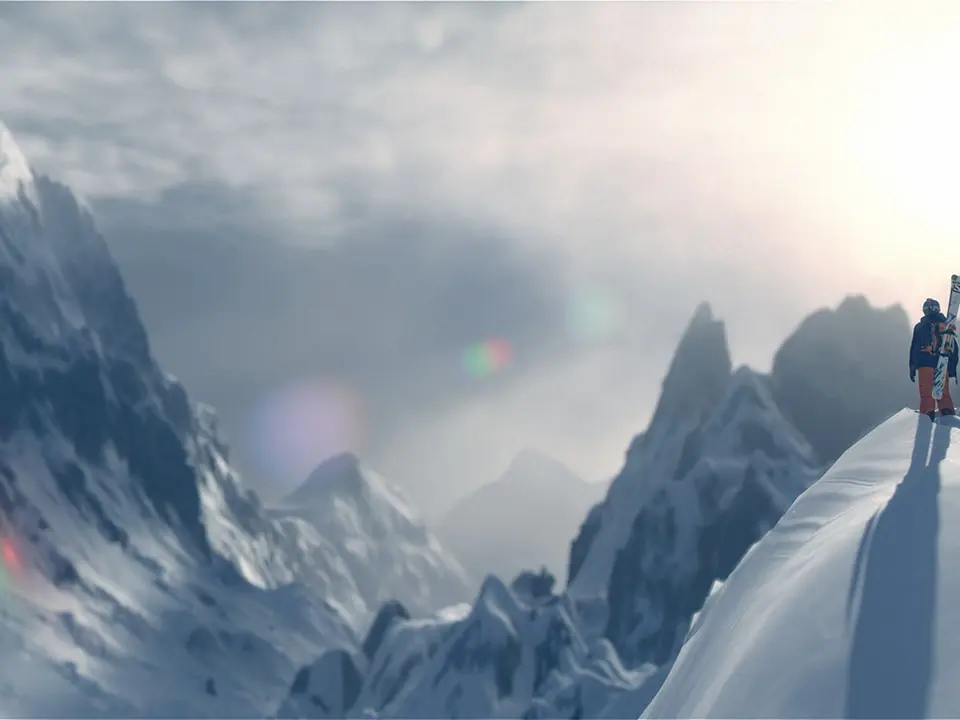
Welcome to Steep! This guide will walk you through the initial setup and character creation process. Understanding the game's core mechanics and choosing the right play style is crucial for your mountain adventure.
Play Styles: Steep offers six distinct play styles, each focusing on different aspects of the game:
- Freestyler: Focuses on performing stylish tricks and aerial maneuvers.
- Pro Rider: Emphasizes speed, racing, and navigating obstacles efficiently.
- Bone Collector: Rewards reckless actions, spectacular crashes, and near-misses.
- Extreme Rider: Challenges players to take risks, control perilous situations, and master dangerous terrain.
- Explorer: Encourages discovering new locations and carving unique lines down mountains.
- Freerider: Combines elements of tricks and exploration, focusing on style and flow.
Each play style has unique challenges and rewards, allowing you to tailor your experience to your preferred way of playing.
Understanding the UI — Steep Guide
Learn to navigate Steep's interface like a pro. This guide covers all essential UI elements, controls, and tips to enhance your gameplay experience.
Welcome to the AntMag guide for Steep! This section will help you understand the game's user interface, ensuring you can navigate menus, challenges, and gameplay with ease. Mastering the UI is key to enjoying everything Steep has to offer, from Drop Zones to complex challenges.
Understanding The Basics Of Steep
Steep's interface is designed to provide information at a glance while keeping the focus on the breathtaking mountain scenery. Key elements include:
- The HUD (Heads-Up Display): This is your primary in-game interface, showing your current speed, direction, objectives, and proximity to points of interest. It also displays trick meters and score breakdowns during challenges.
- Challenge Select Menu: Access various challenges (races, freestyle, exploration) and drop zones from this menu. You can filter by type, difficulty, and region.
- Player Menu: Manage your gear, customize your rider, view your progression, and access social features.
- Map: Navigate the vast open world of the Alps, discover new locations, and plan your routes.
Keyboard Controls
Here are the default keyboard controls for navigating the UI and gameplay:
| Action | Key |
|---|---|
| Move Camera / Navigate Menus | Arrow Keys / WASD |
| Select / Confirm | Enter / Spacebar |
| Back / Cancel | Escape / Backspace |
| Open Player Menu | Tab |
| Open Map | M |
| Toggle HUD | H |
| View Objective | O |
| Restart Challenge | R |
| Quick Drop | Q |
Tips for Navigating the UI
- Familiarize Yourself: Spend a few minutes in the menus before dropping in to understand where everything is located.
- Use the Map: The map is your best friend for planning routes and finding challenges. Zoom in and out to get a better overview.
- Customize Your HUD: If possible, explore the game's settings to customize the HUD to your preferences, showing only the information you need.
- Practice Challenges: The best way to learn how UI elements relate to gameplay is by actively participating in challenges. Pay attention to the objective markers and score indicators.
Main Walkthrough
Discover Steep's six unique Play Styles: Freestyler, Pro Rider, Bone Collector, Extreme Rider, Explorer, and Freerider. Learn how to master each style and conquer the Alps.
Main Walkthrough
Discover Steep's six unique Play Styles: Freestyler, Pro Rider, Bone Collector, Extreme Rider, Explorer, and Freerider. Learn how to master each style and conquer the Alps.

Similar guides you might like






100% Human-Written. AI Fact-Checked. Community Verified. Learn how AntMag verifies content