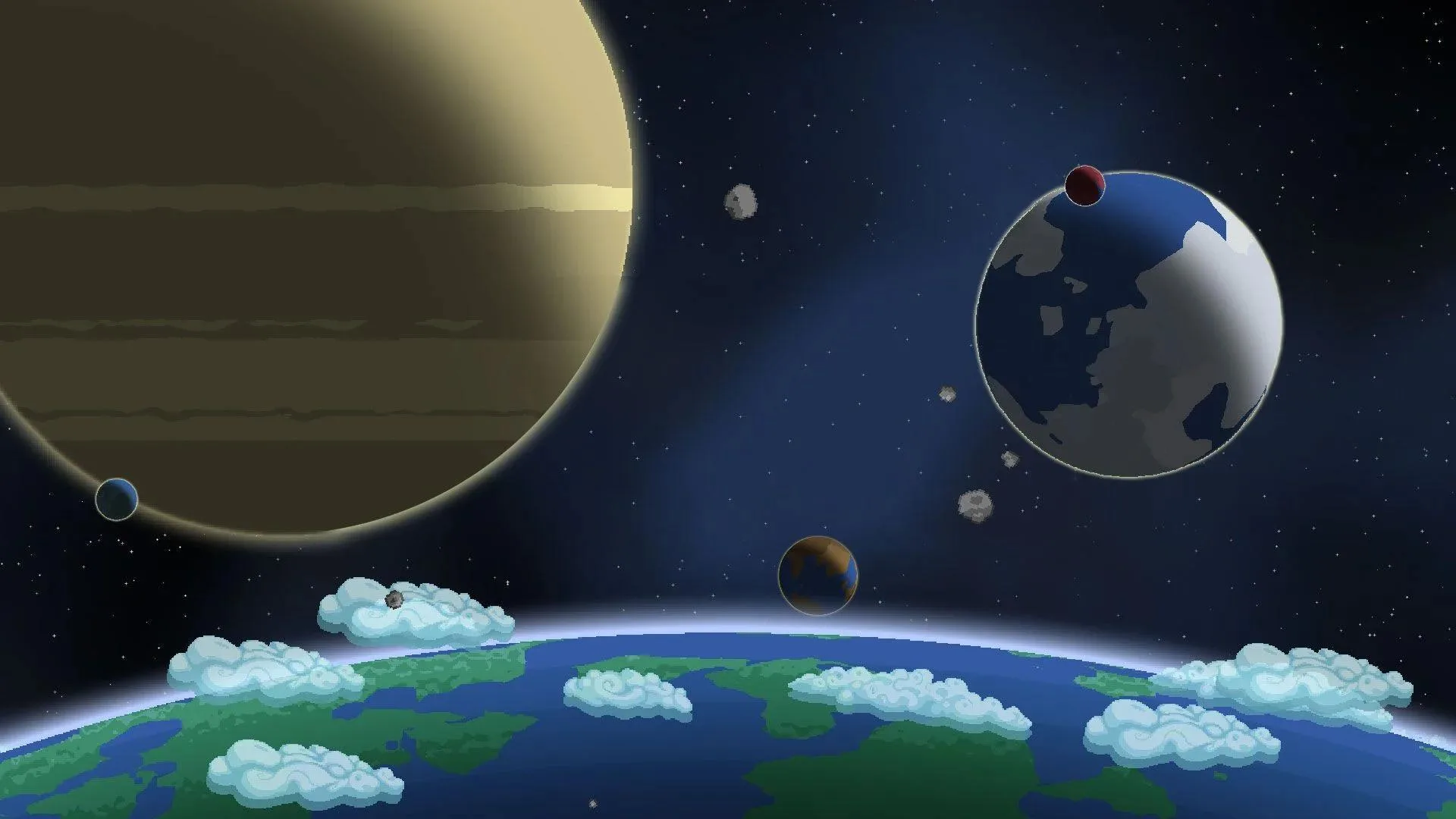
Starbound throws you into an interstellar adventure across a procedurally generated universe. You'll start by repairing your ship, then explore countless alien worlds, build thriving colonies, and uncover the lore of unique races. It’s an RPG where you master combat, gather resources, and confront the galaxy's toughest challenges, all while charting your own path.
This guide covers everything from initial character creation and ship repairs to advanced tactics for confronting bosses like the various Apex bosses or the final boss. We'll help you navigate the game's deep lore, master combat, and achieve the Gold Medal for every mission.
Part 1
Embark on your Starbound journey! This guide covers character creation, understanding your ship and worlds, and the fundamentals of crafting to get you started.
Hey there, future space explorer! So, you've decided to dive into Starbound? Awesome choice! It's a game that feels a bit like Terraria but with its own unique sci-fi twist. The main goal is to gear up, explore new sectors, and take down bosses to progress. You'll be mining, crafting, and generally building up your tech as you go. It's all about exploration and combat in a universe that feels practically endless. Seriously, you can travel to specific coordinates and find the exact same world every time, even after restarting. That means you can share awesome planet locations with your friends!
This guide is going to walk you through everything you need to know to get started. We'll cover the main progression, all the basic mechanics, crafting, items, and more. Think of it as your friendly co-pilot for your Starbound adventure!
Controls:
- A: Move left
- D: Move right
- S: Crouch
- Space: Jump
- E: Interact with flashing objects.
- X: Toggles between using Left and Right hands or not
- Q: Throw away current item
- C: Opens/closes the Crafting Menu
- I: Opens/closes the Inventory Menu
- J: Opens/closes the Quest Menu
- L: Opens/closes the Starbound Codex
- Alt: Highlight interactable objects
Basics: Your Ship
Your ship is basically your home base in space. It's where you'll return after your adventures, and it stays with you whether you're playing solo or with friends. It's a safe zone, perfect for setting up your crafting stations and storing all your precious loot. Right at the start, you've got a teleporter to beam down to the planet's surface and back up. There's also a big storage container that can hold up to 64 items – super handy! You'll also find a Tech and 3D Printer bay, but don't worry too much about those just yet. Oh, and don't forget the fuel supplier to keep your ship flying and the deck, where you'll go to hop between different worlds. Huzzah!
Basics: Worlds
You'll always be on a world, but you can travel between them. The world you start on is randomly generated, and each one has its own unique size and biome. Biomes are important because they affect what you can find – different planets have different resources and features. Each planet has a surface with trees and plants, but you can also dig deep down to discover caverns and mine for ores. You'll encounter monsters too, whose difficulty depends on the planet's threat level. Some are chill, while others are definitely hostile, and their attack patterns can be pretty random. It all adds up to a universe that feels truly vast and unpredictable!
Basics: Crafting
Crafting is a huge part of Starbound! As you explore, you'll find various crafting stations that let you create a ton of different items. The system is pretty straightforward: gather the necessary materials from the planet, and then use them to craft what you need. It's all about resourcefulness!
Walkthrough: Character Creation
Alright, first things first: creating your character! You get to pick from six different races, or 'species'. Right now, these choices are mostly for looks, so pick whichever one tickles your fancy. You can also choose to be male or female, though sometimes it's hard to tell the difference depending on the race. Go ahead and customize your character however you like – each species has different customization options. If you're feeling lucky, you can even randomize your character's appearance (but not the race or gender). You can also give your character a name, or hit the randomize button for one that fits their species' theme. Once you're happy with your creation, hit 'Ok' and then click on your character to jump into the game!
Part 2
Complete Starbound Part 2 by following our guide to your first quests, including finding the Matter Manipulator and crafting your first Wooden Crafting Table.
- 1Depending on your chosen race, you will receive a unique starting quest (e.g., "On The Run" for Apex, "Spread Your Wings" for Avian, "Fresh Meat" for Floran, "Time For An Upgrade" for Glitch, "There's No Place Like Home" for Human, "Fish Out Of Water" for Hylotl).
- 2The objective of this first quest is to find the Matter Manipulator in your ship's storage.
- 3Interact with the storage compartment (a white box with a spinning lock) by hovering your cursor over it and pressing 'E'.
- 4Take the Matter Manipulator from the storage. You can hold 'Shift' and click to automatically transfer items to your inventory. It's recommended to take everything except seeds.
- 5Once the Matter Manipulator is in your inventory, the quest will complete.
- 6The next quest is "Shop Class". Your objective is to find fuel by crafting a Wooden Crafting Table.
- 7Use your ship's teleportation platform to beam down to the planet. You can stand on the beam pad and press 'E' or click the 'Beam Down' button (white symbol with a downwards arrow) in the top right corner.
- 8Once on the planet, find some trees.
- 9Equip your Matter Manipulator (select its slot by pressing the corresponding number key).
- 10Hover your cursor over the base of a tree trunk and click and hold. The cursor will turn blue when in range. Continue holding until the tree falls.
- 11Collect all the wood from the fallen tree. Larger trees yield more wood.
- 12Open your crafting screen by pressing 'C'.
- 13Craft 12 Wood Planks (requires 3 wood each).
- 14Craft the Wooden Crafting Table using the available schematic.
- 15Exit the crafting menu. The quest will complete. It is recommended to place the Wooden Crafting Table and other crafting items on your ship for easy access.
- 16The next quest is "Food Fight". Your objective is to obtain alien meat by killing a monster.
- The Matter Manipulator allows you to manipulate almost anything in the game world.
- Upgrading your tools can speed up resource gathering later in the game.
- Crafting tables provide access to new recipes.
- Collecting fuel and visiting various planets is a good way to find resources.
- Placing crafting stations on your ship ensures they are available when switching servers or multiplayer sessions.
- 10 Pixels
- Matter Manipulator
- Wooden Crafting Table
Part 3
Complete Starbound Part 3 walkthrough, including cooking alien meat, crafting a furnace, and finding iron ore.
- 1Craft a Hunting Bow using 1 Plant Fibre and 10 Unrefined Wood.
- 2Craft a Camp Fire using 1 Torch and 5 Unrefined Wood.
- 3Explore near cave entrances to find Plant Fibre. Harvest it by clicking and holding with your Matter Manipulator on the reed connecting to the ceiling.
- 4Once you have Plant Fibre, craft the Hunting Bow.
- 5Hunt a monster using only your Hunting Bow, ensuring all damage comes from arrows.
- 6Collect the Raw Alien Meat dropped by the monster.
- 7Place your Camp Fire (preferably on your ship) and use it to cook the Raw Alien Meat.
- 8Collect the Cooked Alien Meat from the campfire.
- 9Craft a Stone Furnace using a Camp Fire and 25 Cobblestone at your Wooden Crafting Table.
- 10To make crafting easier, craft a Stone Pickaxe first using 10 Cobblestone and 25 Wood Planks. Harvest Cobblestone by using your Matter Manipulator or Stone Pickaxe on grey stone.
- 11Gather 25 Cobblestone and craft the Stone Furnace.
- 12Find 2x Iron Ore. It appears as grey/dark grey ore with small orange specks. It is found in the ground, either on the surface or in caves. You will also need Coal, a black ore found underground.
- 13Harvest the Iron Ore using your Pickaxe.
- 14Smelt the 2x Iron Ore in your Stone Furnace to obtain an Iron Bar.
- 15Craft a Distress Beacon.
- It is recommended to gather at least 16 Iron Ore to smelt into 8 Iron Bars for crafting an Anvil later.
- Use the Stone Pickaxe for all subsequent mining and harvesting as it is much faster than the Matter Manipulator.
- Place your Camp Fire and Stone Furnace on your ship as they will not burn out there.
Quest - Out of the frying pan...
Quest - Forging Ahead
Quest - First Contact
Part 4
Learn how to craft the Distress Beacon in Starbound, gather necessary ores and planks, and prepare for the first boss fight with upgraded gear and weapons.
- 1Craft the Distress Beacon: Gather 150 Pixels, 2 Silver Bars, 10 Copper Bars, 10 Iron Bars, and 100 Wood Planks. Explore caves for Copper (orange) and Silver (white) ores. Kill enemies for Pixels, avoiding death to prevent losing ~30% of your Pixels. Chop trees for wood to make Wood Planks. Craft the Distress Beacon using the Crafting Table.
- 2Prepare for the First Boss: Mine Copper, Iron, and Silver ores, and also Gold Ore for later use. Craft Copper Armor (Greaves, Helmet, Chestplate) at the Anvil. Upgrade your Copper Armor to your race-specific first-tier armor using Iron Bars. Alternatively, craft a Spinning Wheel from the Wooden Crafting Table and make Snow Infantry gear using Leather, though this is more effort.
- 3Upgrade Gear: Upgrade your pickaxe from Stone to Copper, then Silver, and finally Gold. Acquire an Iron Hunting Bow and a new melee weapon (or two one-handed weapons for dual-wielding), considering race-specific options.
- 4Survival Essentials: Carry a bed, food, and a campfire. Use the bed to heal slowly by interacting with it and remaining idle. Use food and the campfire to maintain health. Avoid dying to prevent losing Pixels and having to return to the cave bottom.
- 5Initiate the Boss Fight: Place the Distress Beacon and interact with it using 'E'. Ensure you are fully healed and have a protected cave system with shooting gaps.
- 6Defeat the Boss: Run into cover immediately after the boss appears. Shoot it with your Iron Hunting Bow from a safe position, avoiding its attacks and spawned penguins. The boss shoots beams straight down, which are safe if you are under cover.
- 7Manage Minions and Environment: The boss spawns penguins with guns that can deal damage; melee them if necessary but avoid them. The boss breaks blocks, potentially destroying your cover and forcing retreats. Block paths behind you if overwhelmed, heal using your bed, and reposition.
- 8Dodge UFOs: When the boss's health is low, it spawns small UFOs that shoot blue bullets; dodge these.
- 9Final Push: Continue attacking the boss until it and the UFOs are defeated. Clear out any remaining penguins.
- 10Collect Reward: Grab the Molten Core dropped by the boss.
- The boss's beams can damage its own penguin minions, so let it help you.
- If you die during the boss fight, quickly return to the boss's location before it despawns. Spawning the boss near your beam-down point facilitates a quick return.
- If you die after defeating the boss but before collecting the Molten Core, you must recraft the Distress Beacon and restart the fight.
- Avoid dying to prevent losing Pixels and the hassle of repeating steps.
- 500 Pixels
- Molten Core
Similar guides you might like




100% Human-Written. AI Fact-Checked. Community Verified. Learn how AntMag verifies content