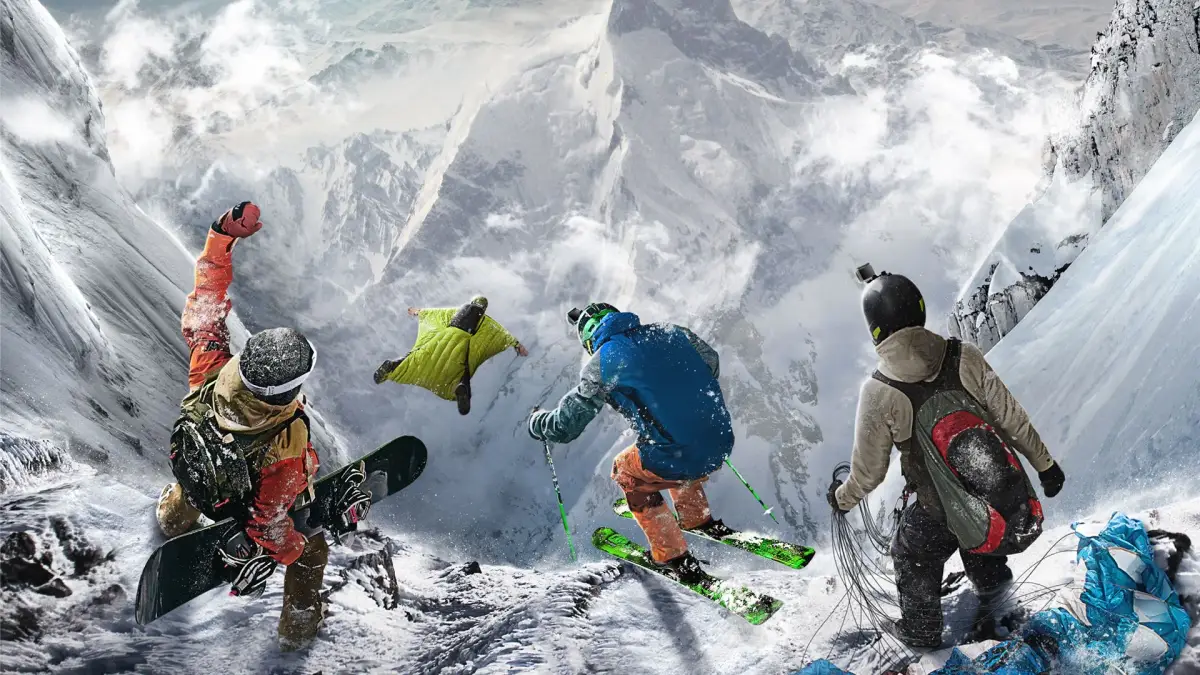

Learn to navigate Steep's interface like a pro. This guide covers all essential UI elements, controls, and tips to enhance your gameplay experience.
Welcome to the AntMag guide for Steep! This section will help you understand the game's user interface, ensuring you can navigate menus, challenges, and gameplay with ease. Mastering the UI is key to enjoying everything Steep has to offer, from Drop Zones to complex challenges.
Understanding The Basics Of Steep
Steep's interface is designed to provide information at a glance while keeping the focus on the breathtaking mountain scenery. Key elements include:
- The HUD (Heads-Up Display): This is your primary in-game interface, showing your current speed, direction, objectives, and proximity to points of interest. It also displays trick meters and score breakdowns during challenges.
- Challenge Select Menu: Access various challenges (races, freestyle, exploration) and drop zones from this menu. You can filter by type, difficulty, and region.
- Player Menu: Manage your gear, customize your rider, view your progression, and access social features.
- Map: Navigate the vast open world of the Alps, discover new locations, and plan your routes.
Keyboard Controls
Here are the default keyboard controls for navigating the UI and gameplay:
| Action | Key |
|---|---|
| Move Camera / Navigate Menus | Arrow Keys / WASD |
| Select / Confirm | Enter / Spacebar |
| Back / Cancel | Escape / Backspace |
| Open Player Menu | Tab |
| Open Map | M |
| Toggle HUD | H |
| View Objective | O |
| Restart Challenge | R |
| Quick Drop | Q |
Tips for Navigating the UI
- Familiarize Yourself: Spend a few minutes in the menus before dropping in to understand where everything is located.
- Use the Map: The map is your best friend for planning routes and finding challenges. Zoom in and out to get a better overview.
- Customize Your HUD: If possible, explore the game's settings to customize the HUD to your preferences, showing only the information you need.
- Practice Challenges: The best way to learn how UI elements relate to gameplay is by actively participating in challenges. Pay attention to the objective markers and score indicators.
100% Human-Written. AI Fact-Checked. Community Verified. Learn how AntMag verifies content