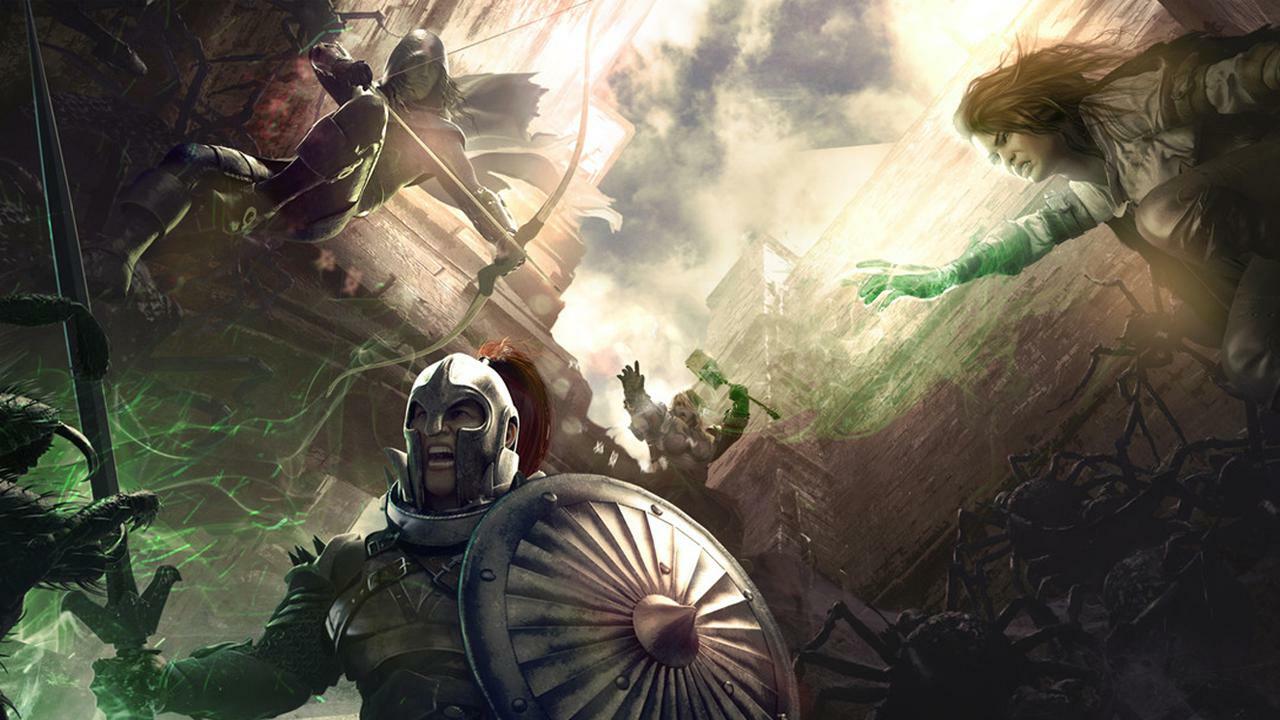
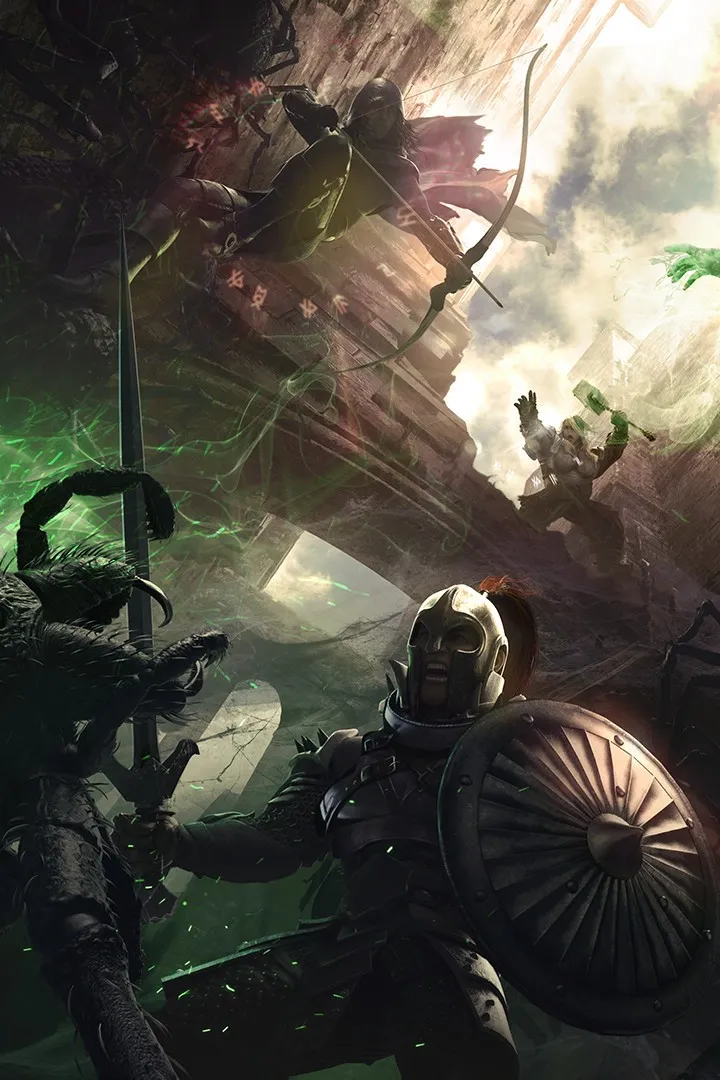
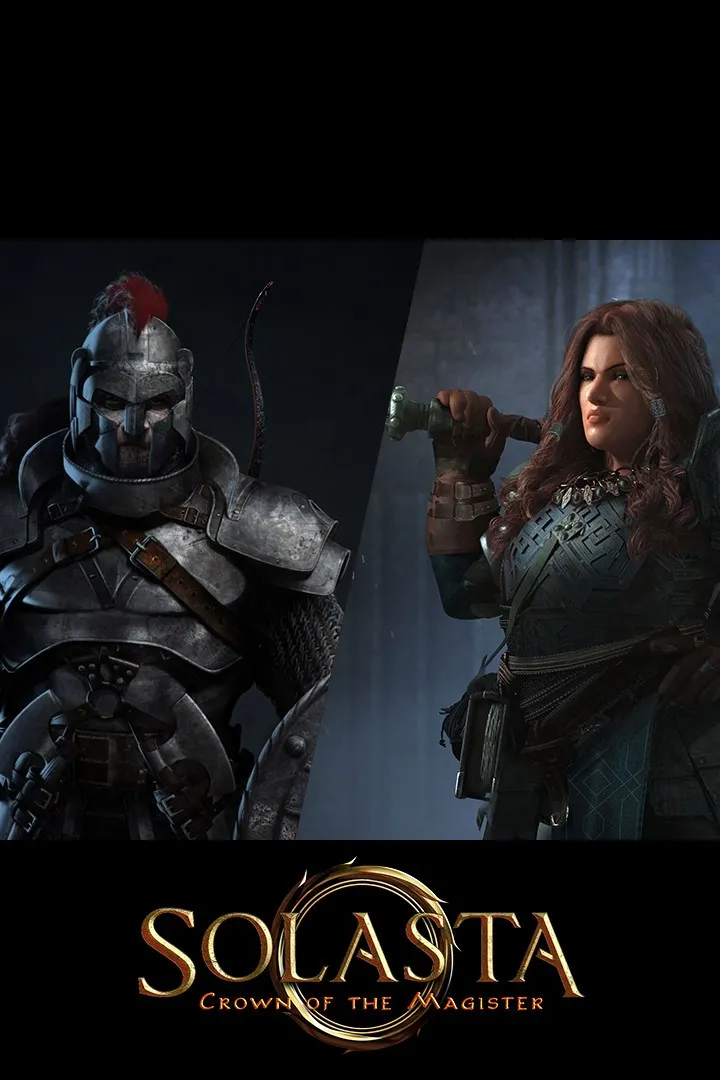
Welcome to Solasta: Crown of the Magister, a fantasy RPG that brings the authentic tabletop experience to your PC. Built on the 5th edition ruleset, you’ll roll for initiative, manage battlefield positioning, and utilize verticality to outmaneuver your enemies. It’s a game for those who love tactical combat and deep character building.
This guide will help you navigate the challenges of Solasta, covering everything from character creation and combat strategies to uncovering all the game's secrets. We'll break down the intricacies of classes, abilities, and proficiencies, ensuring you can set up your party for success and achieve victory in every encounter.
Installation & Setup
Get your Solasta game modding journey started! This guide walks you through installing Unity Mod Manager and Solasta Mod API for a smooth modding experience.
Alright, so you're looking to spice up your Solasta experience with some mods? Awesome! It's way easier than you might think, and I'm here to walk you through it, step-by-step. Forget those frustrating modding sessions you might have had with other games; Solasta is pretty slick in this regard.
First things first, to download any mods, you'll need an account on Nexus Mods. If you don't have one, it's free to register and totally worth it.
## Core Setup: The Foundation for Your Mods
This is probably the most 'technical' part, but honestly, it's a breeze if you just follow along. We need to get Unity Mod Manager and the Solasta Mod API installed. Think of these as the essential building blocks for all your future modding adventures.
1. Grab Unity Mod Manager: Head over to the Unity Mod Manager page on Nexus Mods. Look for the 'Download' button on the right side, click 'MANUAL', and then 'SLOW DOWNLOAD'. Don't let 'slow' fool you; it's super quick!
2. Extract Unity Mod Manager: Once downloaded, open the zip file and extract the `UnityModManager` folder to a spot on your computer where you can easily find it.
3. Run the Installer: Navigate into that extracted folder and double-click the `UnityModManager` application (it has a three-circle icon). This opens the Unity Mod Manager Installer.
4. Configure the Installer: In the 'Install' tab, set the 'Game' to Solasta and the 'Folder' to Slasta_COTM. You'll usually find this `Slasta_COTM` folder inside your Steam library under `Steam/steamapps/common`.
5. Install It: Hit the 'Install' button. Now, switch over to the 'Mods' tab.
6. Get Solasta Mod API: Now, go to the Solasta Mod API page on Nexus Mods. Download this file the same way you did Unity Mod Manager.
7. Install Solasta Mod API: Back in the Unity Mod Manager's 'Mods' tab, you'll see a box that says 'Drop zip files here'. Just drag and drop the Solasta Mod API zip file into that box. It should install automatically.
And just like that, you've got the core infrastructure ready to go!
## Quickly Add Any Mod You Like
With the basic setup done, adding new mods is as simple as dragging and dropping. You can find all sorts of cool stuff on Nexus Mods, from new classes to items. Some mods might need other mods to work, so always peek at the 'Requirements' section on a mod's page.
Let's use the Solasta Warlock Class mod as an example:
1. Check Requirements: Go to the Solasta Warlock Class page. Under 'Requirements', you'll see it needs the Solasta Mod API (which we've already installed) and Solasta Mod Helpers.
2. Download Warlock Class: Download the Warlock Class mod zip file.
3. Download Solasta Mod Helpers: Go to the Solasta Mod Helpers page and download its zip file.
4. Install Mods: Now, just drag and drop both the Warlock Class zip and the Solasta Mod Helpers zip into the 'Drop zip files here' box in the Unity Mod Manager's 'Mods' tab. They'll install automatically.
## Launching and Playing the Game with Mods
Time to see your new mods in action! You should now have at least three mods listed in the Mods tab: Solasta Mod API, Solasta Warlock Class, and Solasta Mod Helpers. Make sure their 'Status' shows 'OK'.
1. Launch Solasta: Start up the game. If it was already running, you'll need to restart it. Once it loads, the Mod Manager window will pop up. You should see all your installed mods listed, each with a green circle under 'Status'. Click 'Close' in the bottom-left corner.
2. Create a New Character: Head to the 'Create New Character' option like you normally would. After picking your race, you should now see Warlock listed among the available classes. You might need to scroll up to find it!
3. Enjoy Your Warlock! Finish creating your character and go unleash some serious eldritch power! You've officially modded Solasta!
This same process works for adding tons of other classes, spells, and enhancements. Happy modding!