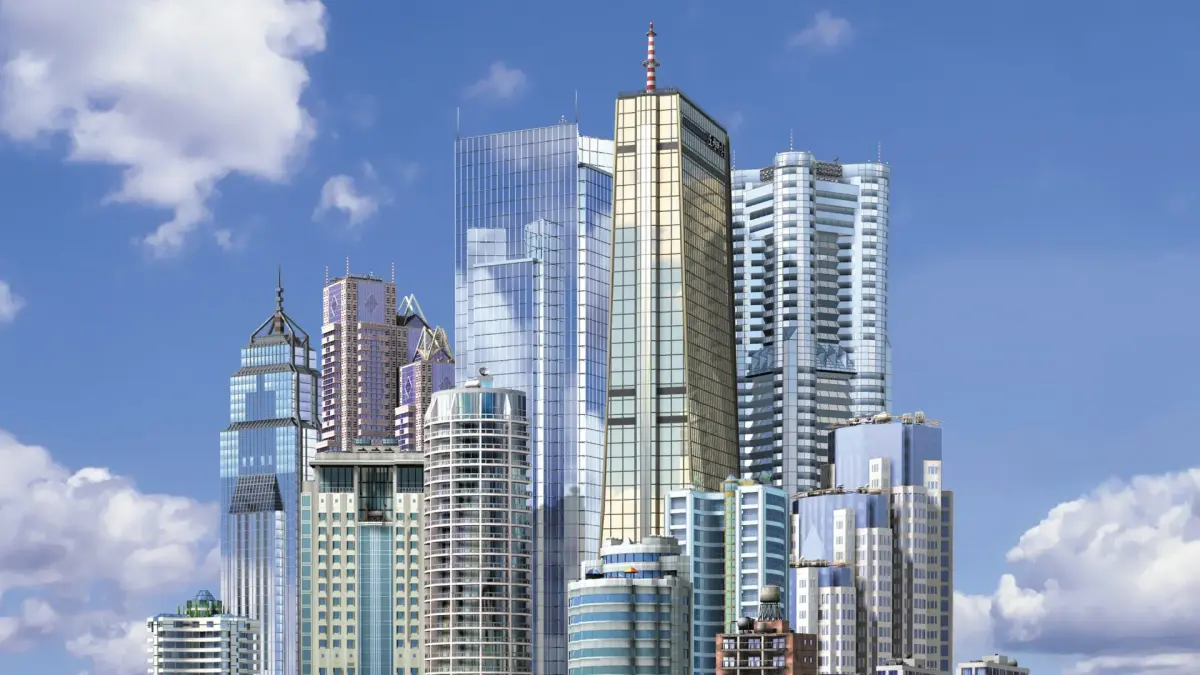
Learn how to effectively plan and build roads, intersections, avenues, bridges, and tunnels in SimCity 3000 to manage traffic and optimize city layout.
When you first start your city, you might want to know where to start. However, I always like to try something simple like the following:
[Diagram of simple road layout]
A bit more complicated pattern here. It seems to work better in my opinion and it seems to take up less room. [Diagram of more complex road layout]
After getting your first road systems done, you will need to construct some more. Now, the main cure for heavy traffic is a better or new mass transit system. However, the placement of your roads can make a different. First of all, try to avoid four way intersections. If you do need, try rearranging the roads so they work the same but don't clog up the road:
Regular Intersection ~ [Diagram of regular intersection] The traffic will decrease drastically due to the fact that there isn't cars coming from all directions like a regular intersection would cause.
Smart Intersection ~ [Diagram of smart intersection]
If traffic is really, really a problem in your city, why not just give them more room to drive in. Add more roads and detours that could be used. They don't have to be that frequent but they're useful.
Congested Area ~ [Diagram of congested area] By simply adding a few extra roads, you can decrease traffic by providing more room to drive.
Less-Congested Area ~ [Diagram of less-congested area]
Roads can be placed in avenues if you had already noticed that. If you build two roads side by side, they will turn into an avenue with trees growing in the center. They look really nice around landmarks and of course, the mayor's house. A useless addition in gameplay but it's good knowledge.
To build a bridge, click and drag a line of roads across the body of water you are attempting to cross. When you reach the other side and the line turns blue, click to build. A screen will pop up asking you if you wish to build a bridge. However, the road might need to shift the land a bit. If building the bridge will affect any surrounding buildings, access to building will be denied with a little notice. For more clarification, check this diagram.
[Diagram showing bridge placement issues and denied access areas] Notice that the building is on a piece of land that's higher than ground level. A bridge will lower the land where the building is and cause it to collapse obviously.
Unlike the previous SimCity, tunnels can not simply be built at your leisure, you will need to be recommended to build one due to the steepness of whatever you're trying to pass. Many people seem to mistake the height of an area to the steepness of an area and wonder why they can't build a tunnel.
High Area But Not Steep ~ [Diagram showing high but not steep area] A tunnel does not have to be built.
Low Area But Very Steep ~ [Diagram showing low and steep area] A tunnel must be build at these points.
You should understand when to build tunnels now. Despite the fact that having tunnels is fun, building them are usually expensive so try to work around a large hill instead of wasting the money to construct a tunnel.
100% Human-Written. AI Fact-Checked. Community Verified. Learn how AntMag verifies content