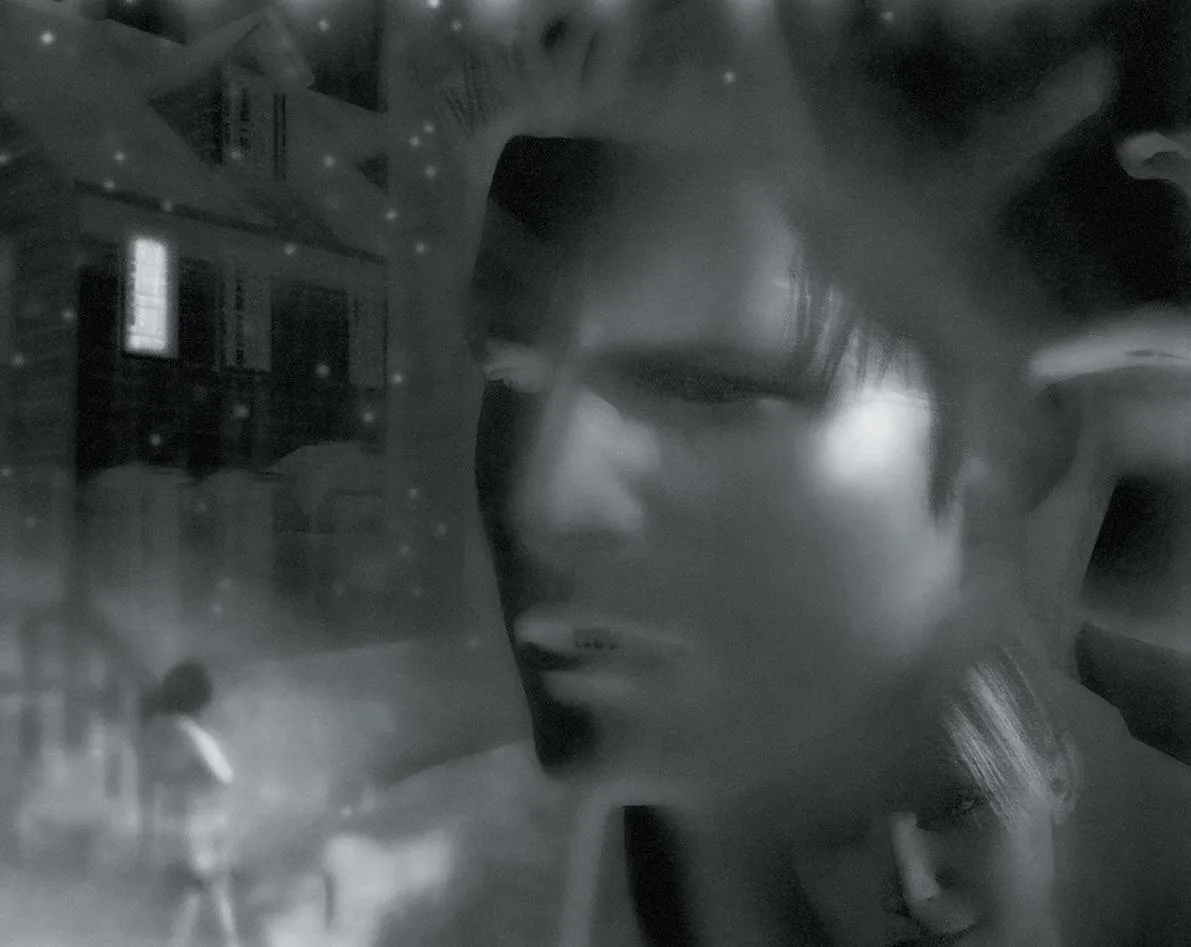
Welcome to Silent Hill, a survival horror game where you navigate the fog-choked town as Harry Mason, solving intricate puzzles and surviving horrific encounters. This isn't just about jump scares; it's a deeply psychological experience with a fantastic soundtrack that pulls you into its unsettling atmosphere. If you're looking for a classic PS1 horror experience that still holds up, you've found it.
This guide will help you uncover all the secrets Silent Hill has to offer. We'll cover how to find hidden unlockables like the Katana and Chainsaw, explore glitches that let you traverse Harry's nightmare world in new ways, and even detail how to achieve the UFO Ending. Don't miss a thing on your first terrifying journey through the town.
Guide and Walkthrough (PS) by Warhawk
Silent Hill walkthrough covering chapters Old Silent Hill, School, Central Silent Hill, Alchemilla Hospital, and more.
- 1Chapter One: Old Silent Hill
- 2Chapter Two: School
- 3Chapter Three: Old Silent Hill [cont'd]
- 4Chapter Four: Central Silent Hill
- 5Chapter Five: Alchemilla Hospital
- 6Chapter Six: Central Silent Hill [cont'd]
- 7Chapter Seven: Resort
- 8Chapter Eight: Sewer to Amusement Park
- 9Chapter Nine: NOWHERE
- Refer to the Item/Weapon List for details on all available equipment.
- Consult the Endings section to understand the different conclusions to your Silent Hill playthrough.
Controls
Learn how to navigate Silent Hill's menus and combat with this quick guide to all the essential controls, from movement to item management.
Alright, so you've just booted up Silent Hill and you're probably wondering how to actually, you know, do things. Don't worry, it's not too complicated once you get the hang of it. Think of this as your cheat sheet for all the buttons you'll be mashing.
First up, let's talk about moving around and interacting with the world. Most of your basic actions are handled by the face buttons and shoulder buttons. You'll be using X to attack, decide on options, or search things you find. Square is your run button, but it's also how you cancel out of things, which is super handy. Triangle is your map – definitely get used to checking that often! Circle is your flashlight toggle; keep it on when you're exploring dark areas, but maybe turn it off if you don't want to attract unwanted attention.
For combat and general movement, L1 and R1 will let you side-step, which is crucial for dodging attacks. If you need to aim your weapon, R2 is your go-to. L2 is for a 'Search View,' which helps you spot things you might otherwise miss. And for those moments when you need to quickly turn around, pressing both L1 and R1 together will do a neat 180-degree turn.
Here's a quick rundown of the main controls:
| In-Game | Control | Function |
| L1 / R1 | Side Step | |
| L2 | Search View | |
| R2 | Aim Weapon | |
| X | Attack / Decide / Search | |
| Square | Run / Cancel | |
| Triangle | Look at Map | |
| Circle | Turn Flashlight On / Off | |
| Start | Pause / Skip Cutscenes | |
| Select | Pause Game | |
| R1 + L1 | 180 degree turn |
Now, let's dive into the menus, because you'll be spending a fair bit of time in them, especially the map and your inventory.
When you're looking at the Map, X will zoom in and out, letting you get a better look at your surroundings. Square and Triangle both let you leave the map screen. Start also zooms in and out, which is a bit redundant but good to know. Select doesn't do anything here, so don't worry about it. The D-Pad and the Right Analog stick are your best friends for changing floors – essential for navigating the hospital or school!
| Map | Control | Function |
| X | Zoom In / Out | |
| Square | Leave Map | |
| Triangle | Leave Map | |
| Start | Zoom In / Out | |
| Select | No Use | |
| D-Pad | Change Floors | |
| Right Analog | Change Floors |
Your Inventory is where you'll manage all the items you pick up. X is used to select items, while Square and Triangle are for canceling out of selections. Start is also used for selecting items, which can be a little confusing at first. Circle is another cancel button. The D-Pad lets you choose items, and the Left Analog stick does the same. L1, L2, R1, and R2 have no use in the inventory, so don't bother with them there.
| Inventory | Control | Function |
| X | Select | |
| Square | Cancel | |
| Triangle | Cancel | |
| Start | Select | |
| Circle | Cancel | |
| L1 - L2 - R1 - R2 | No Use | |
| D-Pad | Choose | |
| Right Analog | No Use | |
| Left Analog | Choose |
That covers the basics! Getting comfortable with these controls will make your journey through Silent Hill much smoother. Don't be afraid to experiment a little, but always remember to keep an eye on your ammo and your surroundings. Good luck out there!
Guide and Walkthrough (PS) by Warhawk (2)
Start your Silent Hill journey with Chapter One: Old Silent Hill. Learn controls and navigate the initial areas.
- 1Familiarize yourself with the game's controls.
- 2Begin navigating the initial areas of Old Silent Hill.
- Pay close attention to the tutorial prompts for controls.
- Explore the starting area thoroughly to understand the environment.
Walkthrough
Begin your terrifying adventure in Silent Hill with this walkthrough. Learn how Harry Mason's vacation turns into a nightmare and what awaits you on the road to the cursed town.
Alright, so you're about to dive into Silent Hill for the first time. It's a classic, and this guide is gonna help you through it, step-by-step. We'll be following Harry Mason's journey as he tries to have a nice vacation with his daughter, Cheryl, in the famously quiet town of Silent Hill. Little do they know, this trip is about to go sideways, fast.
The game kicks off with Harry driving towards Silent Hill, Cheryl snoozing in the passenger seat. Things get weird pretty quickly. A cop on a motorcycle zooms past Harry, and not long after, Harry spots that same motorcycle crashed on the side of the road. He has no idea what happened, but trust me, you don't want to end up like that cop.
Harry's just trying to get to the town, but then, out of nowhere, a figure steps into the road. Harry swerves to avoid them, goes off the road, and bam – he's knocked out. This is where your journey really begins. What happens next is pure survival.
- Pay attention to the atmosphere; Silent Hill is all about its mood and unsettling environment.
- Don't expect a typical action game; survival horror is the name of the game here.
- Keep an eye out for anything unusual – this town hides its secrets well.
Similar guides you might like



100% Human-Written. AI Fact-Checked. Community Verified. Learn how AntMag verifies content