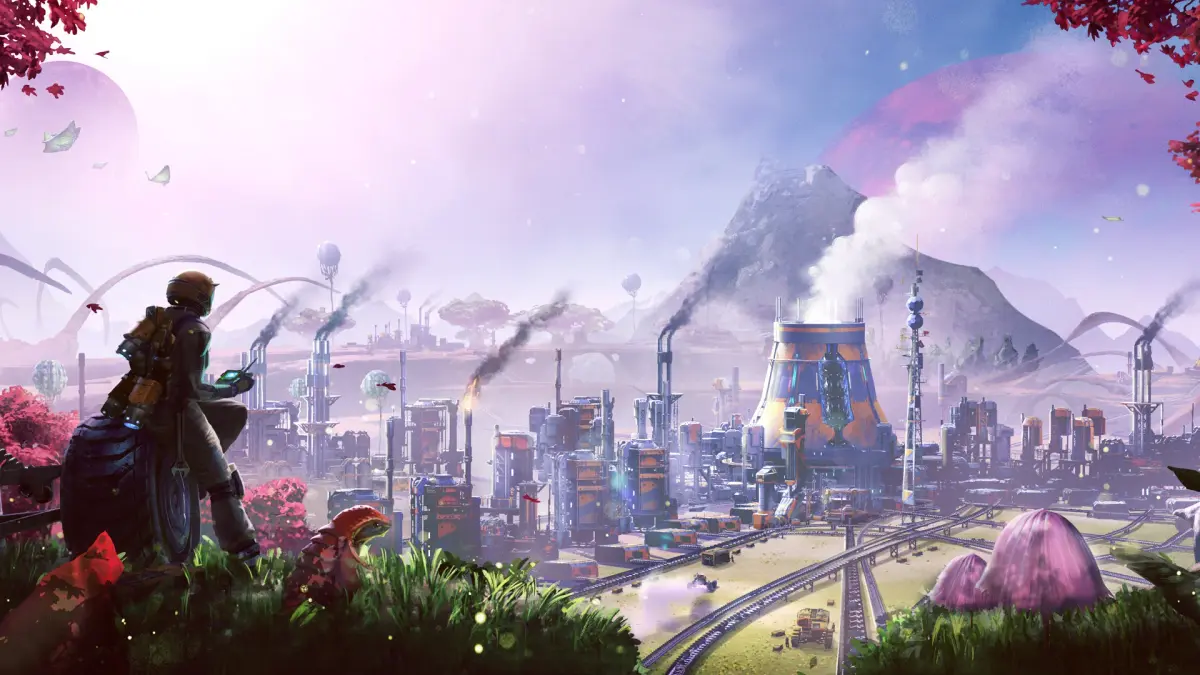
Learn how to upgrade your Hub to unlock Power and Storage in Satisfactory. This guide covers essential steps for early-game progression and resource management.
This guide section focuses on Hub Upgrade 2 in Satisfactory, which is crucial for unlocking essential Power and Storage capabilities. It assumes you have completed the initial tutorial stages and are ready to expand your factory's infrastructure.
Walkthrough
- 1Gather Resources: Continuously gather branches and leaves by pressing and releasing 'E' while walking. Wood found on the ground is denser and more efficient for biomass.
- 2Craft Biomass: Craft biomass at a craft bench using leaves or wood. This is more efficient than using raw materials directly in biomass burners.
- 3Power Generation: Place manual miners on resource nodes (Iron, Copper, Limestone) and manually collect minerals. Craft ingots and concrete nearby while waiting for miners to fill. Place biomass burners and connect them to power poles to distribute electricity to your machines. When Hub Upgrade 5 is unlocked, connect both biomass burners to a single power pole to double power output.
- 4Storage Solutions: As you progress, you will unlock storage solutions. Ensure you have adequate storage for your increasing production of items.
- 5Hub Relocation: If needed, you can dismantle and rebuild the Hub to be equidistant between discovered resource nodes.
Tips
- Utilize the slide-jump mechanic (run, press C to crouch/slide, then Space to jump, then C again) for faster traversal on level or downward slopes.
- Press 'O' to access Ada's inbox and review past conversations and information.
- Use 'R' while the rebar gun is active to swap between ammo types.
- Press 'LEFT Control' to snap items to the global grid for easier base expansion.
- Press 'F' to enter Dismantle mode. Hold 'CNTRL' to toggle mass dismantle for deleting multiple items.
- Press 'V' to bring up the scan wheel. If the map is unlocked, resource nodes will be displayed on it.
- Pressing the Center mouse button while pointing at an existing structure will allow you to quickly build another of the same type.
- When placing an MK1 Miner, ensure the mineral node on top of the resource node is removed first by pressing 'E' to mine it.
100% Human-Written. AI Fact-Checked. Community Verified. Learn how AntMag verifies content