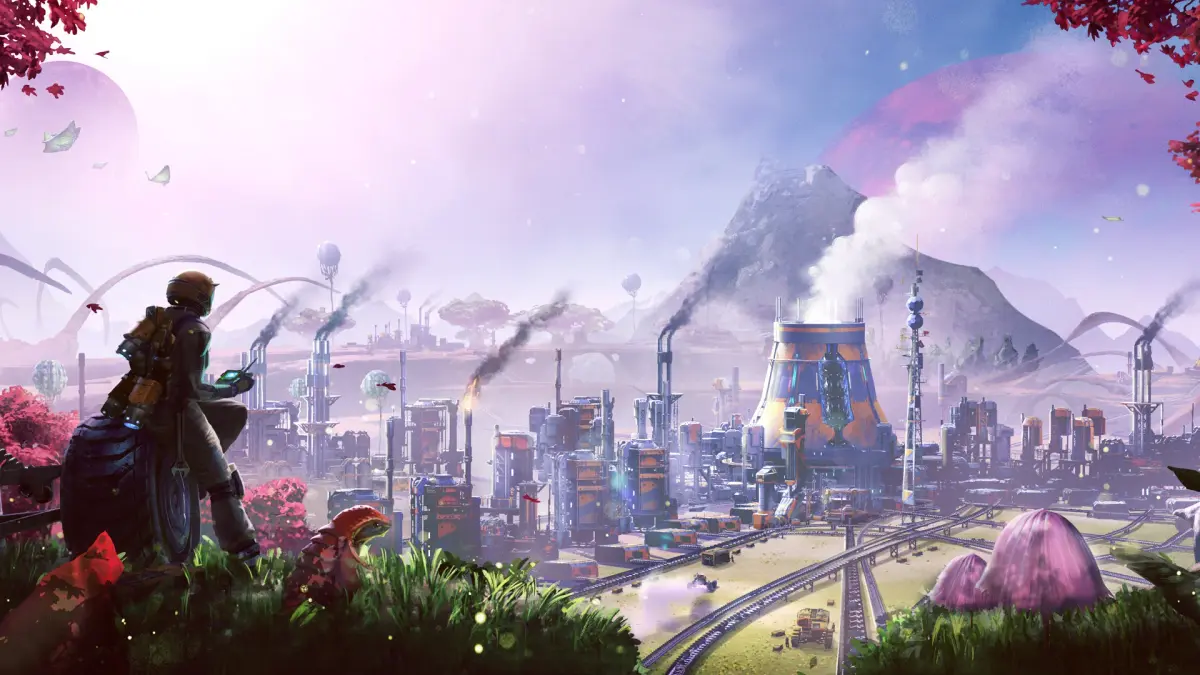
Learn how to build the Hub Upgrade 1: Basic Construction in Satisfactory. This guide covers starting tips, controls, and early-game automation for new pioneers.
This guide covers the initial stages of Satisfactory, focusing on the 'Hub Upgrade 1: Basic Construction'. It aims to help new players spend less time on forums and wikis and more time playing.
Walkthrough
- 1Starting the Game: Do not skip the tutorial. Manually gather branches, leaves, and minerals initially. Recommended starting locations are Grass Fields or Rocky Desert.
- 2AI Companion Ada: Press 'O' to access the inbox and review Ada's dialogue.
- 3Movement: Chain crouch (C) and jump (Space) for faster traversal on level ground or slopes.
- 4Early Game Tedium: The initial hours can feel slow with manual crafting and slow production. This phase is temporary and leads to significant automation.
- 5Controls:
- 'E' cycles through buildable items in a group (e.g., different foundation sizes).
- 6'R' changes build mode (default, zoop, vertical).
- 7'Left Control' snaps items to the global grid.
- 8'F' enables Dismantle mode; 'Ctrl' toggles mass dismantle.
- 9'M' opens the map.
- 10'V' brings up the scan wheel.
- 11'B' enables the flashlight.
- 12'Enter' opens chat.
- 13Middle mouse button (while pointing at an existing structure) starts building a copy of it.
- 14'R' (with rebar gun active) swaps ammo types.
- 15Tutorial Tips:
- Follow the tutorial, then find nearby Iron, Copper, and Limestone nodes.
- 16Build 2-3 manual miners per node (they don't require electricity). Place them by dragging from inventory to hand, then clicking on the node.
- 17Manually collect minerals from miners.
- 18Craft biomass at a craft bench from leaves/wood for better efficiency than using raw materials directly in biomass burners.
- 19Before placing an MK1 Miner, remove the mineral node from the resource node by pressing 'E'.
- 20Build craft benches near mining nodes to craft ingots/concrete while manual miners fill.
- 21Dismantle (F) and rebuild the Hub to center it between discovered nodes.
- 22When Hub Upgrade 5 is unlocked, connect both biomass burners to a power pole to double power output.
- 23Gathering wood from the ground is more efficient for biomass than gathering bushes.
Tips
- The game gets significantly better with automation and advanced tools like jetpacks.
- The world is large, handcrafted, and features diverse biomes and fauna.
- The goal is to progress from manual crafting to producing hundreds of items per minute through automation.
- This guide covers progression up to Tier 3, including the first coal-powered generators.
100% Human-Written. AI Fact-Checked. Community Verified. Learn how AntMag verifies content