
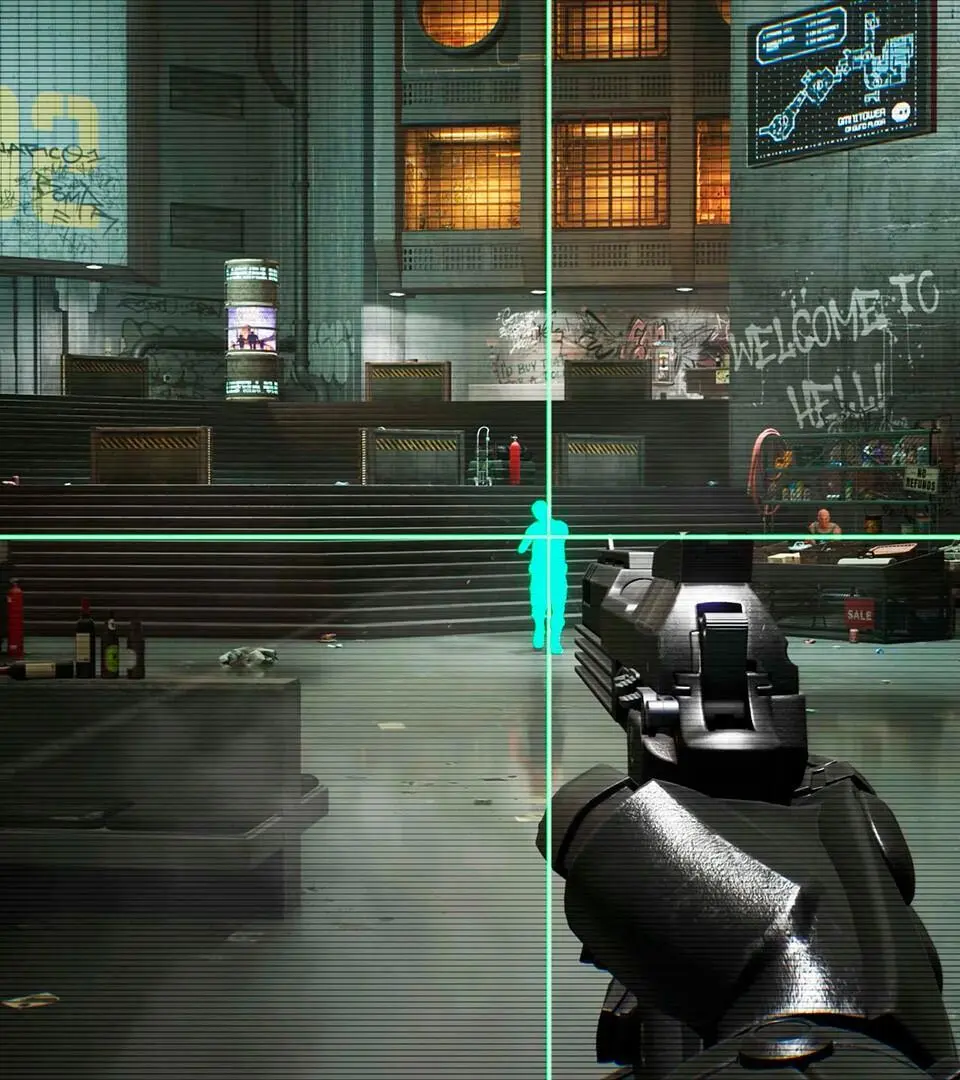
Learn how to pass Chapter 5 in RoboCop: Rogue City - Unfinished Business. This guide details acquiring the OCP-9 Auto Motherboard for crucial player upgrades.
How to Pass Chapter 5: The OCP-9 Auto Motherboard
Chapter 5, often colloquially referred to as the "OCP-9 Auto Motherboard" chapter, marks a significant point in RoboCop: Rogue City - Unfinished Business. This segment introduces a crucial upgrade mechanic, allowing players to enhance RoboCop's capabilities through the installation of specialized motherboards. This guide will provide a comprehensive walkthrough, detailing the exact steps to acquire the OCP-9 Auto Motherboard, equip it, and navigate the subsequent challenges.
Objective: Secure the OCP-9 Auto Motherboard
Your primary objective upon commencing Chapter 5 is to locate and install the OCP-9 Auto Motherboard. This item serves as the catalyst for a guided tutorial, teaching you the intricacies of RoboCop's upgrade system. Successfully completing this step is vital for progressing through the game and unlocking new combat and traversal options.
Step-by-Step Walkthrough:
- Commencing the Chapter: After a brief cutscene detailing RoboCop's return to duty or a period of confinement, you will gain control of the protagonist in a new environment. This area typically resembles a secure OCP facility or a holding bay.
- Initial Movement: Do not proceed forward into the main corridor. Instead, immediately turn to your left upon gaining control.
- Locating the Objective: Against the wall or within a nearby alcove, you will find a distinct table. This table is the key to acquiring the motherboard.
- Acquiring the OCP-9 Auto Motherboard: Interact with the prominent case situated on the table. Opening this case will reveal and allow you to collect the essential OCP-9 Auto Motherboard.

Tutorial: Equipping the OCP-9 Auto Motherboard
Once the OCP-9 Auto Motherboard has been added to your inventory, the game will seamlessly transition into a tutorial sequence. This guided experience is designed to familiarize you with the core mechanics of upgrading RoboCop.
Installation Process:
- Accessing the Upgrade Menu: Follow the clear on-screen prompts to open RoboCop's inventory or the dedicated upgrade interface.
- Navigating to Motherboard Slots: Within the upgrade menu, locate the section dedicated to installing and managing motherboards.
- Installing the OCP-9: Select the newly acquired OCP-9 Auto Motherboard from your inventory. You will then be prompted to place it into an available motherboard slot on RoboCop's chassis.
- Confirming the Upgrade: Finalize the installation by confirming your selection. This action will complete the tutorial and integrate the OCP-9's benefits into RoboCop's operational capabilities.
Post-Motherboard Progression and Challenges
With the OCP-9 Auto Motherboard successfully installed, the immediate tutorial objective of Chapter 5 is met. The game will then direct you towards the next phase of the mission, which typically involves increased combat and exploration.
What to Expect:
- Combat Encounters: Prepare for immediate engagement with hostile forces. The game often introduces new enemy types or a concentrated group of adversaries shortly after the upgrade tutorial. These encounters may test the new functionalities provided by the OCP-9.
- Area Unlocks: New pathways and previously inaccessible areas will likely become available. These might be opened by environmental triggers or by completing specific combat objectives.
- Updated Objectives: Maintain communication with OCP command, particularly Anne Lewis. Listen carefully to radio transmissions for updated mission parameters and guidance on your next steps.
- Resource Management: As enemy presence tends to increase in the latter half of Chapter 5, it is crucial to remain vigilant for ammunition, health packs, and any other salvageable resources. Thoroughly search all accessible areas to ensure you are adequately prepared for the escalating threats.
The OCP-9 Auto Motherboard often provides a passive benefit or a new active ability that can significantly alter your combat approach. Pay attention to the specific buffs or skills it grants, as they can be instrumental in overcoming the challenges that lie ahead in Chapter 5 and beyond.
100% Human-Written. AI Fact-Checked. Community Verified. Learn how AntMag verifies content