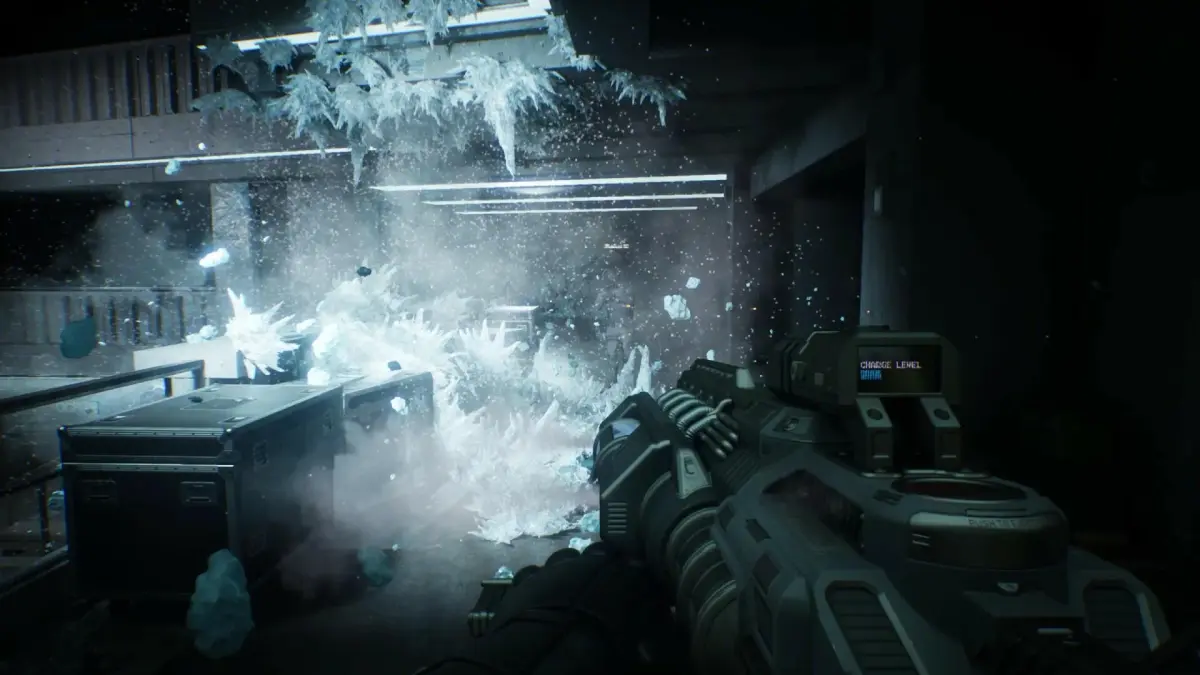
Welcome to Old Detroit, rookie! In RoboCop: Rogue City - Unfinished Business, you step into the polished chrome boots of Alex Murphy, the cybernetic lawman tasked with cleaning up the crime-ridden streets. This first-person RPG throws you into intense combat, challenging you to complete citizen requests and uncover the dark secrets of the Omni Consumer Products (OCP). If you're ready to enforce the law with extreme prejudice, this is your city.
This guide is your partner on the force, helping you navigate the gritty world of Rogue City. We'll cover everything you need to know to become the ultimate RoboCop, from mastering the game's combat mechanics to finding all the hidden collectibles and achieving the coveted Gold Medals on every mission. Get ready to bring justice to the streets.
Getting Started
Your ultimate guide to RoboCop: Rogue City - Unfinished Business. Learn about the plot, characters, and key events in this action-packed expansion. Get started now!
Getting Started
Your ultimate guide to RoboCop: Rogue City - Unfinished Business. Learn about the plot, characters, and key events in this action-packed expansion. Get started now!
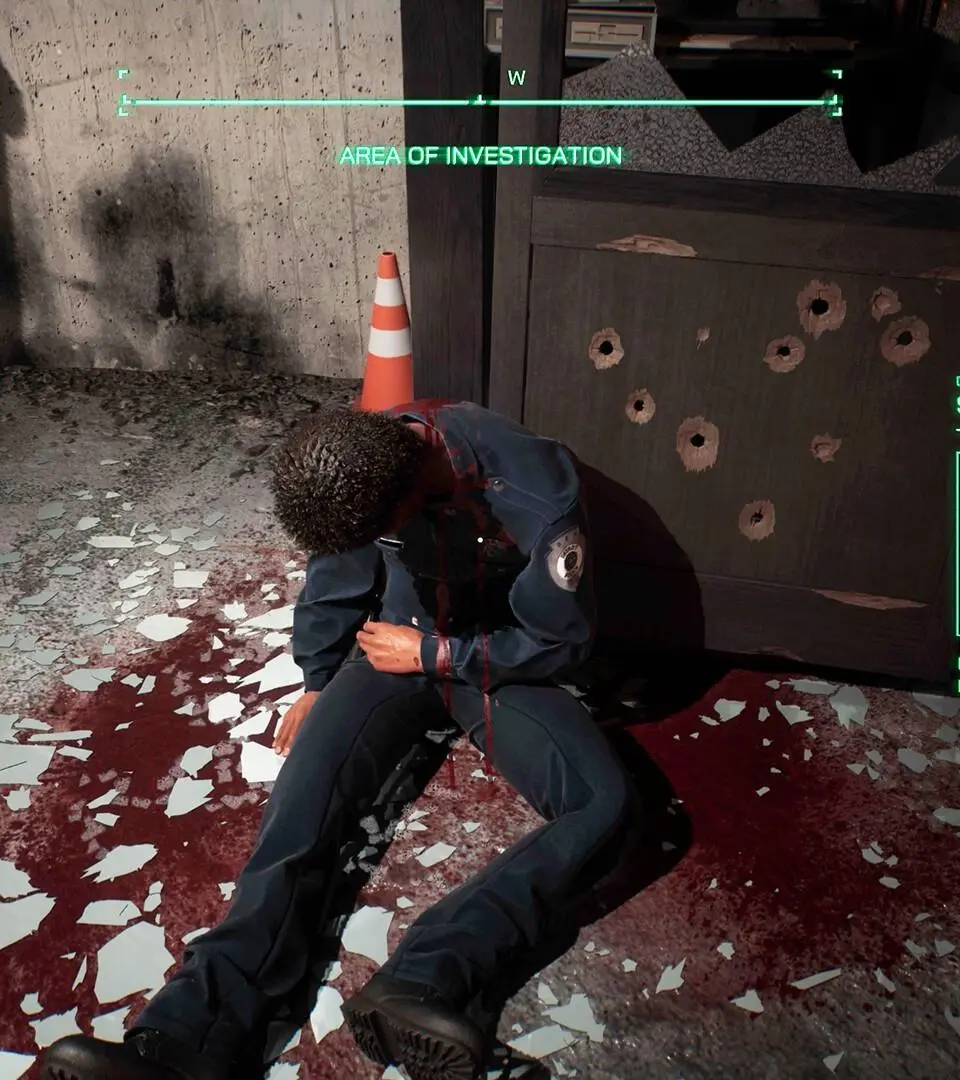
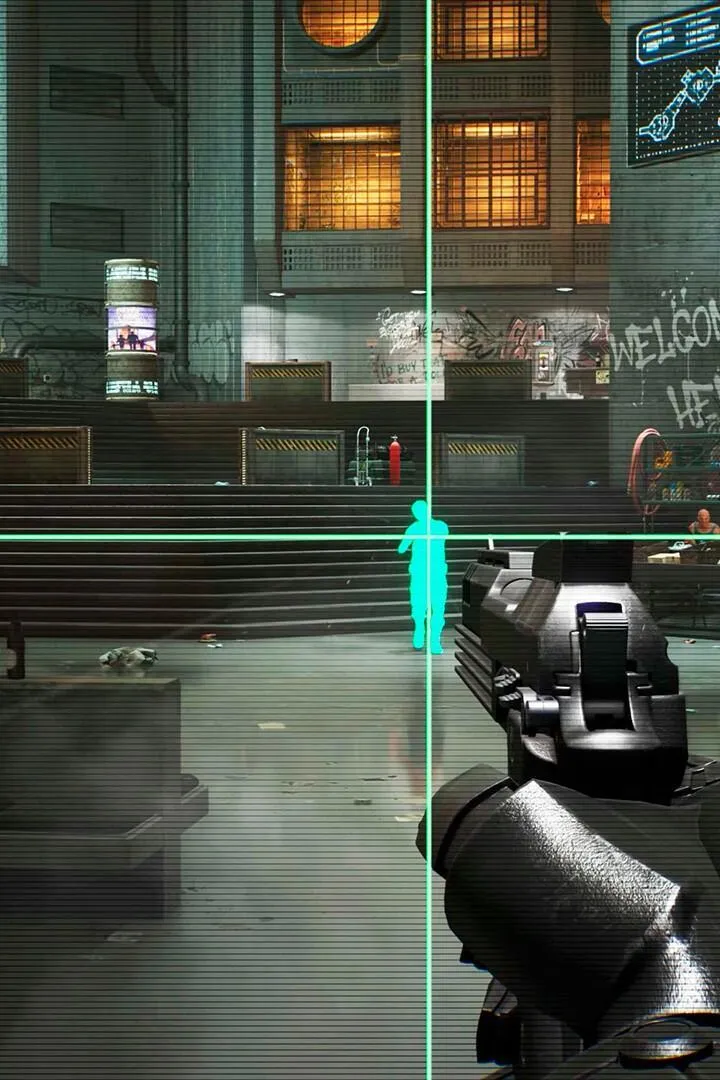
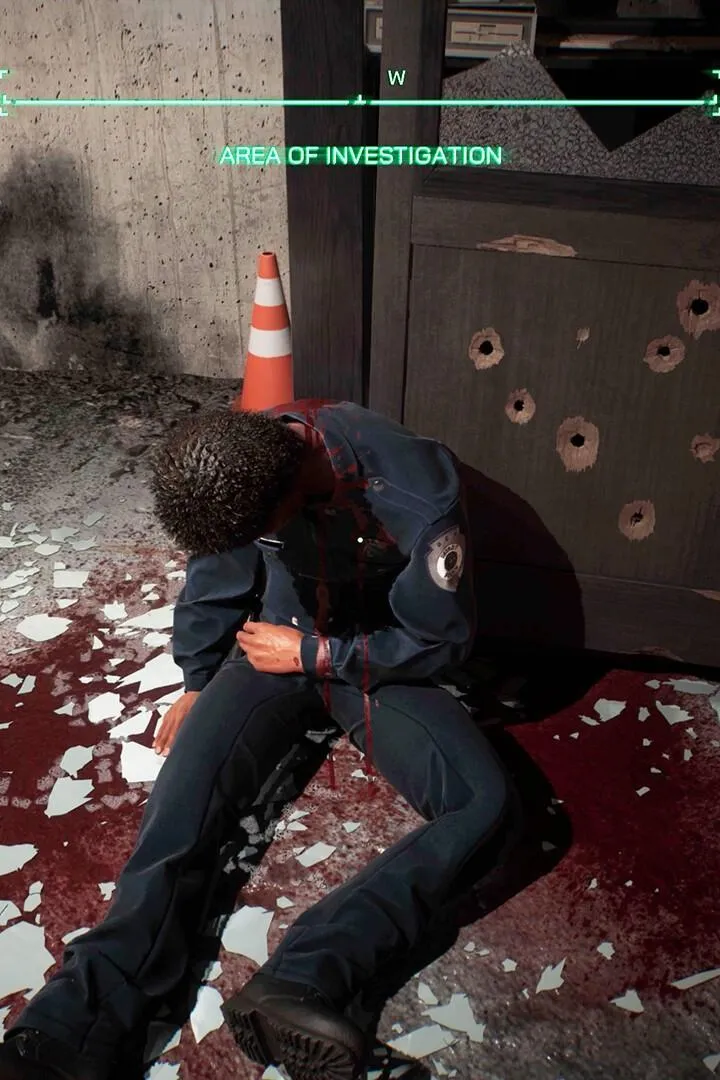



Basic Controls & UI — RoboCop: Rogue City - Unfinished Business Guide
Learn the essential controls and UI elements for RoboCop: Rogue City - Unfinished Business. Master every action to become the ultimate law enforcement cyborg.
This section provides a detailed breakdown of the basic controls and user interface elements for RoboCop: Rogue City - Unfinished Business. Understanding these fundamentals is crucial for navigating the game world and effectively engaging in combat.
| Action | Button |
|---|---|
| Move | Left Analog Stick |
| Look/Aim | Right Analog Stick |
| Jump/Dodge | A (Xbox) / X (PlayStation) |
| Crouch/Cover | B (Xbox) / Circle (PlayStation) |
| Melee Attack | X (Xbox) / Square (PlayStation) |
| Fire Weapon | RT (Xbox) / R2 (PlayStation) |
| Reload | B (Xbox) / Circle (PlayStation) |
| Use Skill/Ability | LB (Xbox) / L1 (PlayStation) |
| Interact/Pick Up | X (Xbox) / Square (PlayStation) |
| Open Menu/Inventory | Start/Menu (Xbox) / Options (PlayStation) |
| Switch Weapon | D-Pad Left/Right |
| Focus/Scan | LT (Xbox) / L2 (PlayStation) |
| Dash | Double Tap Left Analog Stick |
| Grapple/Push | Hold X (Xbox) / Hold Square (PlayStation) |
| Execute Takedown | Proximity to enemy + X (Xbox) / Square (PlayStation) |
| Directive (Slow Motion) | Y (Xbox) / Triangle (PlayStation) |
User Interface (UI) Elements:
- Health Bar: Displays RoboCop's current health. Depletes when taking damage.
- Armor Bar: Shows the remaining armor. Absorbs a portion of incoming damage.
- Ammo Count: Indicates the current ammunition for the equipped weapon.
- Objective Marker: Points towards the current mission objective.
- Minimap: Provides a small overview of the surrounding area, including enemy positions and points of interest.
- Threat Indicator: Alerts players to incoming enemy fire or danger.
- Skill/Ability Icons: Shows available special abilities and their cooldown status.
- Score/XP Display: Tracks player progress and performance.
Controls & UI — RoboCop: Rogue City - Unfinished Business Guide
Navigate the intricate controls and user interface of RoboCop: Rogue City - Unfinished Business. Master every button and menu for optimal gameplay.
This section provides a comprehensive overview of the controls and user interface for RoboCop: Rogue City - Unfinished Business. Understanding these elements is crucial for effective gameplay and navigating the game's systems.
| Action | Button |
|---|---|
| Move | Left Stick |
| Camera | Right Stick |
| Jump/Dodge | A (Xbox) / X (PlayStation) |
| Crouch/Cover | B (Xbox) / Circle (PlayStation) |
| Melee Attack | Right Trigger (Hold) + Right Stick |
| Reload | X (Xbox) / Square (PlayStation) |
| Use Item | Y (Xbox) / Triangle (PlayStation) |
| Interact/Pick Up | X (Xbox) / Square (PlayStation) |
| Aim | Left Trigger |
| Fire Weapon | Right Trigger |
| Switch Weapon | D-Pad Left/Right |
| Grenade | Left Bumper |
| Special Ability | Right Bumper |
| Pause Menu | Start/Options Button |
| Map | View Button (Xbox) / Touchpad (PlayStation) |
| Inventory | Y (Xbox) / Triangle (PlayStation) |
| Focus Mode | Left Stick (Click) |
| Directive | Right Stick (Click) |
The User Interface (UI) in RoboCop: Rogue City - Unfinished Business provides essential information at a glance. Key elements include:
- Health Bar: Displays RoboCop's current health status.
- Armor Bar: Indicates the remaining durability of RoboCop's armor.
- Ammo Count: Shows the current ammunition for the equipped weapon.
- Objective Marker: Highlights the current mission objective on the HUD.
- Minimap: Provides a small overview of the surrounding area, including enemy positions and points of interest.
- Threat Indicator: Alerts players to incoming enemy fire or danger.
- Experience/Skill Points: Displays progress towards unlocking new abilities and upgrades.
Mastering these controls and understanding the UI will significantly enhance your combat effectiveness and overall experience in RoboCop: Rogue City - Unfinished Business.
Beginner Tips
Master RoboCop: Rogue City - Unfinished Business with our essential beginner tips. Learn combat, upgrades, and survival strategies to dominate the streets of Detroit.
Welcome to RoboCop: Rogue City - Unfinished Business! This guide offers essential tips for new players to help you navigate the dangerous streets of Detroit and become the ultimate law enforcer.
Beginner Tips:
- Master Your Aim: RoboCop is a powerful force, but accuracy is key. Aim for the head or vital areas to take down enemies quickly. Use cover effectively to avoid taking too much damage.
- Upgrade Wisely: Invest your experience points in upgrades that suit your playstyle. Focus on improving your armor, weapon handling, or unlocking new combat abilities.
- Utilize Your Environment: The city is full of destructible objects and environmental hazards. Use them to your advantage to create chaos and eliminate threats.
- Manage Your Health: Health is a precious resource. Use med-kits strategically and avoid unnecessary risks. Sometimes, retreating to heal is the smarter option.
- Explore Thoroughly: Look for hidden items, ammo, and upgrade components. Exploring every nook and cranny can provide you with the resources needed to overcome tougher challenges.
- Understand Enemy Types: Different enemies require different tactics. Learn their attack patterns and weaknesses to efficiently dispatch them.
- Embrace Your RoboCop Nature: Don't be afraid to be brutal. RoboCop is designed for law enforcement through overwhelming force. Utilize your full arsenal and abilities to assert dominance.
Similar guides you might like






100% Human-Written. AI Fact-Checked. Community Verified. Learn how AntMag verifies content