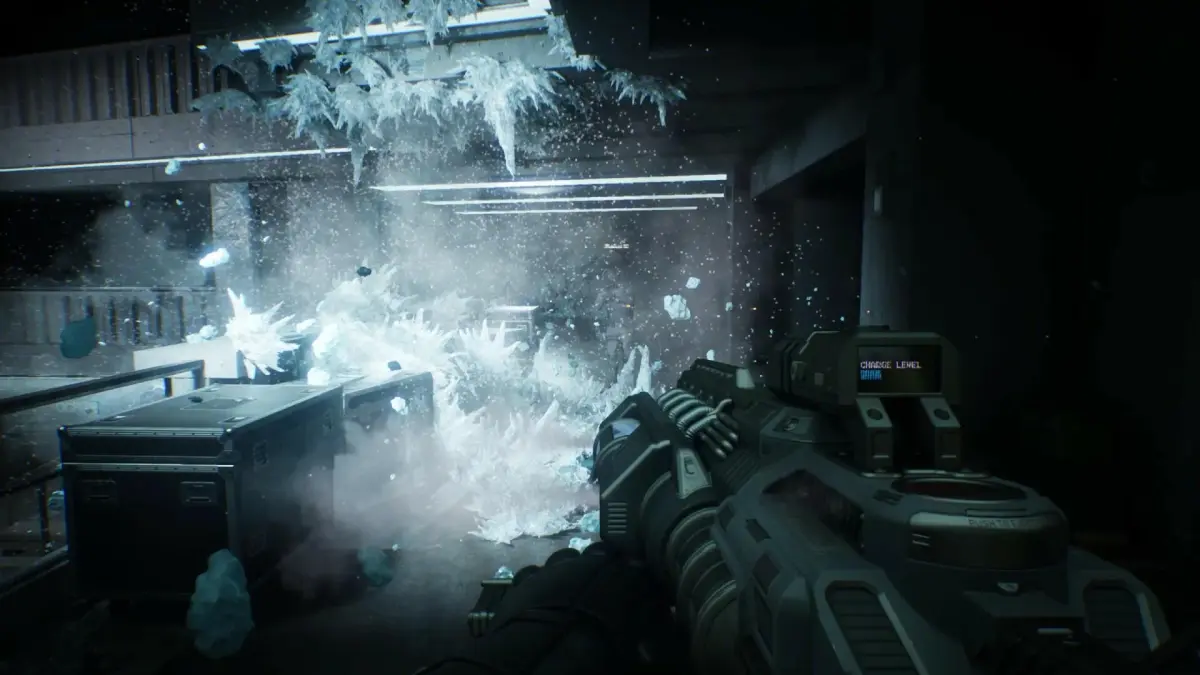
Locate the OCP-9 Auto Motherboard in RoboCop: Rogue City - Unfinished Business to progress through Chapter 5 and repair critical OCP technology.
Locating the crucial OCP-9 Auto Motherboard is a key objective in RoboCop: Rogue City - Unfinished Business, specifically for progressing through Chapter 5. This essential component is required to repair a critical piece of OCP technology, and without it, your mission will stall. Follow this precise guide to secure the motherboard and continue your duties as RoboCop.
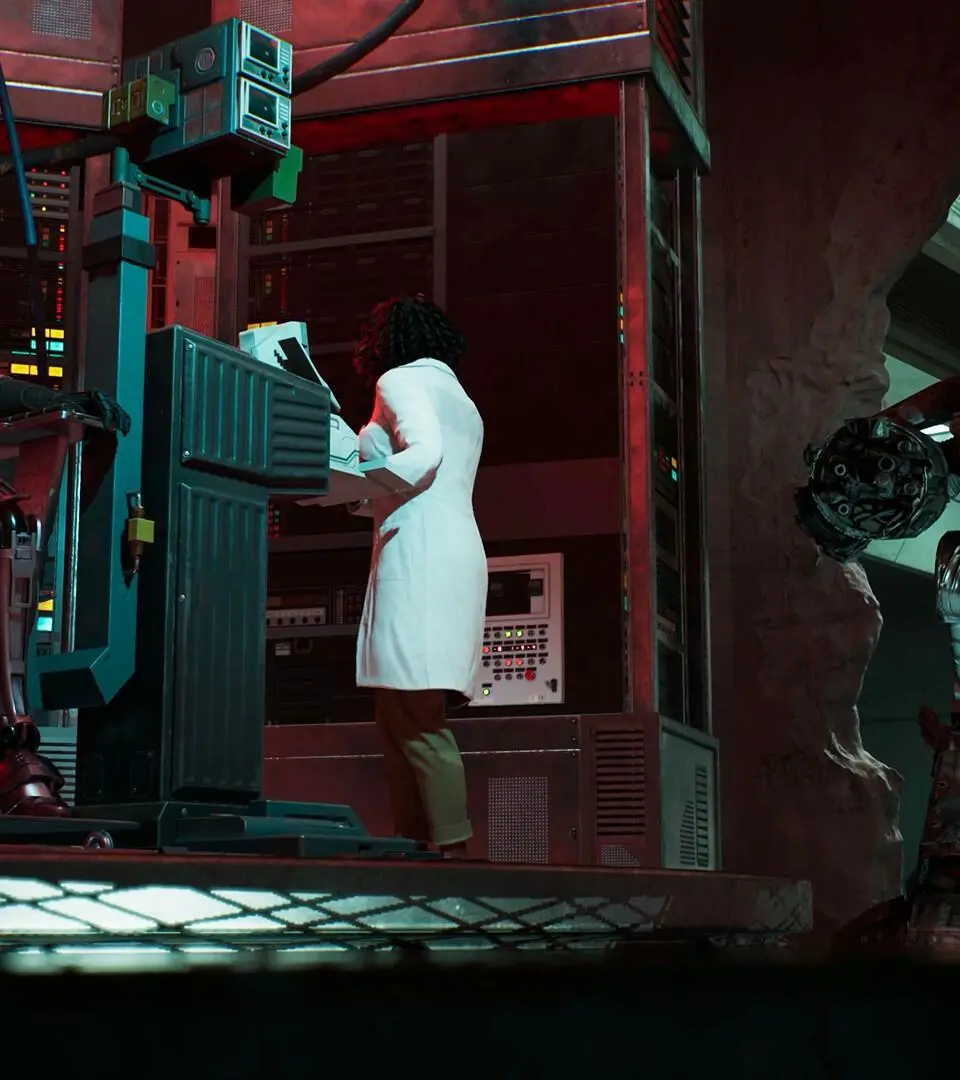
Acquisition in Chapter 5: Step-by-Step
The OCP-9 Auto Motherboard is found during a specific sequence in Chapter 5, designed to introduce players to its use. Its location is straightforward once you know where to look, appearing immediately after a significant in-game event.
- Advance to Chapter 5: Progress through the main storyline until you reach Chapter 5. The motherboard becomes accessible during a particular segment of this chapter.
- Trigger the Cutscene: Continue playing through Chapter 5 until you encounter a specific cutscene. This cinematic moment serves as a clear marker for the motherboard's proximity.
- Immediate Left Turn: As soon as the cutscene concludes and control is returned to RoboCop, do not proceed straight or explore. Instead, immediately turn to your left.
- Locate the Table: Directly in front of you, or very close by after making that immediate left turn, you will see a table.
- Retrieve the Motherboard: The OCP-9 Auto Motherboard is located on this table. Approach the table and interact with the item to pick it up.
Upon picking up the motherboard, the game will typically provide an on-screen prompt or tutorial, guiding you through the process of equipping and utilizing this new component. This is often the first instance where players are shown how to interact with and apply such items.
Post-Acquisition and Usage
Once the OCP-9 Auto Motherboard is in your inventory, you can proceed to the designated objective that requires its use. The game will clearly indicate where this component needs to be applied to repair the damaged OCP system, allowing you to advance the storyline in Chapter 5. Successfully acquiring and using this motherboard is a fundamental step in overcoming one of Chapter 5's primary challenges.
100% Human-Written. AI Fact-Checked. Community Verified. Learn how AntMag verifies content