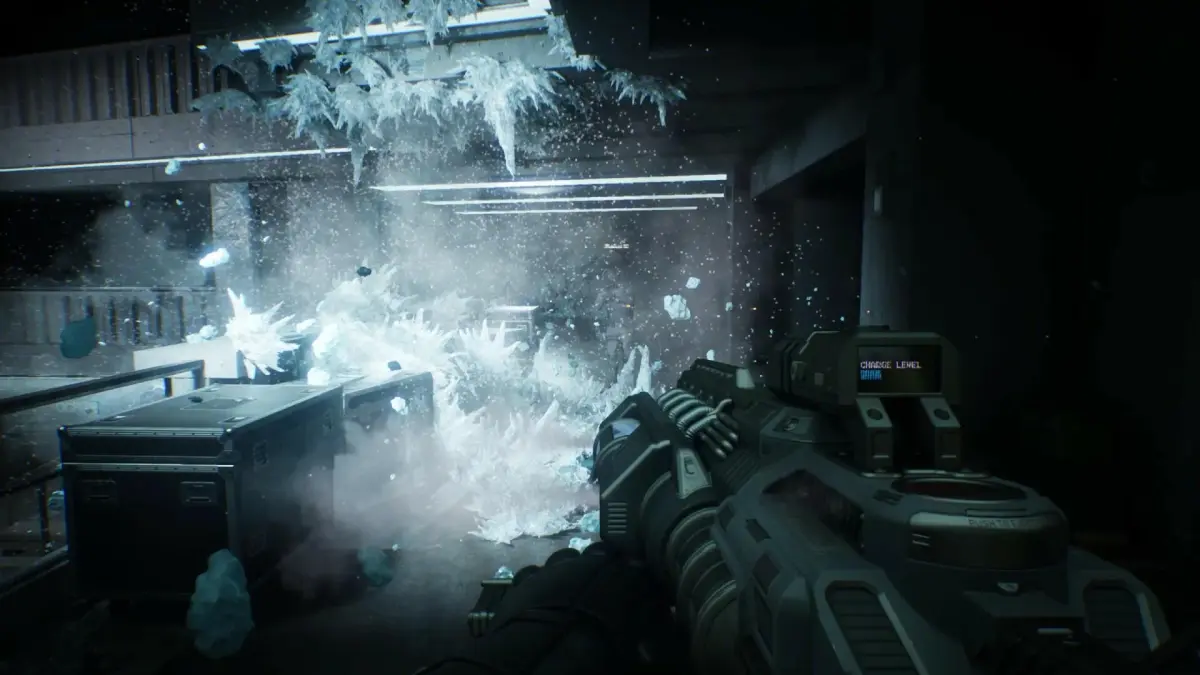
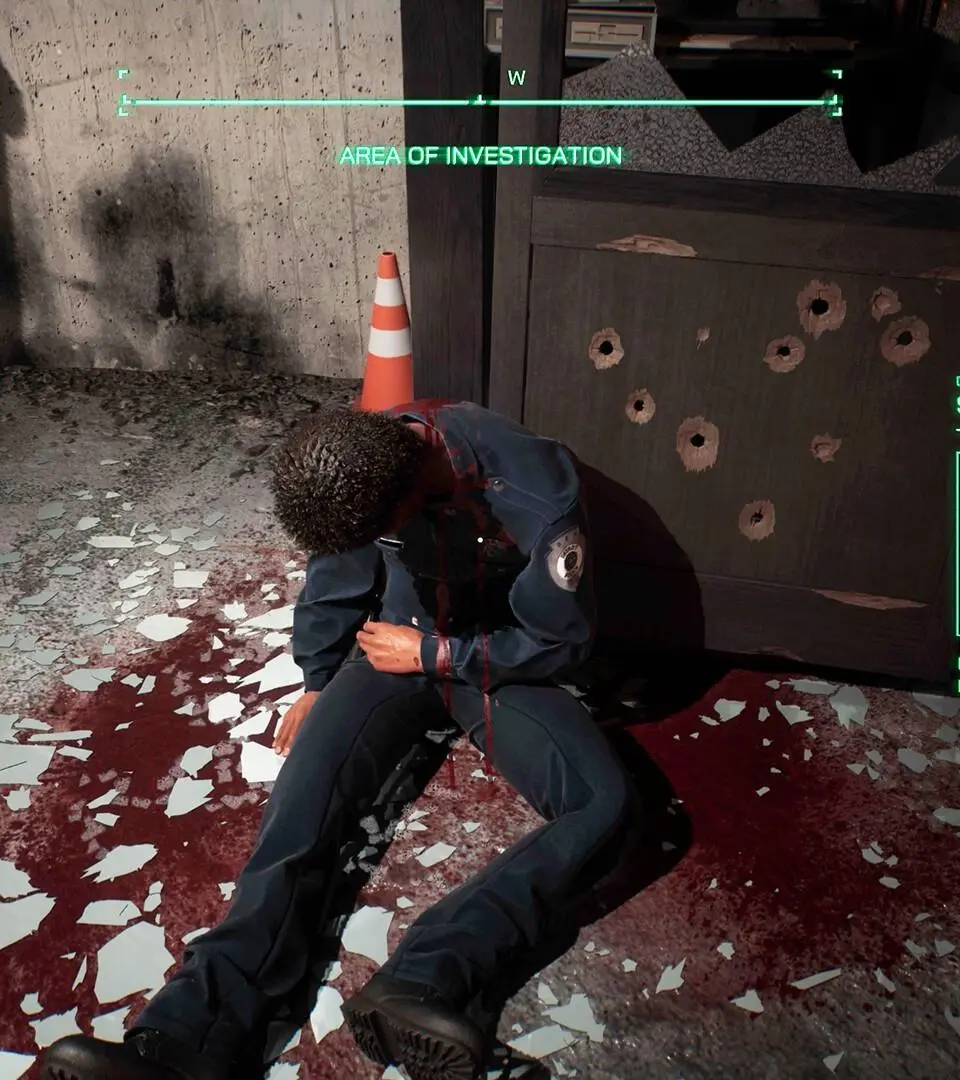
Learn the essential controls and UI elements for RoboCop: Rogue City - Unfinished Business. Master every action to become the ultimate law enforcement cyborg.
This section provides a detailed breakdown of the basic controls and user interface elements for RoboCop: Rogue City - Unfinished Business. Understanding these fundamentals is crucial for navigating the game world and effectively engaging in combat.
| Action | Button |
|---|---|
| Move | Left Analog Stick |
| Look/Aim | Right Analog Stick |
| Jump/Dodge | A (Xbox) / X (PlayStation) |
| Crouch/Cover | B (Xbox) / Circle (PlayStation) |
| Melee Attack | X (Xbox) / Square (PlayStation) |
| Fire Weapon | RT (Xbox) / R2 (PlayStation) |
| Reload | B (Xbox) / Circle (PlayStation) |
| Use Skill/Ability | LB (Xbox) / L1 (PlayStation) |
| Interact/Pick Up | X (Xbox) / Square (PlayStation) |
| Open Menu/Inventory | Start/Menu (Xbox) / Options (PlayStation) |
| Switch Weapon | D-Pad Left/Right |
| Focus/Scan | LT (Xbox) / L2 (PlayStation) |
| Dash | Double Tap Left Analog Stick |
| Grapple/Push | Hold X (Xbox) / Hold Square (PlayStation) |
| Execute Takedown | Proximity to enemy + X (Xbox) / Square (PlayStation) |
| Directive (Slow Motion) | Y (Xbox) / Triangle (PlayStation) |
User Interface (UI) Elements:
- Health Bar: Displays RoboCop's current health. Depletes when taking damage.
- Armor Bar: Shows the remaining armor. Absorbs a portion of incoming damage.
- Ammo Count: Indicates the current ammunition for the equipped weapon.
- Objective Marker: Points towards the current mission objective.
- Minimap: Provides a small overview of the surrounding area, including enemy positions and points of interest.
- Threat Indicator: Alerts players to incoming enemy fire or danger.
- Skill/Ability Icons: Shows available special abilities and their cooldown status.
- Score/XP Display: Tracks player progress and performance.
100% Human-Written. AI Fact-Checked. Community Verified. Learn how AntMag verifies content