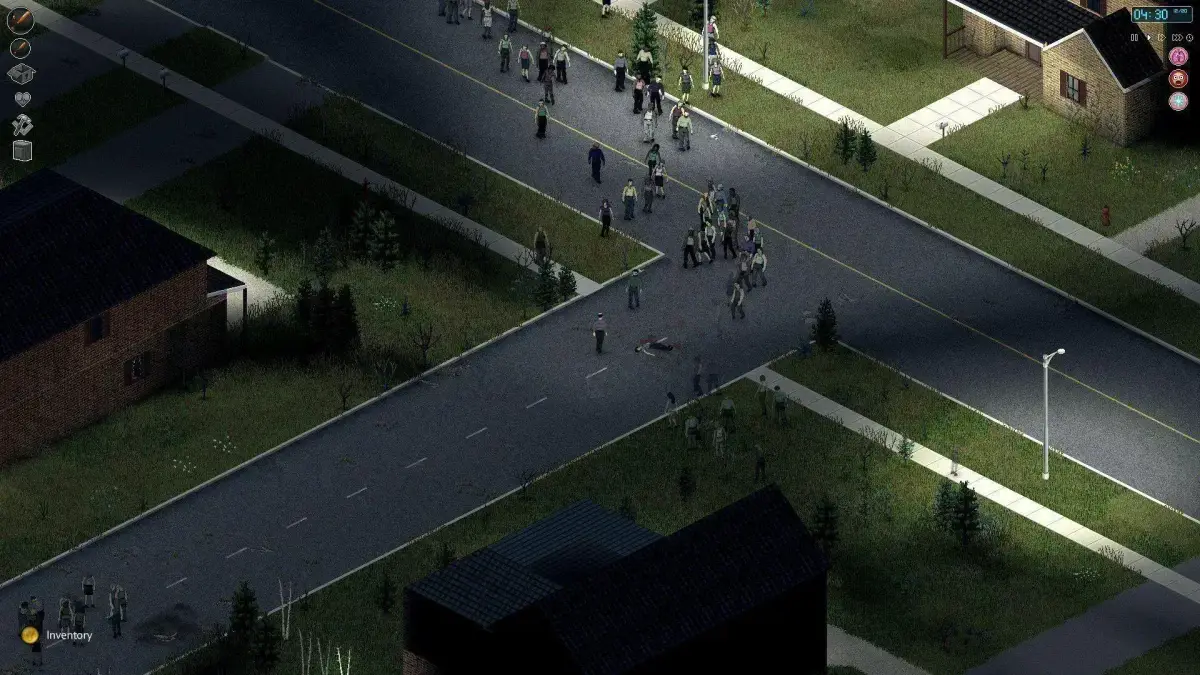
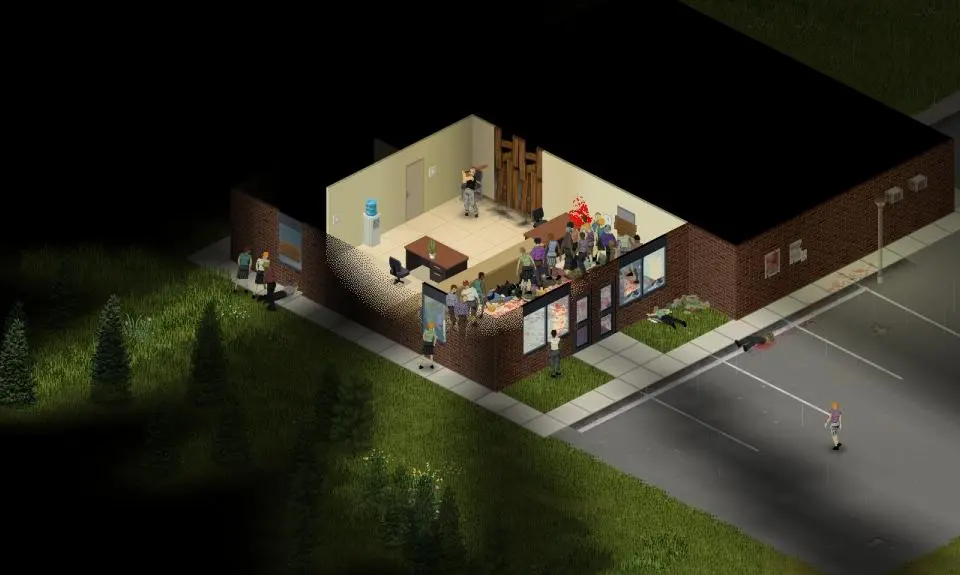
Navigate Project Zomboid's UI, including the health panel, inventory, and moodles. Master the interface for efficient zombie survival.
The Project Zomboid UI can seem daunting at first, but mastering it is key to efficient survival. Key elements include your health panel, inventory, crafting menu, and various status indicators. Pay close attention to your moodles, which indicate hunger, thirst, pain, and other vital conditions.
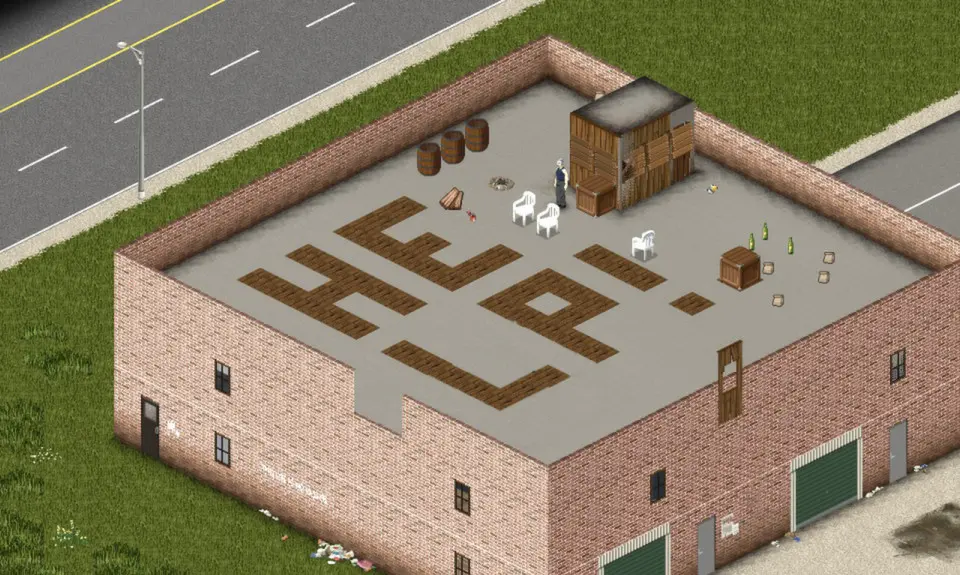
Key UI Elements:
- Health Panel (Top Left): Shows body part health, bleeding, and injuries.
- Moodles (Bottom Right): Icons indicating your current status (e.g., Hungry, Thirsty, Tired, Panicked). Hover over them for details.
- Inventory (I key): Manage your carried items and equipped gear.
- Crafting (C key): Combine items to create new tools, weapons, or supplies.
- Hotbar (1-9 keys): Quickly access frequently used items.
- Map (M key): Essential for navigation and marking important locations.
Regularly check your moodles and address any negative effects promptly to avoid serious consequences. For instance, being 'Very Hungry' will lead to health loss over time.
100% Human-Written. AI Fact-Checked. Community Verified. Learn how AntMag verifies content