Learn the essential controls and movement mechanics in Project Zomboid. Navigate the zombie-infested world with ease and improve your survival odds.
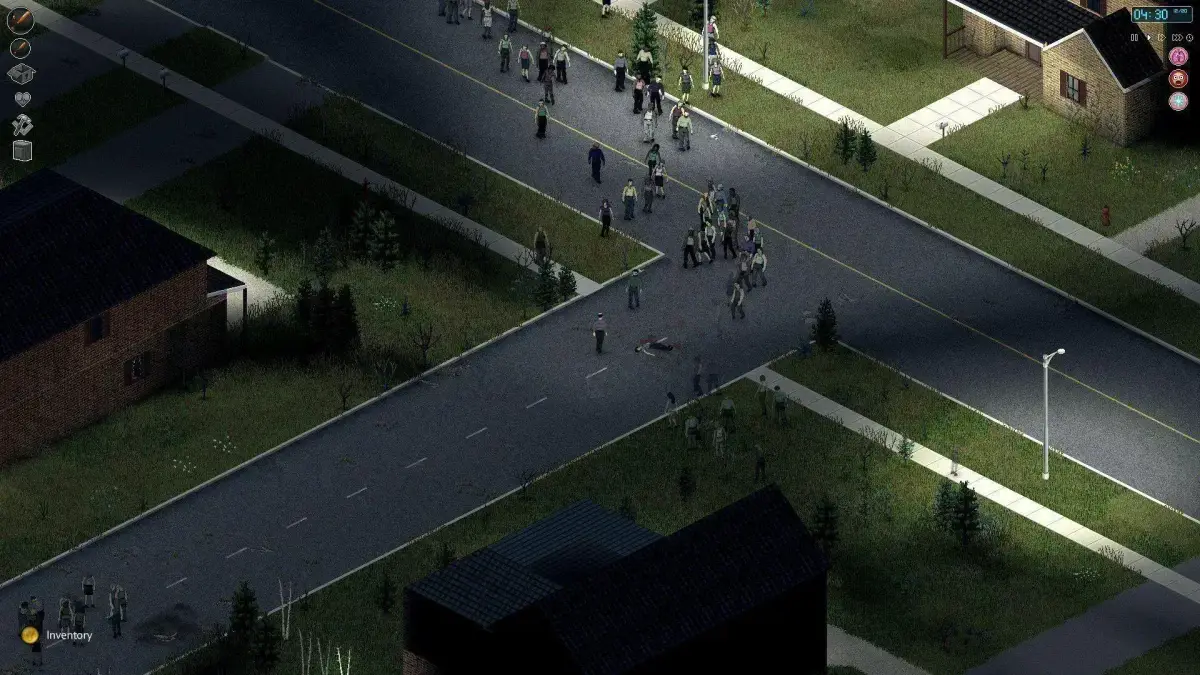
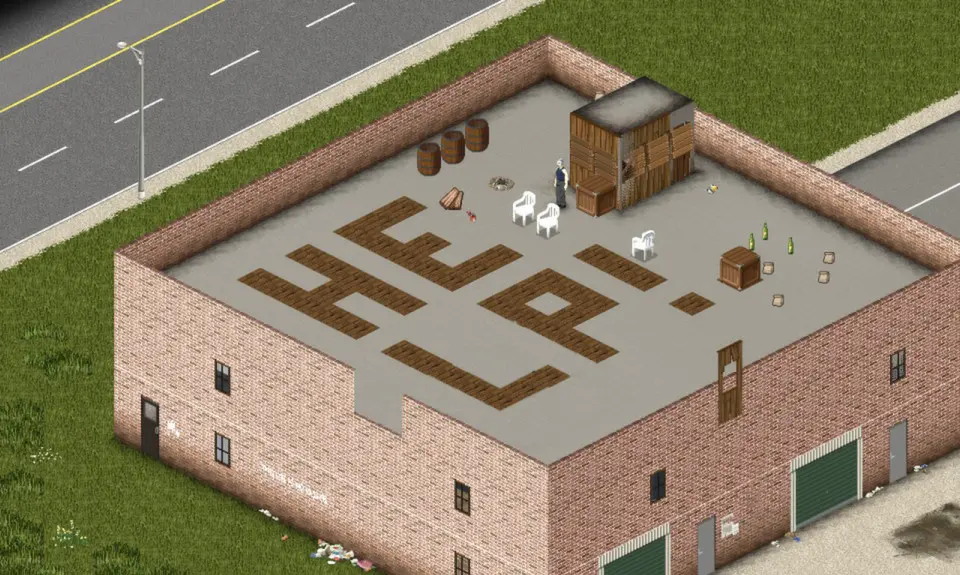
Project Zomboid is an isometric real-time zombie survival Western RPG developed by The Indie Stone. It takes inspiration from games like Survival Crisis Z and X-COM. The game was initially set in a fictionalised version of Muldraugh, Kentucky, and has since expanded to a detailed simulation of the whole county circa summer 1993. The game features a day-night cycle, seasons, farming, trapping, fishing, carpentry, cooking, character customization, skills, perks, and survival mechanics such as hunger, thirst, illness, depression, and boredom. It also simulates swarms of zombies with detailed visual and hearing systems.
This guide will cover the basic controls and movement mechanics necessary for survival in Project Zomboid.
| Action | Default Keybind |
|---|---|
| Movement (Forward, Backward, Left, Right) | W, S, A, D |
| Run | Left Shift |
| Crouch | C |
| Aim | Right Mouse Button |
| Fire Weapon | Left Mouse Button |
| Melee Attack | Left Mouse Button (without aiming) |
| Interact | E |
| Inventory | I |
| Character Sheet | C |
| Map | M |
| Pause Game | Spacebar |
| Toggle Walk/Run | Left Control |
| Toggle Aim/Fire Mode | R |
| Holster Weapon | H |
| Drop Item | G |
| Open/Close Container | F |
| Look Around (Hold) | Right Mouse Button |
| Zoom In/Out | Mouse Wheel |
| Rotate Camera | Q / E |
| Toggle Free Look | Middle Mouse Button |
100% Human-Written. AI Fact-Checked. Community Verified. Learn how AntMag verifies content