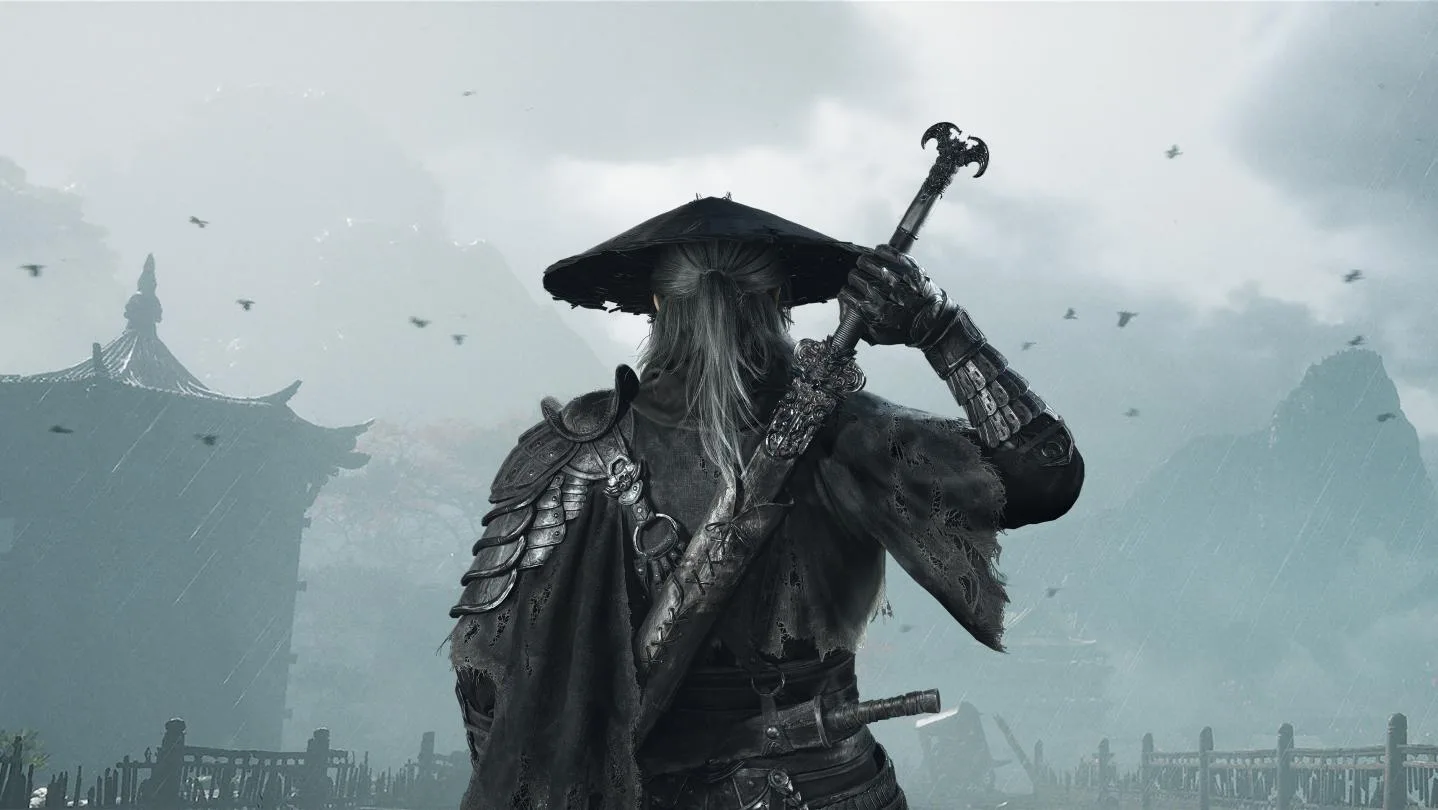
Learn how to move characters in Phantom Blade Zero. Understand movement range and how to cancel actions.
Walkthrough
- 1A red circle around the character indicates their range of movement.
- 2Use the left analog stick to move the cursor.
- 3Press X to bring up a window.
- 4Select 'Move' from the window.
- 5As long as your distance to move (dm) is not 0, you can continue to move.
- 6Warning: You cannot cancel your action after attacking.
- 7Cancel your action by pressing the circle button.
Tips
- Pay attention to the red circle to understand how far your character can move.
- Ensure your distance to move (dm) is greater than 0 to make a move.
- Be mindful that once an attack is initiated, the move action cannot be canceled.
100% Human-Written. AI Fact-Checked. Community Verified. Learn how AntMag verifies content