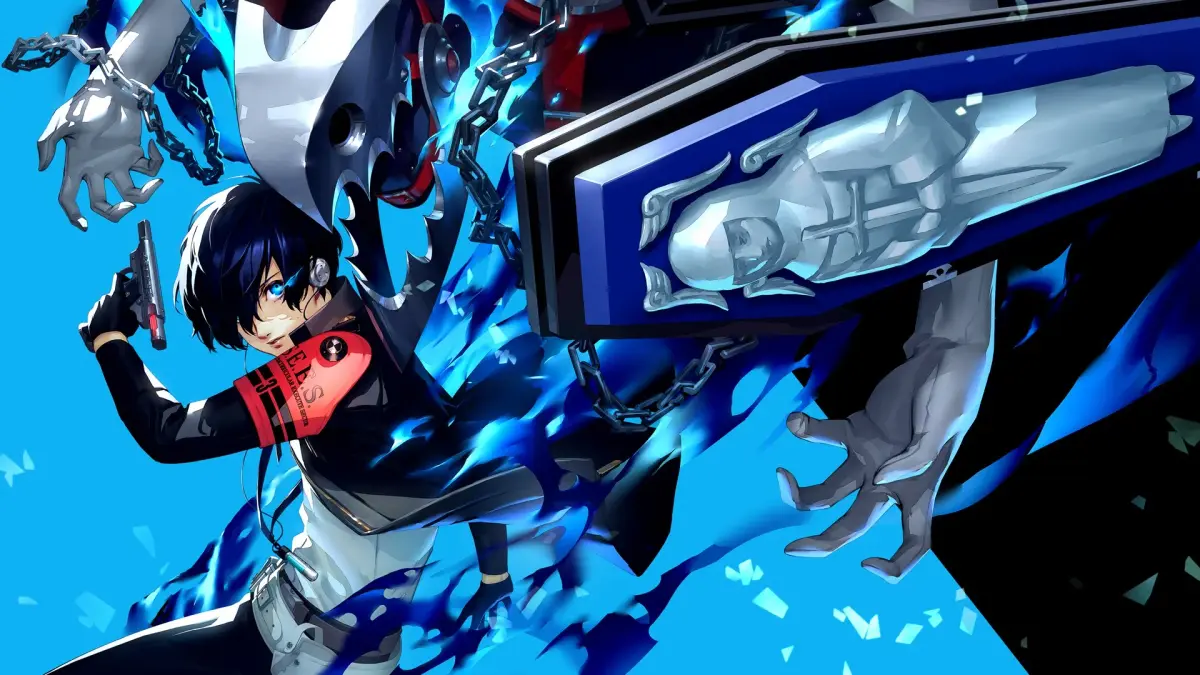
Learn the Persona 3 Reload controls for PS5, including menu, field, and battle commands. Master navigation and combat.
Menu Controls
D-Pad: Move Selection/Persona Background/Social Stats
Cross/X Button: Select
Circle Button: Cancel
Square Button: Skill Order/Change Party/Compare/Info
Triangle Button: Exit Main Menu
L1 Button/R1 Button: Turn Page
L2 Button/R2 Button: Cycle Stats/Sort
Options Button: Release Persona
Field Controls
Left Analog: Move/Scroll
Right Analog: Move Camera
D-Pad: Zoom Camera/Move Selection
Cross/X Button: Select/Examine
Circle Button: Cancel/Center Camera
Square Button: Check Messages/Attack/Auto Text
Triangle Button: Open Menu/Zoom Map
L1 Button: Check Map/Fast Travel
L3 Button: Conversation Log
R1 Button: Auto Recover
R2 Button: Dash
R3 Button: Center Camera
Options Button: Save/Fast Forward/Skip Cutscene (cutscene)
Touch Pad: Network Functions/Navigation
Battle Controls
D-Pad: Move Selection/Tactics/Survey
Cross/X Button: Attack/Select
Circle Button: Guard/Cancel
Square Button: Item/Stats
Triangle Button: Persona
L1 Button: Analyze
L2 Button: Shift
R1 Button: Assist
R2 Button: Theurgy
Options Button: Rush
Touch Pad: Full Analysis/Oracle
- Familiarize yourself with the Triangle button's dual function for opening the menu in the field and zooming the map.
- Use the R2 button for dashing in the field to move more quickly.
- In battle, the Circle button serves as both Guard and Cancel, offering defensive and evasive options.
- The L1 button in battle is used to Analyze enemies, providing valuable tactical information.
- The Touch Pad offers advanced functions like Full Analysis and Oracle in battle, and Network Functions in the field.
100% Human-Written. AI Fact-Checked. Community Verified. Learn how AntMag verifies content