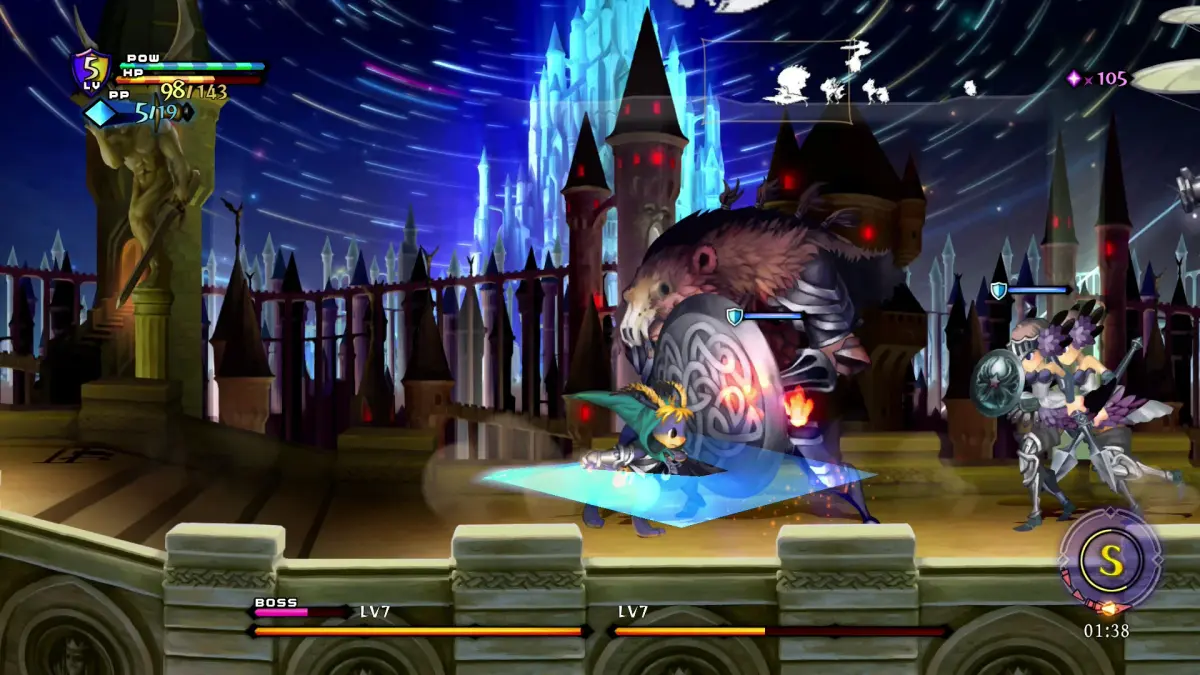
Start a new game in Odin Sphere Leifthrasir's enhanced version and begin Gwendolyn's story. Learn how to adjust settings and view past events.
Walkthrough
- 1Start a new game and select the difficulty that you are comfortable with.
- 2Afterwards, you can control Alice, move around and select the book to start the game.
- 3Examine the cat if you want to adjust the game setting or view past events.
- 4Since there is only one book available, pick it up and read it. This will cover (press the cover button to crouch behind walls or objects) the first protagonist, Gwendolyn.
Tips
- You can examine the cat to adjust game settings or view past events.
100% Human-Written. AI Fact-Checked. Community Verified. Learn how AntMag verifies content