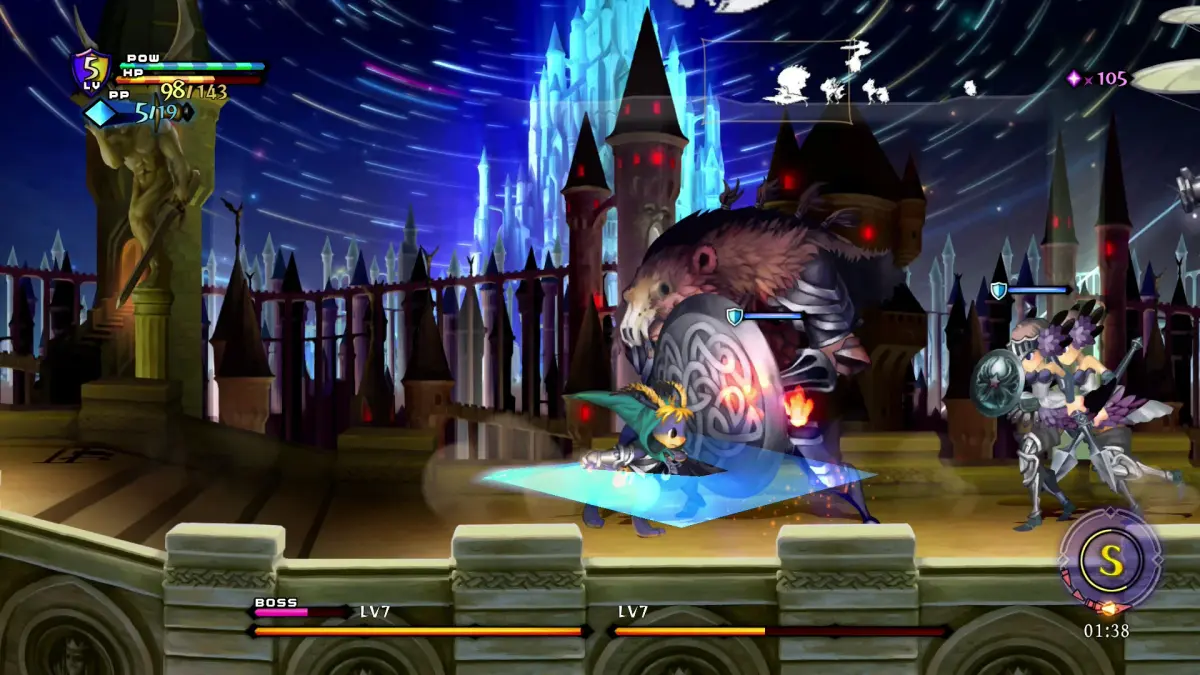
Learn the basic controls for Odin Sphere Leifthrasir, including movement, attacking, evading, and opening menus.
Controls:
D-Pad / Left Analog Stick: Movement
Right Analog Stick: Display minimap (a small map shown on the HUD (heads-up display — the on-screen icons showing health, ammo and the minimap), usually in a corner of the screen).
X Button: Jump. In the US version, it also functions as Talk and Confirm. In the Japanese version, it functions as Cancel.
O Button: Use equipped skills. In the Japanese version, it functions as Talk and Confirm. In the US version, it functions as Cancel.
[ ] Button: Attack. When holding the Square button, it functions as Guard.
Δ Button: Open Item Menu.
R1/R: Evade. When holding R, you can Absorb Phozon.
L1/L: Open Skill Menu.
100% Human-Written. AI Fact-Checked. Community Verified. Learn how AntMag verifies content