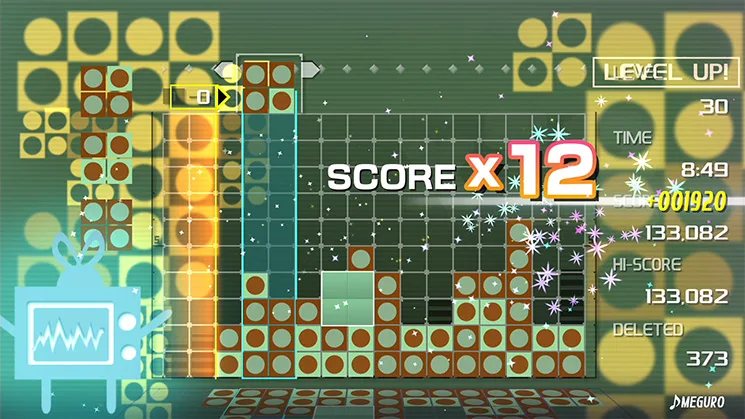
Learn how to place blocks 10, 11, and 12 in Lumines Remastered to clear the screen efficiently. Specific patterns detailed.
Walkthrough
- 1Place block 12, which has a 2x2 square on top and a single block below it, with the single block in the lower-left position.
- 2Place block 11, which has a 2x2 square on top and a single block below it, with the single block in the lower-right position.
- 3Place block 10, which has a 2x2 square on top and a single block below it, with the single block in the lower-left position, adjacent to block 12.
Tips
- Pay close attention to the orientation of each block as you drop them.
- Consider how each block will connect with previously placed blocks to create clearable lines.
100% Human-Written. AI Fact-Checked. Community Verified. Learn how AntMag verifies content