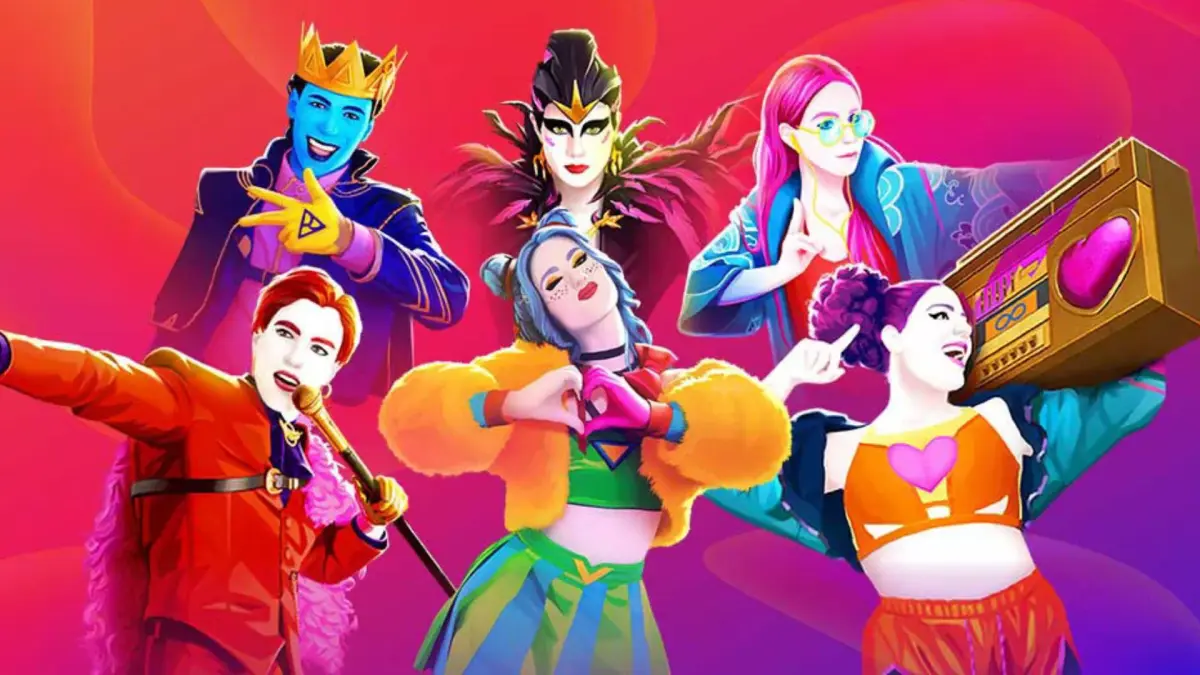
Groove with buddies in Just Dance 2024 Edition. Learn how to set up local and online multiplayer sessions and invite friends to the dance floor.
Just Dance 2024 Edition is even more fun when you're grooving with friends! Whether they're in the same room or across the globe, the game offers several ways to connect and share the dance floor. This section will walk you through setting up multiplayer sessions and inviting your pals to join the party.
Local Multiplayer (Couch Co-op)
The classic way to play Just Dance is with friends right beside you. Up to six You can join in on the same console, each using their own controller (or smartphone with the Just Dance Controller app).
- Step 1: Launch the Game. From the main menu, select the "Dance" option.
- Step 2: Add Players. Before selecting a song, look for the "Add Player" prompt on the screen. Each additional player should press a button on their controller or connect their smartphone via the Just Dance Controller app.
- Step 3: Select Avatars. Each player will be prompted to select or create a Dancer Card avatar. If they've played before, their existing avatar and progress will load.
- Step 4: Choose a Song. Once all players are connected, the host can select any song from the song library. The game will automatically assign a coach to each active player.
- Strategy Tip: For a truly chaotic and fun experience, try songs with multiple unique choreographies, allowing each player to follow a different dancer on screen.
Online Multiplayer (Private Group)
Want to dance with friends who aren't physically with you? Just Dance 2024 Edition supports online private groups, allowing you to invite specific friends to your dance session.
- Step 1: Access Online Mode. From the main menu, navigate to the "Online" tab. This is usually represented by a globe icon or a "World Dance Floor" option.
- Step 2: Create a Private Group. Within the online menu, look for the "Create Group" or "Private Session" option. Select this to initiate a new private lobby.
- Step 3: Invite Friends.
- Via In-Game Friend List: The game will display your platform's friend list (e.g., PlayStation Network friends, Nintendo Switch friends, Xbox Live friends). Select the friends you wish to invite. They will receive an in-game notification or a platform-specific invitation.
- Via Group Code (If Available): Some versions or updates may offer a unique group code. If so, you can share this code with your friends, and they can enter it via the "Join Group" option in the online menu.
- Step 4: Wait for Friends to Join. Once invited, your friends will need to accept the invitation and load into your private group. You'll see their Dancer Card avatars appear in your lobby.
- Step 5: Start Dancing! As the host, once everyone has joined, you can select a song from the library. All players in the private group will dance together, competing for the highest score or simply enjoying the music.
Online Multiplayer (Public World Dance Floor)
While not strictly "connecting with friends" in a private sense, the World Dance Floor allows you to dance alongside other players from around the world, and you might even stumble upon a friend!
- Step 1: Navigate to World Dance Floor. From the main menu, select the "Online" tab and then choose "World Dance Floor."
- Step 2: Join a Session. The game will automatically place you into a live session with other players. You'll see their Dancer Card avatars and scores as you dance.
- Strategy Tip: The World Dance Floor often features themed events, voting for upcoming songs, and special challenges. It's a great way to experience the game's community aspect and potentially meet new dance partners!
No matter how you choose to connect, Just Dance 2024 Edition makes it easy to share the joy of dancing with your friends, near or far!
100% Human-Written. AI Fact-Checked. Community Verified. Learn how AntMag verifies content