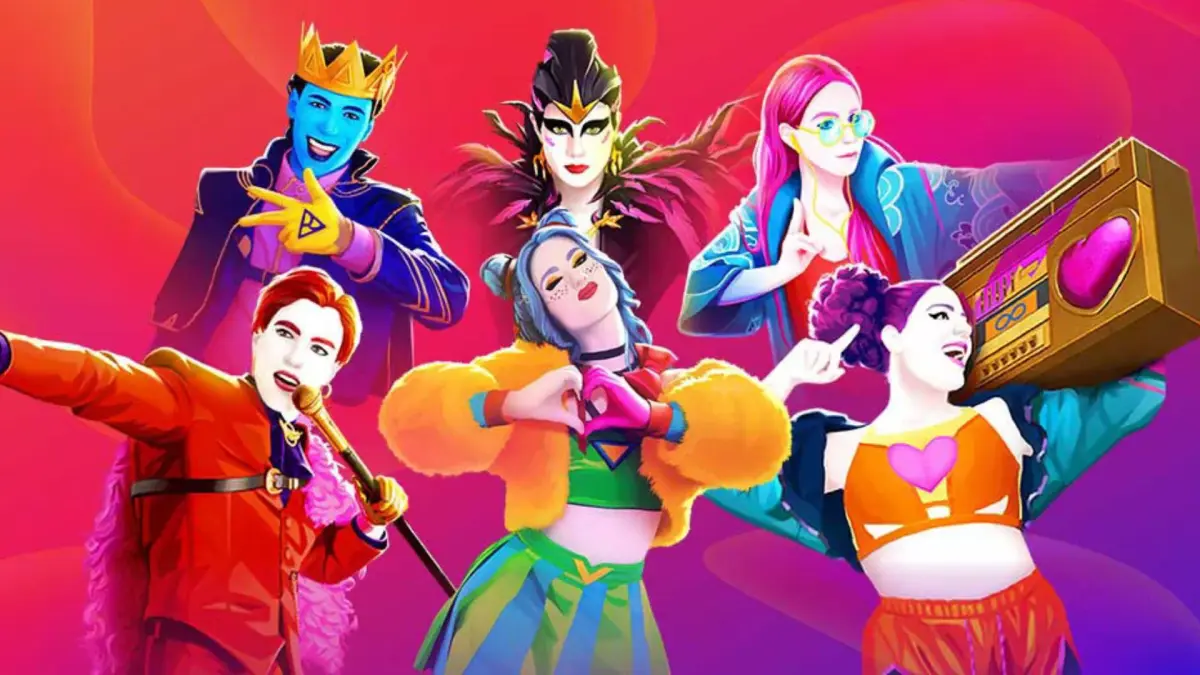
Find the perfect song for your first dance in Just Dance 2024 Edition. This guide helps you navigate song selection and get grooving fast.
Welcome to the dance floor, superstar! Picking your first song in Just Dance 2024 Edition can feel a little overwhelming with the vast library available. Don't worry, this guide will help you navigate the menus and find the perfect track to kickstart your dancing journey. Our goal here is to get you dancing quickly and confidently!
Navigating to the Song Selection Screen
Once you've launched Just Dance 2024 Edition and completed any initial setup, you'll land on the main Home screen. From here, follow these steps:
- On the Home screen, look for the prominent "Dance" or "Play" button, usually located centrally or towards the bottom of the screen. Select this to proceed.
- You'll then be taken to the Song Selection screen. This is where the magic happens! You'll see a grid or list of available songs.
First Song Strategy: Ease into the Groove
For your very first dance, we recommend choosing a song that's fun, familiar, and has a lower difficulty rating. This will allow you to get a feel for the controls, the scoring system, and the overall rhythm of the game without feeling overwhelmed. Here’s how to find one:
1. Utilize Filters and Sort Options
The Song Selection screen offers powerful tools to narrow down your choices. Look for these options, typically found at the top or side of the screen:
- Difficulty Filter: This is your best friend for a first dance!
- Locate the "Difficulty" filter (often represented by stars, chili peppers, or a numerical rating).
- Select the lowest difficulty setting, usually "Easy" or "1 Star". This will filter the song list to show only the most beginner-friendly routines.
- Genre Filter: If you have a preferred music style, use the "Genre" filter.
- Select genres like "Pop", "Kids", or "Party" for generally more accessible and upbeat tracks.
- Sort By: While not strictly necessary for your first song, knowing this option exists is helpful. You can often sort by "Alphabetical", "Newest", or "Popularity". For now, stick with the default sorting or sort by "Difficulty (Low to High)" if available.
2. Look for Familiar Tunes
Even within the "Easy" difficulty filter, you'll find a variety of songs. Your best bet for an enjoyable first experience is a song you already know and love. This allows you to anticipate the beats and movements more naturally.
- Scan the filtered list for song titles or artists that are familiar to you.
- Consider popular tracks from the game's official song list, as these often have well-designed and intuitive choreographies.
3. Preview the Routine (If Available)
Some songs offer a short preview of the choreography. If you see an option to "Preview" or "Watch Intro" when hovering over a song, take advantage of it! This can give you a quick glimpse of the moves and help you decide if it looks fun and manageable.
Recommended First Songs (Examples - look for these or similar!)
While the exact song list can vary with updates and regional releases, here are types of songs to look for that are typically excellent for beginners:
- Upbeat Pop Anthems: Often have repetitive and clear movements.
- Classic Hits: Many older, well-known songs are designed with simpler choreography.
- Songs with "Easy" or "Beginner" Tags: Some songs are explicitly labeled to indicate their accessibility.
Once you've selected your chosen song, simply confirm your selection, and get ready to dance! The game will guide you through the rest. Have fun!
100% Human-Written. AI Fact-Checked. Community Verified. Learn how AntMag verifies content