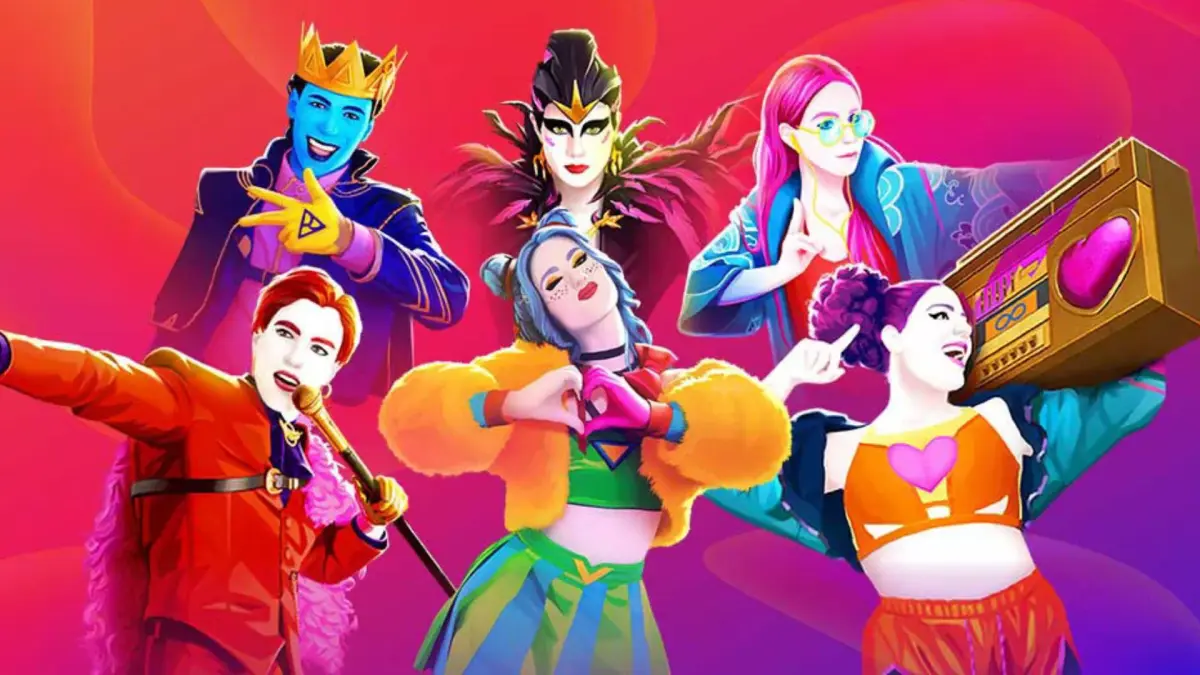
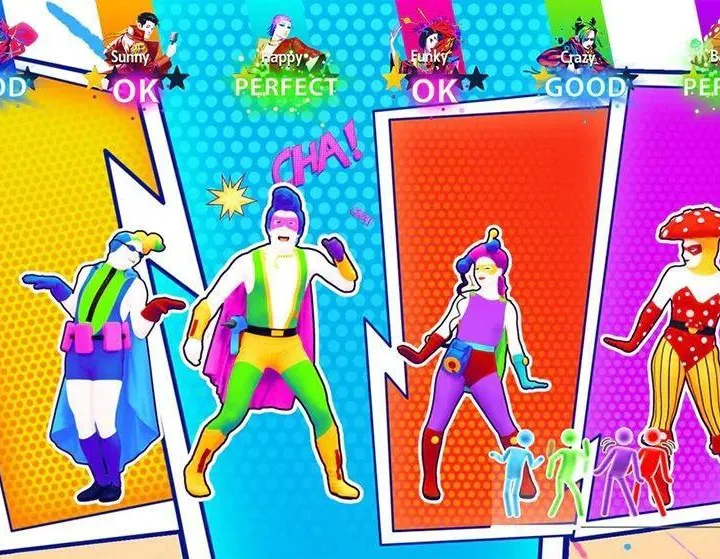
Understand the game modes in Just Dance 2024 Edition. This guide details the Standard Mode and other exciting ways to get grooving and perfect your dance moves.
Welcome, dancer! Just Dance 2024 Edition offers several exciting game modes to get you grooving. Whether you're a seasoned pro or just starting your dance journey, understanding each mode will help you maximize your fun and perfect your moves. Let's break down what each mode has to offer.
Standard Mode
This is the classic Just Dance experience, perfect for jumping straight into the action. You select a song, and the game guides you through the choreography with on-screen coaches and prompts. It's ideal for casual play and getting familiar with new tracks.
- How to Play:
- From the Home Screen, navigate to the Songs tab.
- Browse the extensive song library using filters like Genre, Difficulty, or Artist.
- Select your desired song.
- Choose your preferred coach (if multiple are available for the track).
- Grab your controller (or smartphone with the Just Dance Controller App) and follow the on-screen moves!
- Strategy Tip: Pay close attention to the upcoming move pictograms at the bottom of the screen. Anticipating the next move is key to hitting those perfect scores!
Co-op Mode
Team up with friends and family in Co-op Mode! This mode allows multiple players to dance together, aiming for a combined high score. It's all about synchronicity and having a blast as a group.
- How to Play:
- From the Home Screen, select the Multiplayer option.
- Choose Co-op Mode.
- Each player connects their controller or smartphone. Up to six You can join the fun!
- Select a song from the shared song library.
- Dance together! Your individual scores contribute to a collective team score.
- Strategy Tip: Communication is vital! Try to coordinate your movements, especially on complex sections, to maximize your team's score. Encourage each other and celebrate those perfect moves!
Versus Mode
Ready for a friendly competition? Versus Mode pits you against other players to see who can achieve the highest individual score on a chosen track. Bragging rights are on the line!
- How to Play:
- From the Home Screen, select the Multiplayer option.
- Choose Versus Mode.
- Each player connects their controller or smartphone.
- Select a song.
- Dance your heart out! You with the highest individual score at the end of the song wins.
- Strategy Tip: Focus on precision and timing. Don't be afraid to practice challenging songs in Standard Mode first to get an edge over your opponents.
Sweat Mode
Turn your dance session into a workout! Sweat Mode tracks your estimated calorie burn and duration, making it perfect for fitness enthusiasts. It's a fantastic way to stay active while enjoying your favorite tunes.
- How to Play:
- From the Home Screen, navigate to the Sweat tab.
- You can choose between a Quick Play session or a custom Workout Playlist.
- For a Workout Playlist, select songs and set a target duration or calorie goal.
- The game will display your estimated calories burned and workout time throughout your session.
- Strategy Tip: To maximize your workout, choose high-energy songs and commit to the full range of motion for each move. Stay hydrated!
Kids Mode
Designed with younger dancers in mind, Kids Mode features simplified choreography, colorful visuals, and positive encouragement. It's a safe and fun environment for children to discover the joy of dance.
- How to Play:
- From the Home Screen, select the Kids tab.
- Browse a curated selection of kid-friendly songs and choreographies.
- The interface is simplified, making it easy for children to navigate and choose their favorite tracks.
- The scoring system is more forgiving, focusing on participation and fun rather than strict precision.
- Strategy Tip: Let the kids explore! This mode is all about encouraging movement and building confidence. Join in with them for extra fun!
Online Mode (Just Dance+ Subscription Required)
Take your dance party global! With a Just Dance+ subscription, you can access Online Mode, which includes the World Dance Floor and an expanded catalog of songs.
- World Dance Floor:
- From the Home Screen, select the Online tab.
- Choose World Dance Floor.
- Join a lobby with players from around the world.
- Participate in themed events, vote for upcoming songs, and climb the global leaderboards.
- You'll be matched with players of similar skill levels for a fair challenge.
- Expanded Song Catalog:
- Access hundreds of additional songs from previous Just Dance titles and exclusive new tracks.
- These songs are integrated into your main song library, identifiable by the Just Dance+ icon.
- Strategy Tip: The World Dance Floor is dynamic. Pay attention to the current theme or event to maximize your score and earn exclusive rewards. Don't be shy – jump in and dance with the global community!
100% Human-Written. AI Fact-Checked. Community Verified. Learn how AntMag verifies content