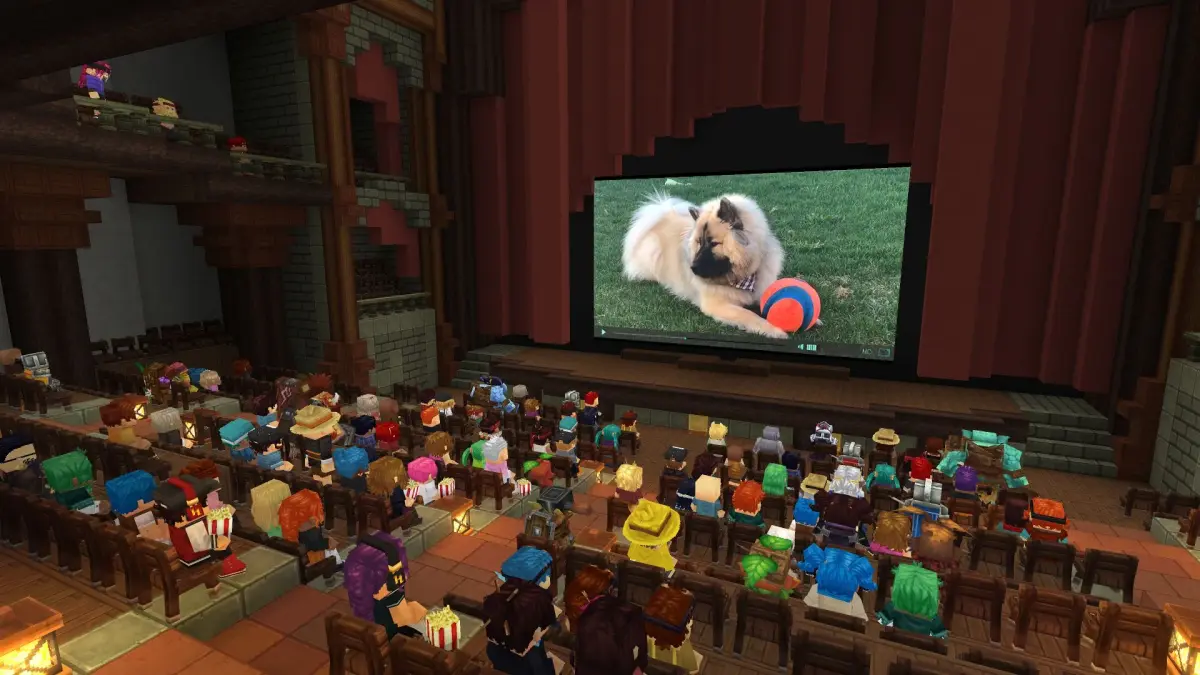

Add new content to Hytale by installing mods. Follow our simple steps to get custom assets running and expand your gameplay possibilities.
Installing mods in Hytale is a crucial step for players looking to enhance their gameplay experience or explore new content created by the community. The process generally involves downloading mod files and placing them in specific directories within the game's installation folder. While the exact steps can vary depending on the complexity of the mod and the modding tools used, the underlying principle remains consistent: integrating custom assets and scripts into the game's framework. It's important for players to follow installation instructions carefully, as incorrect placement or configuration can lead to game instability or errors. Many mods are designed to be compatible with each other, but conflicts can arise, so it's often recommended to install mods incrementally and test for functionality after each addition. Resources like community forums and dedicated modding websites provide detailed guides and support for users navigating the installation process.
The installation of mods for Hytale is designed to be as user-friendly as possible, allowing players to easily expand their game world. Typically, this involves downloading a mod file, which might be a .zip archive or a specific installer. Players will then need to locate their Hytale game directory on their system. Within this directory, there are usually designated folders for mods, such as a "mods" folder or a similar structure. The downloaded mod files are then extracted or placed directly into these folders. Some more complex mods might require the use of a mod loader or manager, which simplifies the process of installing, enabling, and disabling multiple mods. It is always advisable to read the installation instructions provided by the mod creator, as they will offer the most accurate and up-to-date guidance. Ensuring that the game is not running while installing mods is also a common prerequisite to avoid potential issues.
Finding and Downloading Mods
The first step in installing mods for Hytale is to locate and download them from reliable sources. The Hytale community is active in creating and sharing modifications, and dedicated forums, websites, and Discord servers often serve as central hubs for these resources. When searching for mods, prioritize sources that are well-established and have a good reputation for providing safe and functional content. It's important to read the descriptions of mods carefully, as they will often detail the mod's purpose, any specific installation requirements, and known compatibility issues. Many mods will come as compressed archive files (like .zip or .rar), which will need to be extracted to access the mod files themselves. Always ensure that you are downloading from a trusted source to avoid malware or corrupted files. The variety of mods available means You can find anything from visual enhancements for biomes like the Whisperfrost Frontiers to new gameplay mechanics that alter combat encounters.
When installing mods for Hytale, players may occasionally encounter issues that prevent them from working correctly. Common problems include placing mod files in the wrong directory, missing required dependencies (other mods that a particular mod relies on), or conflicts between multiple installed mods. If a mod isn't loading, the first step is to double-check the installation path and ensure all files are correctly placed. Verifying that the mod is compatible with the current version of Hytale is also essential, as older mods may not function with newer game updates. If multiple mods are installed, attempting to load them one by one can help identify which specific mod is causing a conflict. Community forums and the mod's download page are excellent resources for troubleshooting, as other players may have encountered and resolved similar issues. Developers often provide support or FAQs to assist users with common installation problems.
To ensure a smooth mod installation process in Hytale, it's crucial to follow a systematic approach. Begin by backing up your game files. This provides a safety net in case any issues arise during installation, allowing you to revert to a stable state. Next, carefully read the installation instructions provided by the mod creator. These instructions are tailored to the specific mod and will guide you through the correct placement of files and any necessary configurations. If a mod requires a mod loader or manager, ensure that it is installed correctly before proceeding with the mod itself. After installing a mod, launch the game and test its functionality. If the game crashes or exhibits unexpected behavior, it's likely due to an installation error or a conflict with another mod. In such cases, refer to troubleshooting guides or community forums for assistance.
Mod Loaders and Managers
For players who intend to install multiple mods in Hytale, using a mod loader or manager can significantly simplify the process. These tools act as intermediaries, helping to organize, load, and manage your installed mods. They often provide a user-friendly interface where you can enable or disable mods with a few clicks, adjust load order (which can be crucial for resolving conflicts), and sometimes even offer automated installation features. Popular mod loaders are typically developed by members of the community and are designed to work with specific versions of the game. Before installing any mods, it's essential to research and select a reputable mod loader that is compatible with your version of Hytale. Following the mod loader's own installation instructions is the first step, after which you can then proceed to install individual mods through its interface, making the management of your customized Hytale experience much more streamlined.
Mod loaders and managers are invaluable tools for Hytale players who wish to experiment with several custom content. These utilities streamline the process of installing, enabling, and disabling mods, often providing a centralized interface for managing your entire mod library. Many mod loaders also help resolve conflicts between mods by allowing users to adjust the load order, ensuring that certain mods are loaded before or after others. This is particularly important for complex modifications that alter core game mechanics or assets. When choosing a mod loader, it's important to ensure it's compatible with your current version of Hytale and that it's from a trusted source within the community. Proper installation and configuration of a mod loader are the first steps before you can begin adding individual mods to your game, making the overall modding experience much more manageable and less prone to errors.
The use of mod loaders and managers can greatly enhance the Hytale modding experience by providing a structured and organized approach to managing custom content. These tools often offer features such as automatic conflict detection, load order adjustment, and easy toggling of mods on and off. This is particularly beneficial when dealing with a large number of mods, as it simplifies the process of troubleshooting and experimentation. Many mod loaders also provide a centralized location for mod configuration settings, allowing players to fine-tune the behavior of their installed mods without needing to manually edit configuration files. By leveraging these tools, You can create highly customized Hytale installations with greater ease and stability, ensuring that their gameplay experience is both unique and enjoyable.
100% Human-Written. AI Fact-Checked. Community Verified. Learn how AntMag verifies content