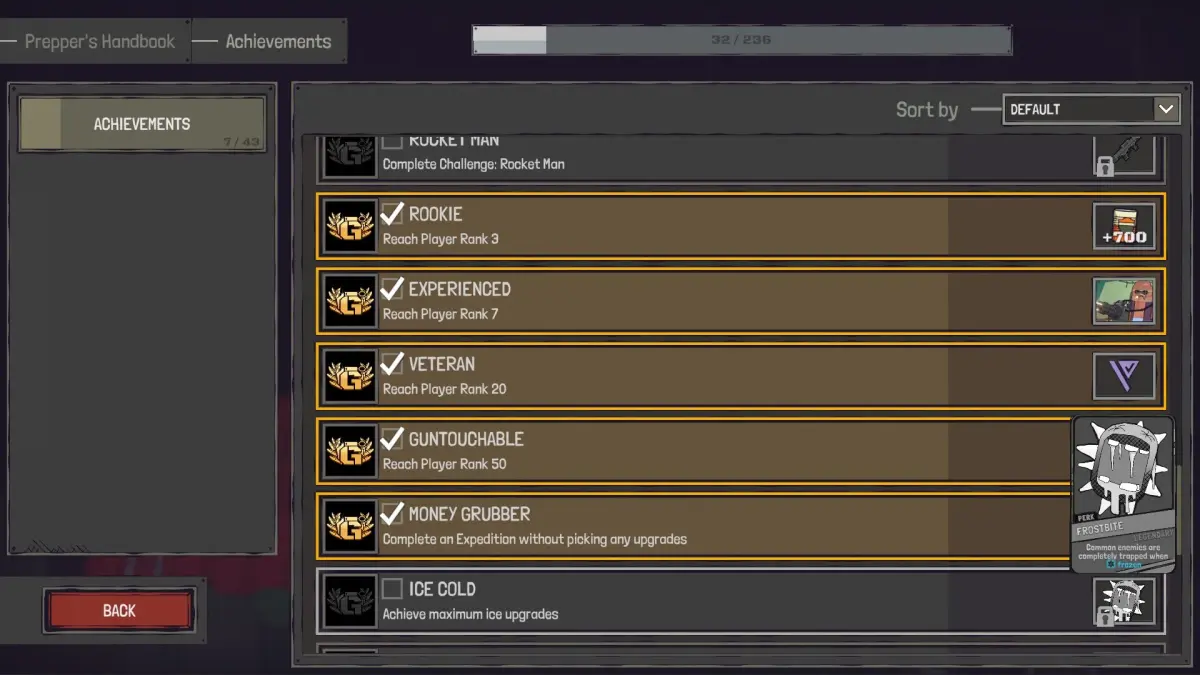
Welcome to GUNTOUCHABLES, Game Swing's gritty singleplayer and co-op shooter from 2025. You'll navigate a world filled with challenging missions, master a deep attribute system, and manage your vendors. It's a game that rewards careful planning and skillful execution, whether you're playing solo or teaming up with friends online.
This guide is your essential companion for surviving and thriving in this world. We'll walk you through everything from initial setup to taking down tough bosses like 'Razor' Ryu. You'll learn how to tackle Fixer Contracts, understand every weapon type, and aim for those coveted Steam Achievements. Get ready to become a true master of GUNTOUCHABLES.
Getting Started
Start strong in GUNTOUCHABLES by mastering Neo-Kyoto's streets and combat basics. Learn to manage your cybernetic augmentations and survival needs.
Getting Started
Start strong in GUNTOUCHABLES by mastering Neo-Kyoto's streets and combat basics. Learn to manage your cybernetic augmentations and survival needs.
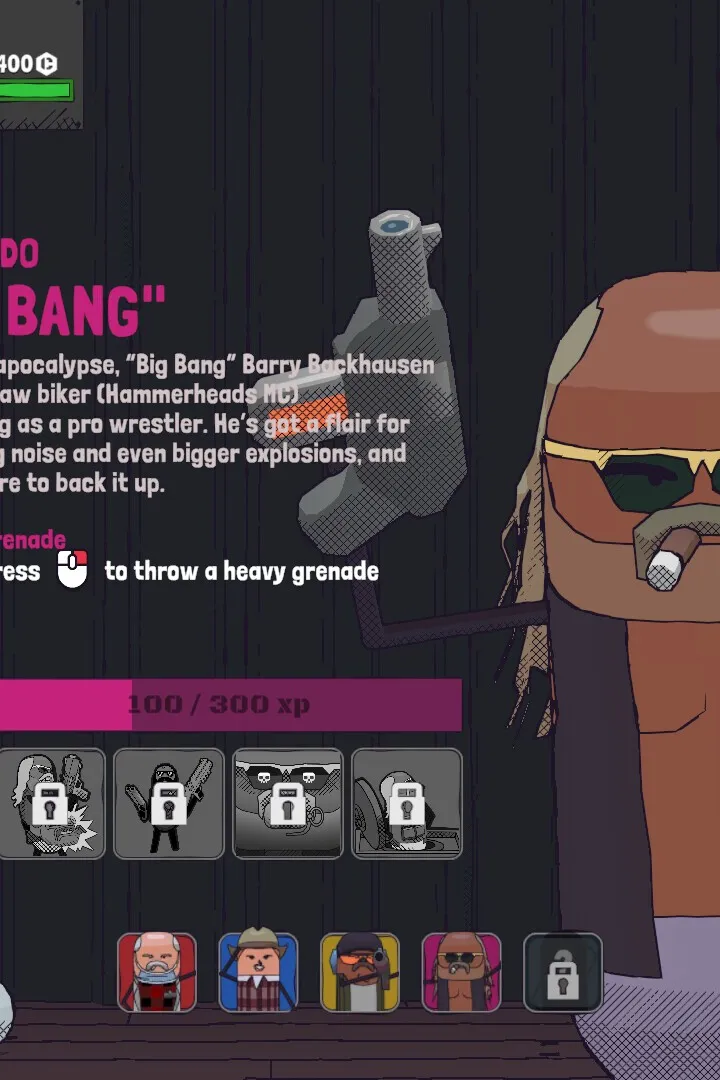
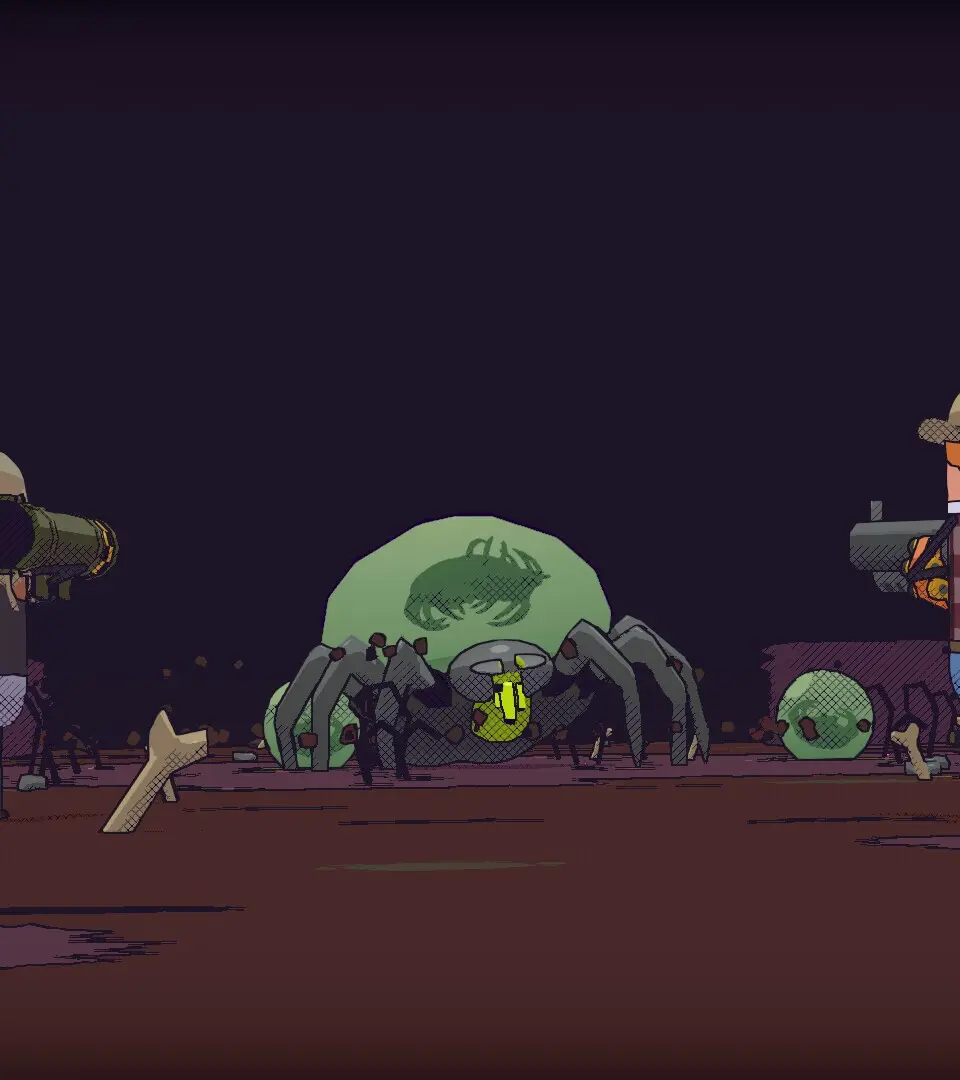
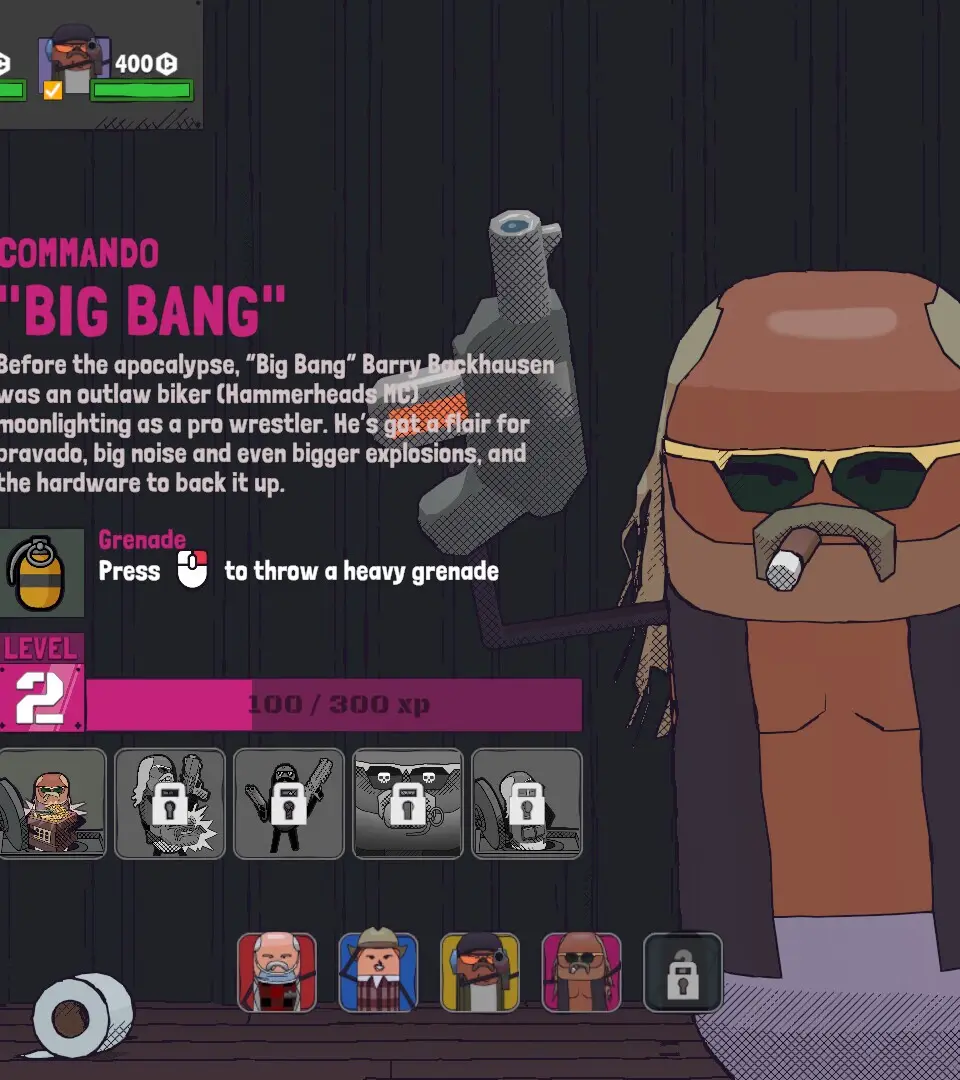
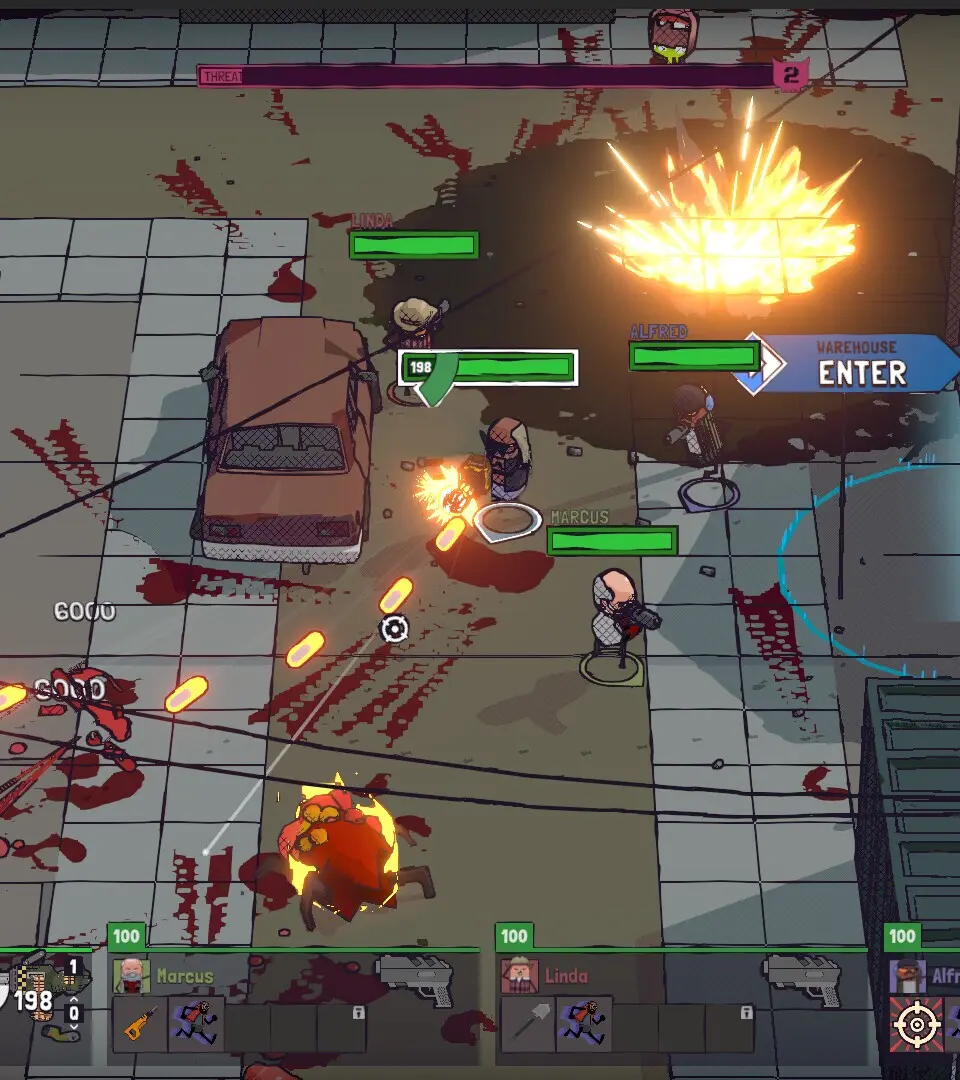
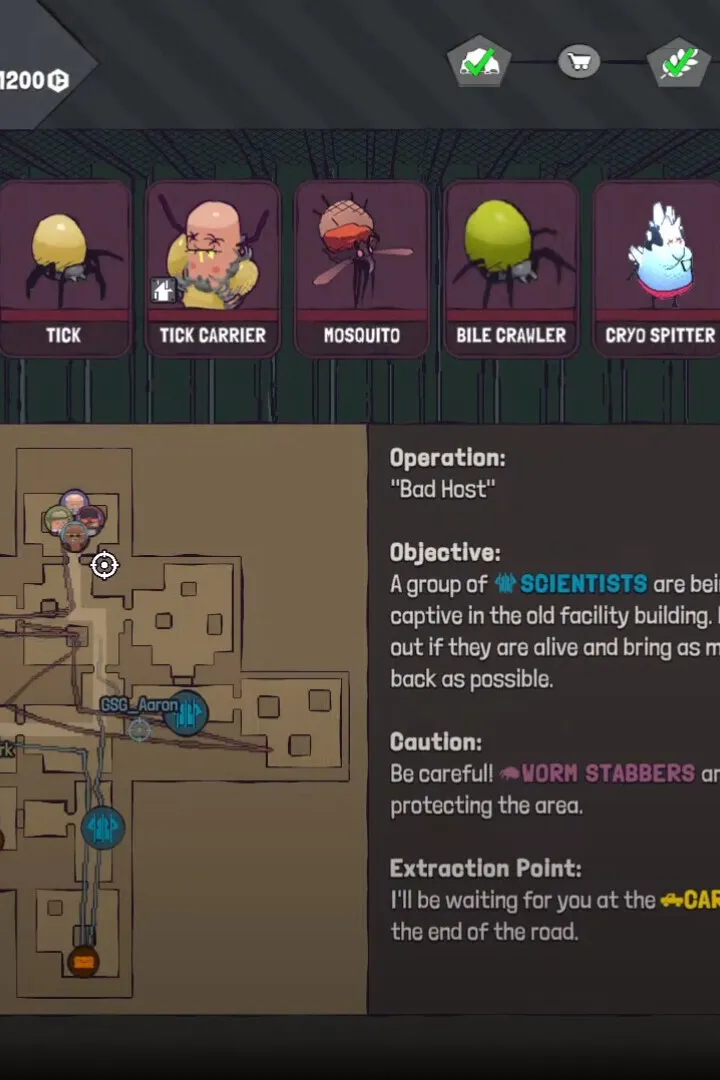
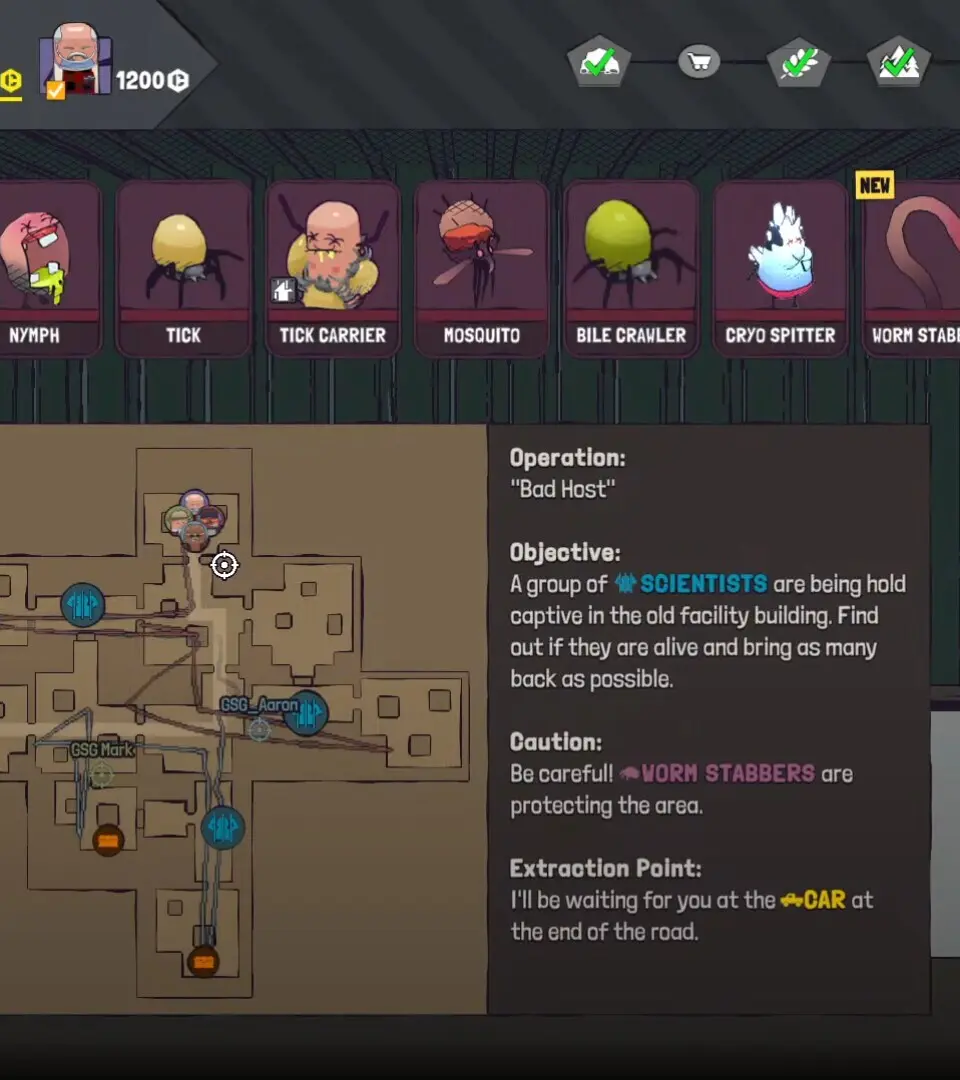
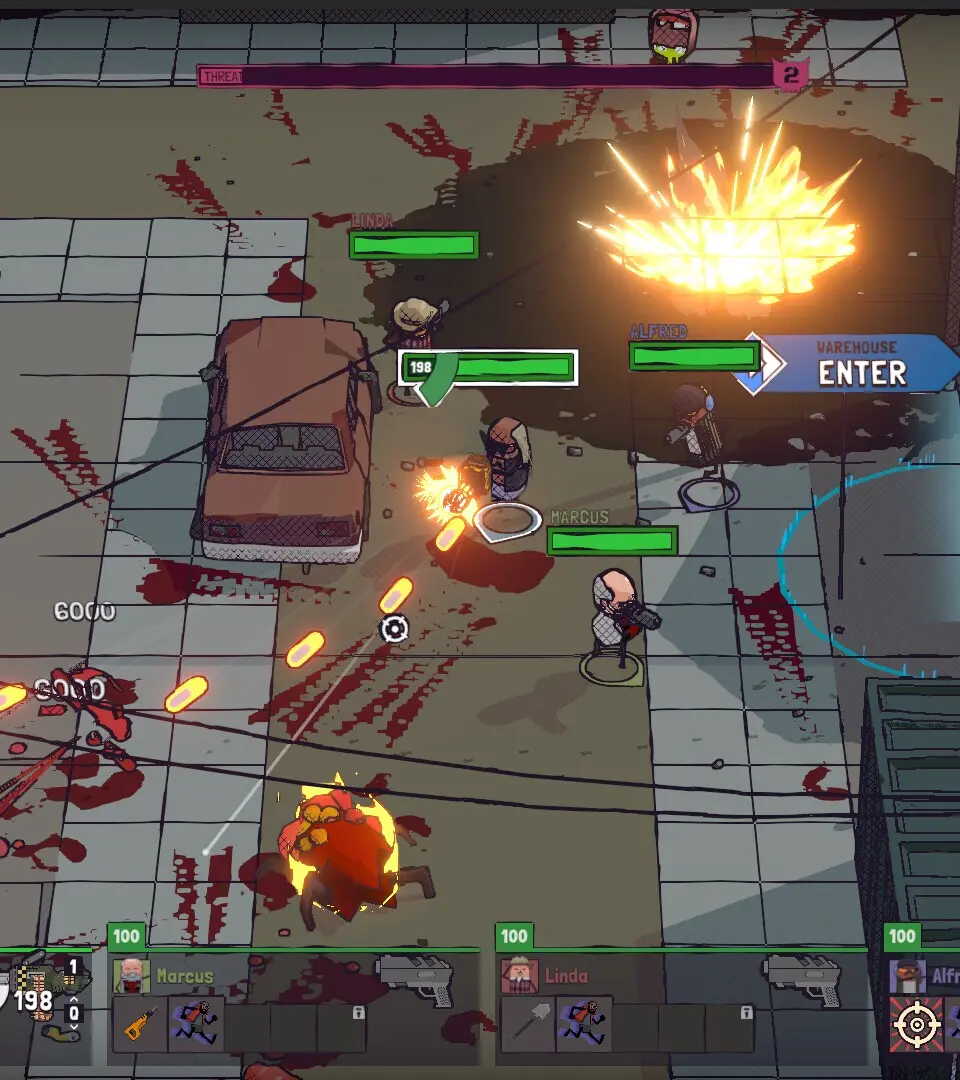
Controls & UI — GUNTOUCHABLES Guide
Master GUNTOUCHABLES controls & UI. Learn essential inputs, read the HUD, and optimize your gameplay for survival and combat. Essential for beginners.
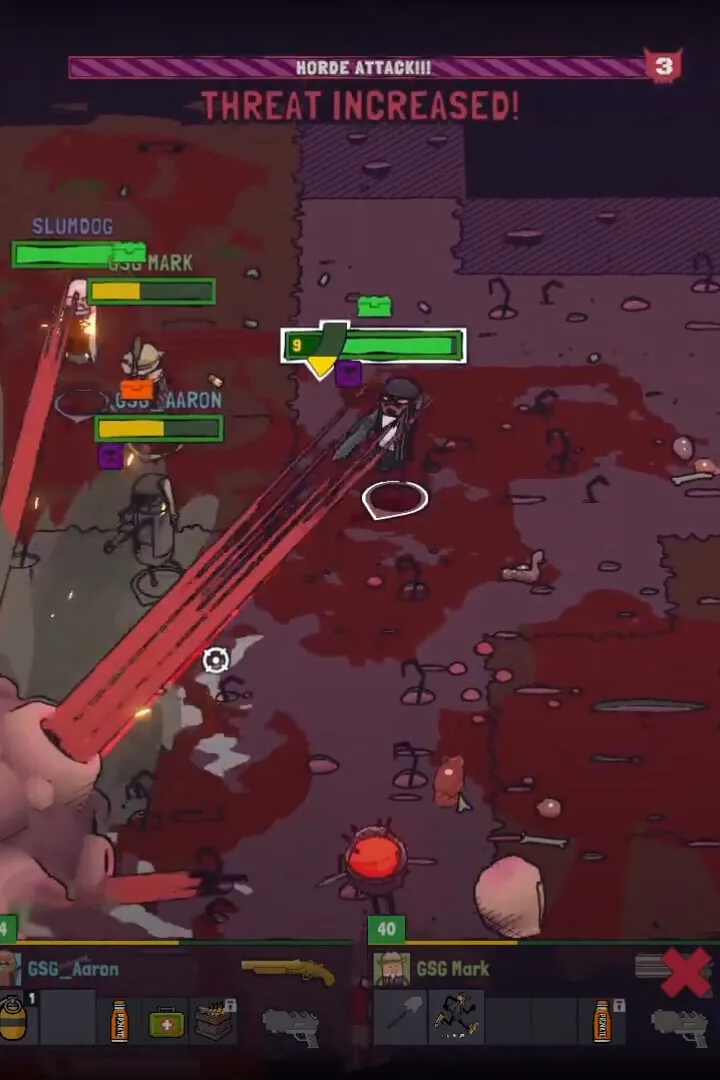
Navigate the gritty world of GUNTOUCHABLES with confidence by mastering its intuitive controls and user interface. This guide will break down the essential inputs and on-screen elements, ensuring you can react swiftly in combat, manage your inventory efficiently, and make informed decisions on the battlefield.
Understanding the controls is paramount to survival and success in GUNTOUCHABLES. The game utilizes a standard third-person perspective, with movement controlled by the left analog stick and camera by the right. The face buttons are typically mapped to core actions: 'A' (or equivalent) for interaction and jumping, 'B' (or equivalent) for dodging and sprinting, 'X' (or equivalent) for reloading and weapon switching, and 'Y' (or equivalent) for aiming down sights. The shoulder buttons often handle primary and secondary fire, while the triggers are used for aiming and firing. A dedicated button is usually assigned to activating your special abilities or gadgets.
The User Interface (UI) provides crucial information at a glance:
| Element | Description |
|---|---|
| Health Bar | Displays your current health. Depletion indicates damage taken. |
| Stamina Bar | Governs sprinting and dodging. Regenerates over time. |
| Ammo Count | Shows current ammunition for your equipped weapon. |
| Minimap/Radar | Indicates nearby enemies, objectives, and points of interest. |
| Objective Marker | Highlights your current primary or secondary objective. |
| Ability Icons | Displays available special abilities and their cooldowns. |
Pay close attention to the minimap; it's your best friend for situational awareness. Red dots indicate hostiles, while yellow dots often sify neutral or friendly NPCs. Green dots usually mark mission objectives. Learning to quickly scan the UI during intense firefights can mean the difference between victory and defeat. For example, noticing your ammo is low and immediately initiating a reload before engaging a new wave of enemies is a critical survival skill. Similarly, keeping an eye on your stamina bar will prevent you from being caught out of breath during a crucial dodge or sprint. The game also offers customization options for the UI, allowing players to adjust the size and opacity of certain elements to suit their preferences.
Installation & First Launch
Learn to install and first launch GUNTOUCHABLES. Adjust graphics settings in the Options menu for optimal performance and a smoother experience.
After successfully installing GUNTOUCHABLES from your chosen platform, launch the game. You'll be greeted by the main menu. We highly recommend checking the 'Options' menu before starting a new game. Adjust your graphics settings to ensure optimal performance on your system. Pay close attention to the 'Display' and 'Audio' tabs. For a smoother experience, ensure your V-Sync is enabled if you experience screen tearing, and set your resolution to your monitor's native resolution. The 'Keybinds' section is also critical; familiarize yourself with the default controls and consider remapping any actions that feel uncomfortable. A comfortable control scheme is paramount for effective combat and exploration.
Character Creation
Craft your unique mercenary in GUNTOUCHABLES. The character creation system lets you customize appearance, playstyle, and background for your mercenary.
Character Creation
Craft your unique mercenary in GUNTOUCHABLES. The character creation system lets you customize appearance, playstyle, and background for your mercenary.
Similar guides you might like

100% Human-Written. AI Fact-Checked. Community Verified. Learn how AntMag verifies content