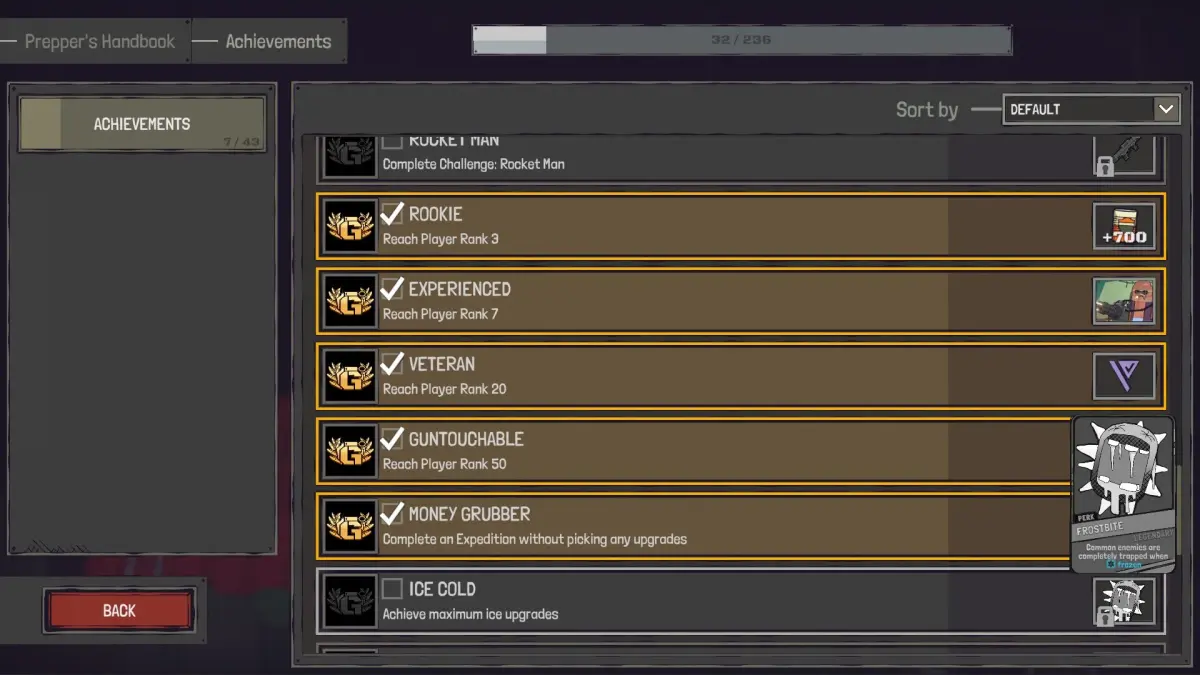
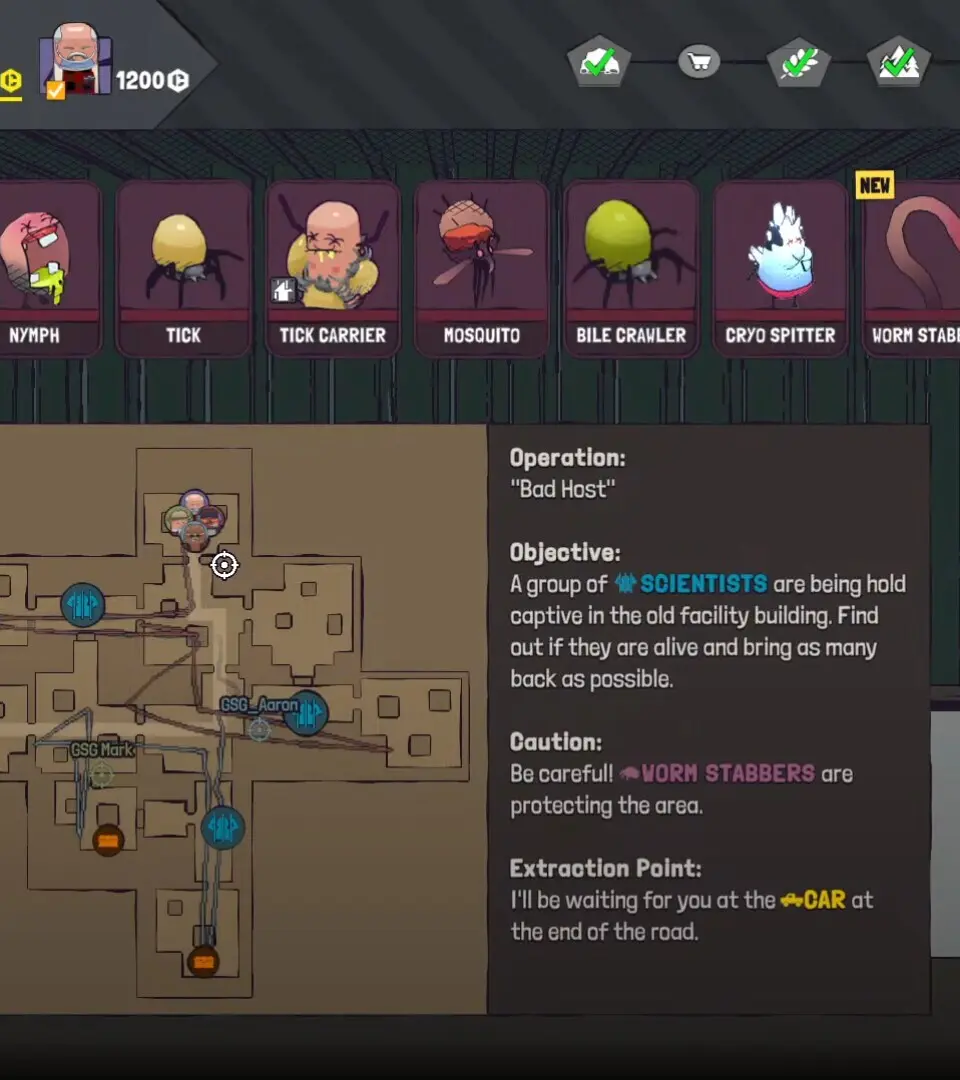
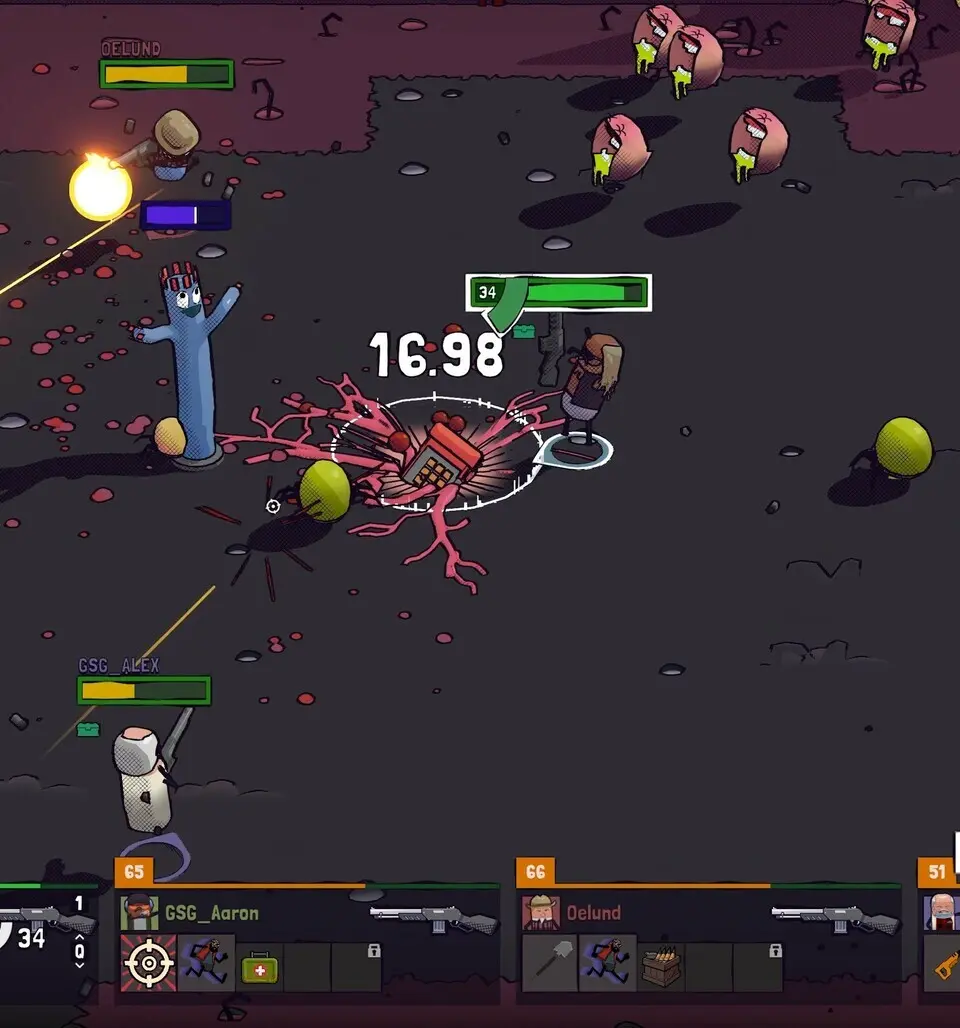
Understand the GUNTOUCHABLES UI. Monitor your Health Bar, Shield Bar, Stamina Bar, active abilities, and weapon information for effective gameplay.
The GUNTOUCHABLES UI provides critical information at a glance. In the top-left, you'll find your Health Bar (red) and Shield Bar (blue). Below that is your Stamina Bar (green), which depletes with sprinting, dodging, and certain abilities. The bottom-right displays your equipped weapon, current ammo count, and total reserves. Your active abilities are shown above this, with cooldown timers. The mini-map in the top-right corner indicates your current location, objectives, and nearby enemies. Pay attention to the objective tracker, usually in the top-center or top-left, which guides you through quests. Regularly checking your UI will keep you informed and prepared for any situation.
100% Human-Written. AI Fact-Checked. Community Verified. Learn how AntMag verifies content