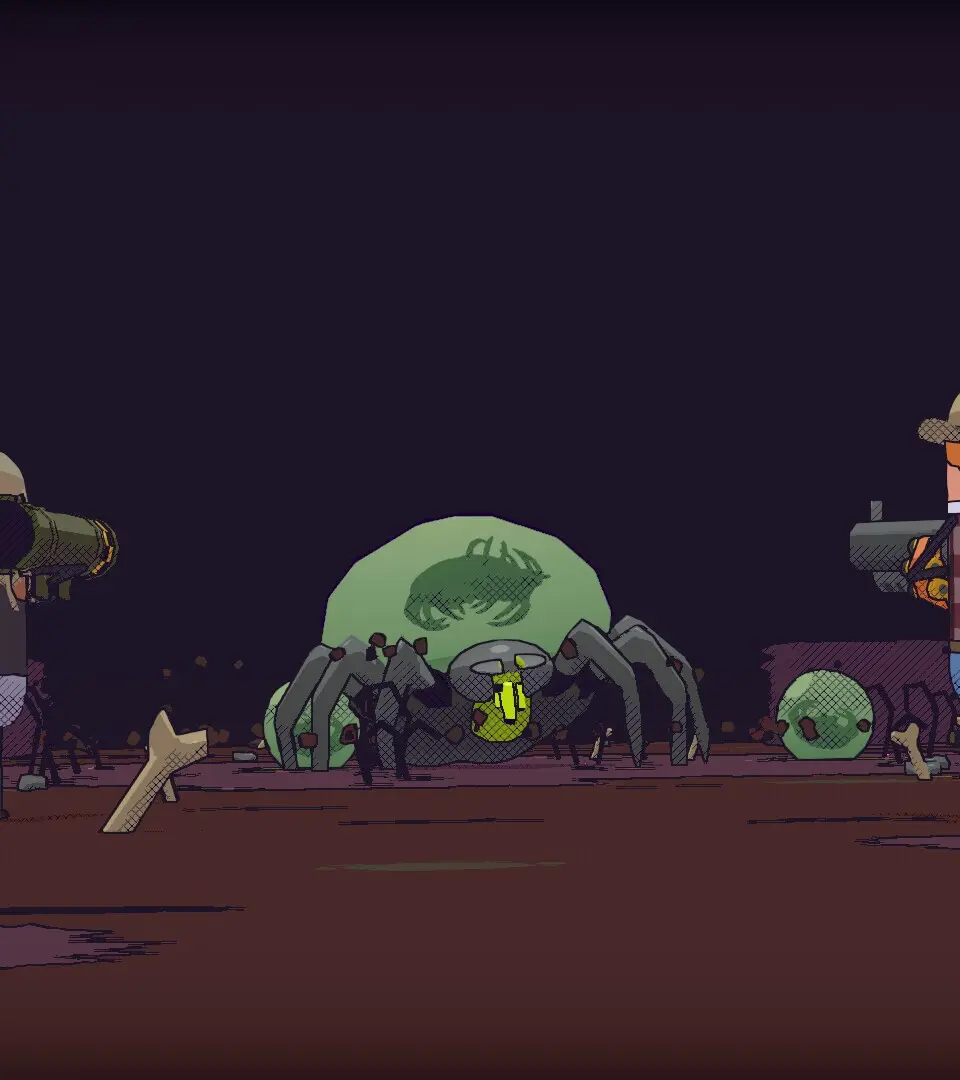
Learn to install and first launch GUNTOUCHABLES. Adjust graphics settings in the Options menu for optimal performance and a smoother experience.
After successfully installing GUNTOUCHABLES from your chosen platform, launch the game. You'll be greeted by the main menu. We highly recommend checking the 'Options' menu before starting a new game. Adjust your graphics settings to ensure optimal performance on your system. Pay close attention to the 'Display' and 'Audio' tabs. For a smoother experience, ensure your V-Sync is enabled if you experience screen tearing, and set your resolution to your monitor's native resolution. The 'Keybinds' section is also critical; familiarize yourself with the default controls and consider remapping any actions that feel uncomfortable. A comfortable control scheme is paramount for effective combat and exploration.
100% Human-Written. AI Fact-Checked. Community Verified. Learn how AntMag verifies content