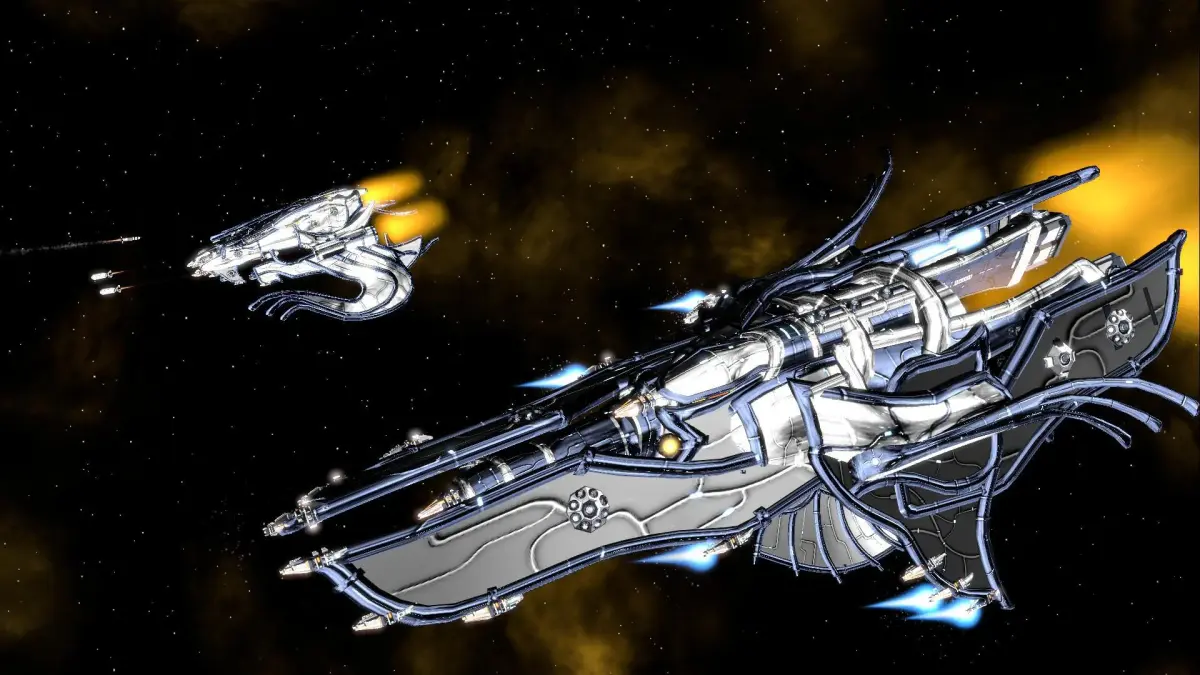
Welcome to Galactic Civilizations III, a sprawling 4X space strategy game where you forge your own galactic empire. You'll navigate intricate systems, explore unknown frontiers, and shape the destiny of your civilization across numerous campaigns and expansions. It's a deep, engaging experience for anyone who loves building empires and commanding vast fleets in a sci-fi setting.
This guide is here to help you master the cosmos. We'll dive deep into the game's mechanics, offering strategies for everything from early-game exploration and expansion to late-game fleet management and diplomatic maneuvering. Whether you're aiming for a specific victory condition, tackling challenging AI opponents, or just trying to earn all those Steam Achievements, you'll find the advice you need to succeed.
Getting Started
Welcome to Galactic Civilizations III! This guide will help you get started, covering the basics of starting a new game, understanding your first turns, and setting yourself up for galactic domination.
Getting Started
Welcome to Galactic Civilizations III! This guide will help you get started, covering the basics of starting a new game, understanding your first turns, and setting yourself up for galactic domination.

Installation and First Launch
Get Galactic Civilizations III installed and launched. Adjust graphics, sound, and controls in the options menu for your first optimal gameplay experience.
After installing Galactic Civilizations III, launch the game. You'll be presented with the main menu. It's recommended to check the 'Options' menu first to adjust graphics, sound, and control settings to your preference. Ensure your resolution is set correctly for optimal viewing. A stable internet connection is only required for multiplayer or specific online features.
Mission 2: Shadowy Deals
Your go-to guide for Mission 2: Shadowy Deals in Galactic Civilizations III. Learn the best strategies, tips, and tricks to successfully complete this challenging mission.
Hey there! Ready to tackle Mission 2, 'Shadowy Deals'? This one can be a bit tricky if you're not sure what you're doing, but don't worry, I've got your back. We'll get through this together.
- 1Starting Out: You'll begin with your standard fleet and a few colonies. Your first priority is to get your economy humming. Researching technologies that boost production and trade is key here. You'll want to get those constructors busy building improvements on your planets.
- 2The Krynn Deal: Your main objective is to establish a trade agreement with the Krynn. They're a bit wary, so you'll need to send a diplomatic envoy. Make sure your relations with them are decent before you try; a little goodwill goes a long way. Once you initiate the trade talks, you'll likely be presented with a deal that benefits you significantly, but it might also draw unwanted attention.
- 3Pirate Threat: As soon as you accept the trade deal, expect trouble. Pirates will start showing up, targeting your newly established trade routes. You'll need to have a few warships ready to patrol these routes. Don't spread your fleet too thin; concentrate your defenses where the pirates are most active.
- 4Escalation: The pirates will likely escalate their attacks. You might need to build more ships or even upgrade your existing ones to deal with tougher pirate vessels. Keep an eye on your income; you'll need the credits to maintain and expand your fleet.
- 5Securing the Deal: Successfully defending your trade routes for a set period or achieving a certain level of trade income will complete the mission. The key is to balance economic growth with military readiness.
- Always keep an eye on your galactic map. Knowing where the pirates are coming from and where your trade ships are is crucial.
- Don't be afraid to invest in defensive structures on your planets, especially those along the trade routes.
- If you're struggling with pirate attacks, consider researching technologies that improve your ship's weaponry or defenses.
- Sometimes, a well-timed diplomatic action can deter pirates or even get another race to help you out.
Basic Controls and Navigation — Galactic Civilizations III Guide
Master Galactic Civilizations III controls with essential mouse and keyboard shortcuts like 'Space' to end turn and 'M' for the galaxy map. Learn navigation for.
Navigation in Galactic Civilizations III is primarily mouse-driven. Left-click to select units, planets, or UI elements. Right-click to issue movement or action commands. The scroll wheel zooms in and out of the galaxy map. Keyboard shortcuts, such as 'Space' to end turn, 'M' for the galaxy map, and 'P' for the planet list, can significantly speed up gameplay. Experiment with these to find your preferred workflow.
Similar guides you might like





100% Human-Written. AI Fact-Checked. Community Verified. Learn how AntMag verifies content