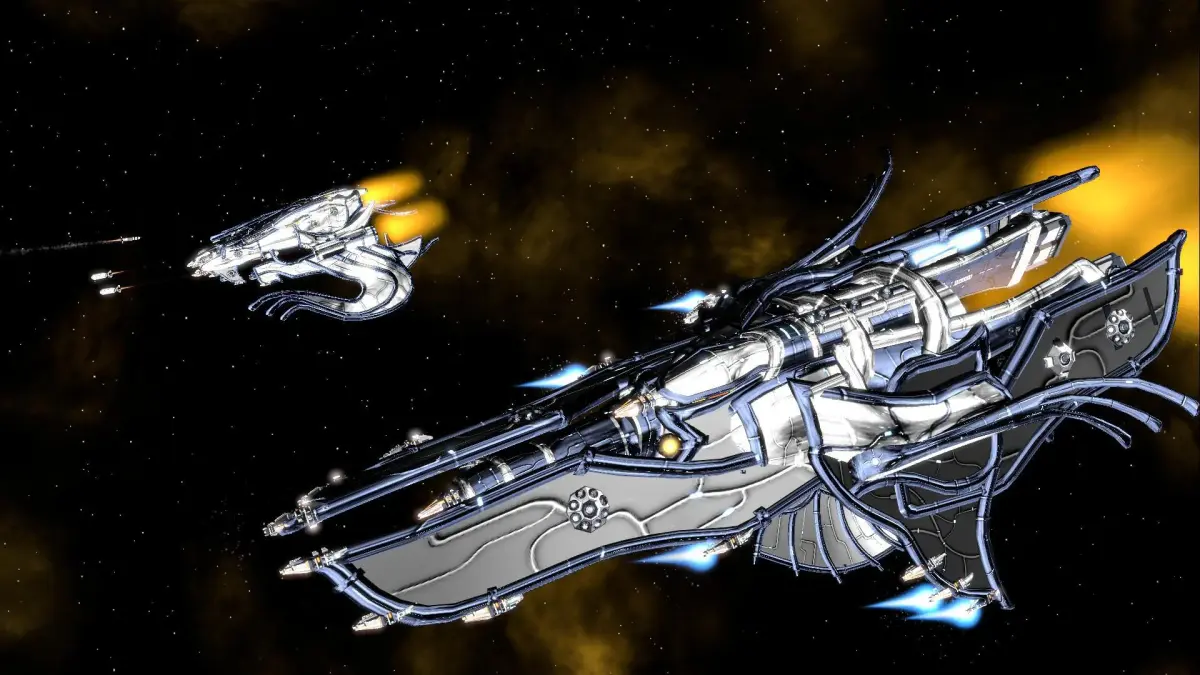
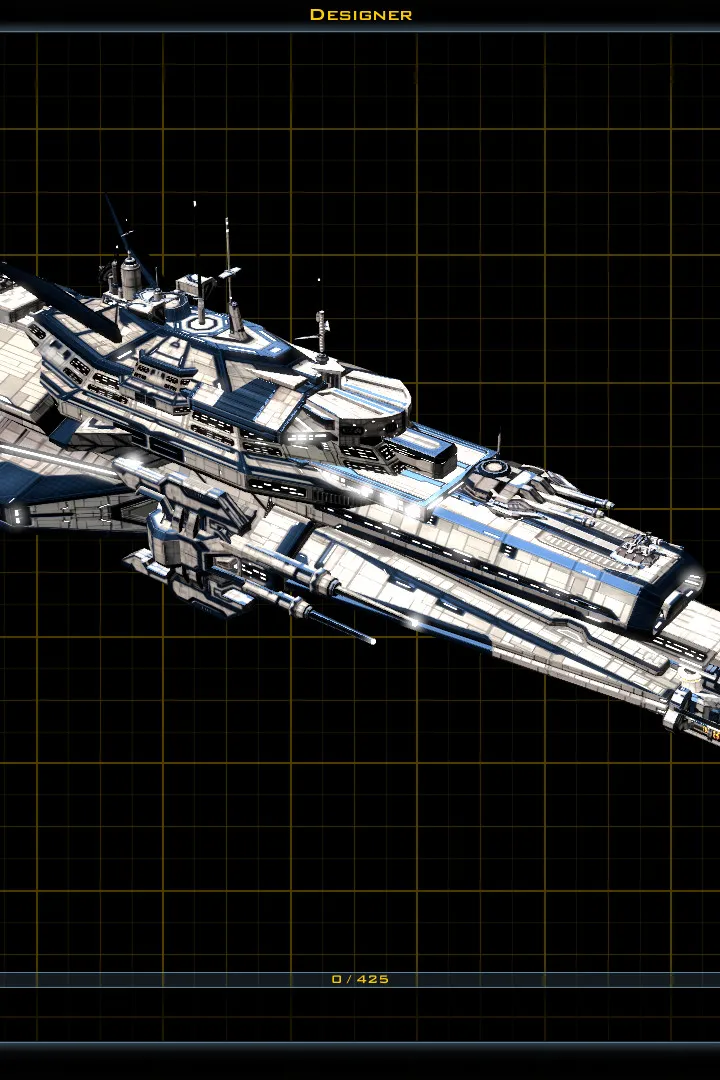
Get Galactic Civilizations III installed and launched. Adjust graphics, sound, and controls in the options menu for your first optimal gameplay experience.
After installing Galactic Civilizations III, launch the game. You'll be presented with the main menu. It's recommended to check the 'Options' menu first to adjust graphics, sound, and control settings to your preference. Ensure your resolution is set correctly for optimal viewing. A stable internet connection is only required for multiplayer or specific online features.
100% Human-Written. AI Fact-Checked. Community Verified. Learn how AntMag verifies content