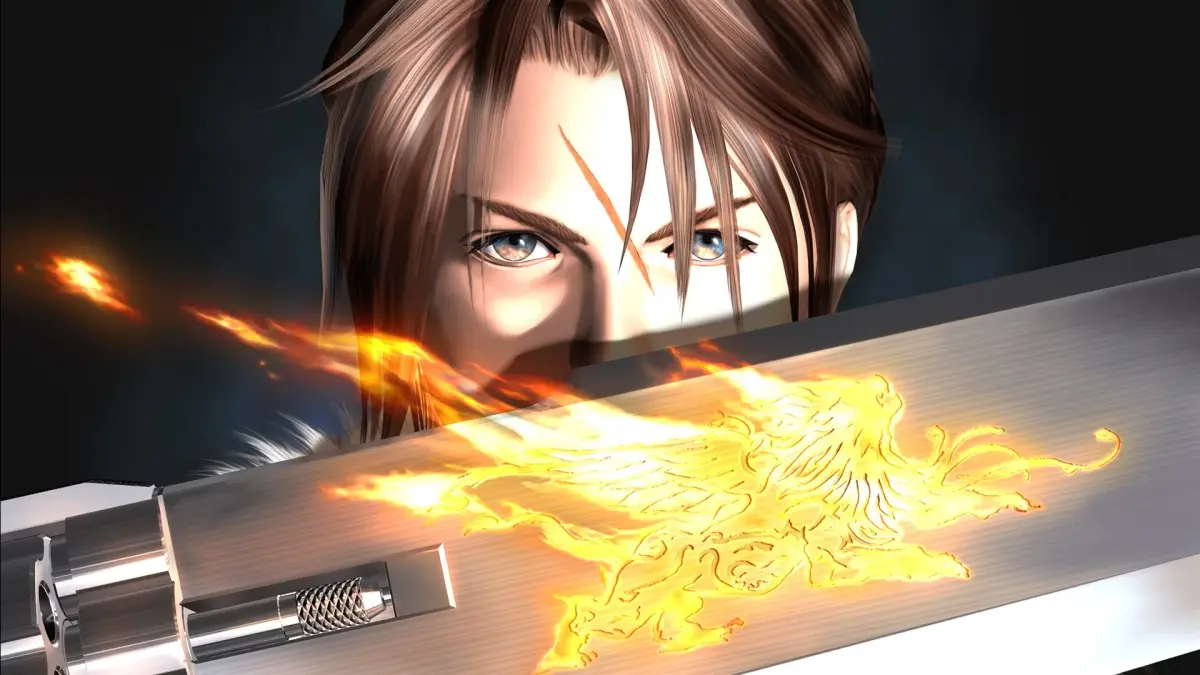
Learn how to navigate the Final Fantasy VIII Remastered guide using the Table of Contents, internal links, and search functions.
Walkthrough
- 1Use the Table of Contents on the right-hand side of the screen. Click "Toggle Table of Contents" if it is not visible.
- 2Click on links within the guide to access more detailed information on a specific topic.
- 3Use the Search button located in the right-hand corner of the site header to look up specific terms.
- 4Alternatively, you can use Ctrl + F to search for a term, but this will only work for content on your current page.
Tips
- The Table of Contents provides a structured overview of the guide's content.
- Internal links are useful for quickly jumping to related information.
- The site's search function is ideal for finding specific keywords or phrases.
100% Human-Written. AI Fact-Checked. Community Verified. Learn how AntMag verifies content