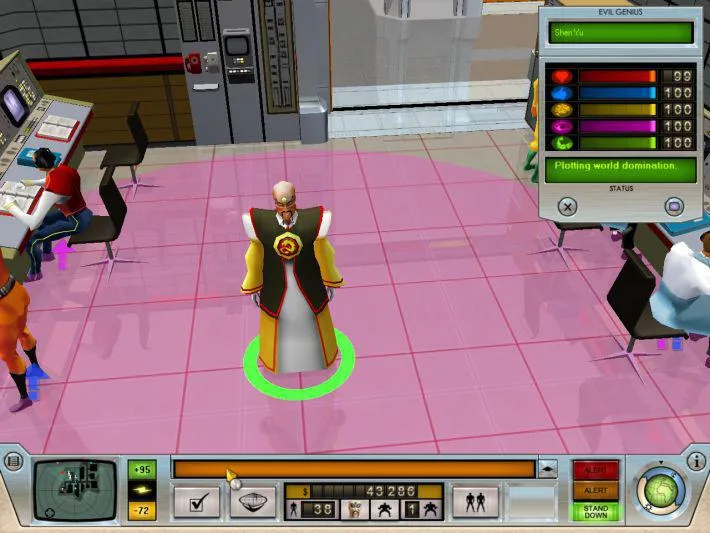
Learn how to use the Automatic Rotation feature in Evil Genius to streamline your base building and minion management. Get tips and strategies to optimize your lair.
Hey there, future Evil Genius! Let's talk about a handy little feature that can save you a bunch of hassle when you're expanding your lair: UseAutomaticRotationWhenPlacing. It sounds a bit technical, but it's actually super straightforward and can make building your evil empire much smoother.
Basically, when this option is enabled, any new rooms or structures you place will automatically rotate to face the direction that makes the most sense for connecting to existing hallways or fitting into tight spots. Think of it like your minions having a built-in sense of feng shui for your doomsday device!
Why is this a big deal? Well, without it, you'd be manually rotating every single piece of your base. Imagine trying to connect a new corridor to an existing one, but it's facing the wrong way. You'd have to click the rotate button a few times, which can get really annoying, especially when you're in the middle of a frantic build or trying to quickly wall off an area during an attack.
How to use it:
You'll usually find this option in the game's settings or options menu. Just look for something like 'Automatic Rotation' or 'Use Automatic Rotation When Placing' and make sure it's checked or set to 'On'. It's usually enabled by default, which is great for new players!
When to keep it on:
- General Base Building: For most of your lair construction, keeping this on is a lifesaver. It speeds up placing walls, corridors, and even larger rooms.
- Connecting Areas: When you're expanding your base and need to link new sections, automatic rotation helps ensure your hallways connect seamlessly without you having to fiddle with it.
- Tight Spaces: If you're building in a cramped area or trying to optimize space, the game will try its best to orient the new piece efficiently.
When you *might* want to turn it off (rarely):
- Specific Aesthetics: If you're going for a very particular, non-standard layout and want every single piece oriented exactly how you want it, you *could* turn it off. But honestly, for the vast majority of players, this is overkill.
- Troubleshooting: In the extremely rare case that the automatic rotation is causing a weird placement issue, you could toggle it off to see if that resolves it. But again, this is highly unlikely.
Pro-Tip: Even with automatic rotation on, you can still manually rotate items *before* you place them if you need to. Just use the rotate key (check your controls, it's usually a mouse wheel click or a specific keybind) before you click to confirm the placement. This gives you the best of both worlds – convenience most of the time, and full control when you need it.
So, in short, keep UseAutomaticRotationWhenPlacing enabled! It's a small quality-of-life feature that makes a big difference in the day-to-day management of your evil lair. Happy scheming!
100% Human-Written. AI Fact-Checked. Community Verified. Learn how AntMag verifies content