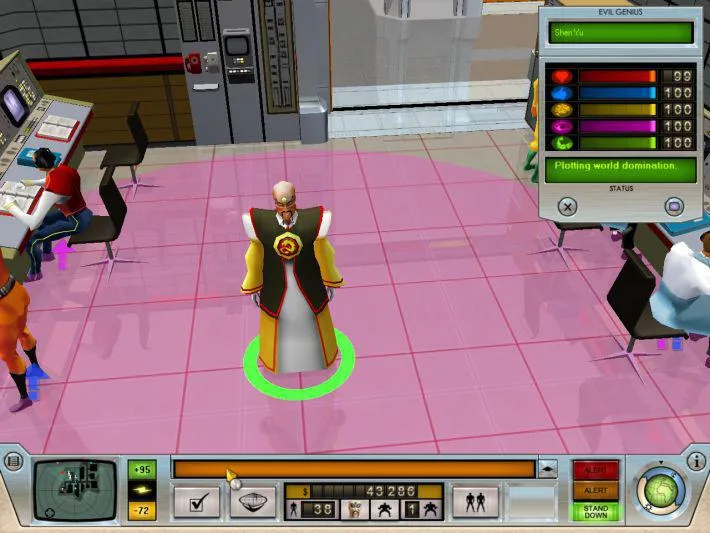
Learn how to effectively control your minions and genius in Evil Genius. This guide covers movement mechanics, keybinds, and essential tips for navigating your lair and the world map.
This section of the guide covers the movement mechanics within Evil Genius. Understanding how to control your characters is crucial for managing your lair, deploying agents, and executing your world domination plans.
| Action | Button |
|---|---|
| Move Camera | Arrow Keys / WASD |
| Rotate Camera | Q / E |
| Zoom Camera | Mouse Wheel |
| Select Minion/Genius | Left Click |
| Issue Move Order | Right Click |
| Center Camera on Genius | G |
| Center Camera on Minion | Select Minion, then press G |
| Open World Domination Map | M |
| Close Menus | Escape |
Tips
- Use the arrow keys or WASD for precise camera control.
- Right-clicking on the ground will make your selected unit move to that location.
- Right-clicking on an enemy will make your selected unit attack it.
- The world domination map (M) is essential for planning global operations and redeploying agents.
- Familiarize yourself with the camera controls to quickly survey your lair and react to threats.
100% Human-Written. AI Fact-Checked. Community Verified. Learn how AntMag verifies content