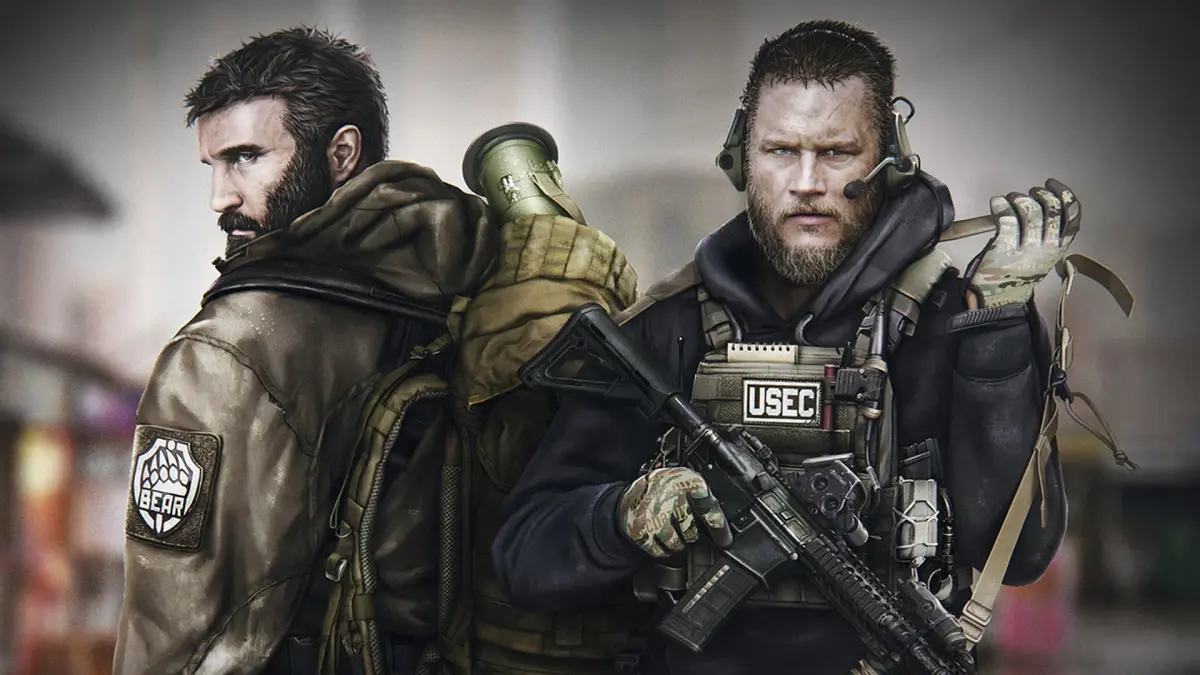
Learn how to use emotes and gestures in Escape from Tarkov to communicate with teammates and express yourself in-game. A comprehensive guide for all players.
Emotes and gestures are a way to communicate with other players in Escape from Tarkov, though their use is limited and often situational. While not as robust as in other games, understanding how to perform them can add a layer of interaction to your raids.
| Action | Button/Keybind |
|---|---|
| Perform Emote/Gesture | Default: Y (Hold) - Opens emote wheel. Select desired emote with mouse or directional keys. |
| Specific Emote 1 (e.g., Wave) | Select from emote wheel |
| Specific Emote 2 (e.g., Point) | Select from emote wheel |
| Specific Emote 3 (e.g., Salute) | Select from emote wheel |
Note: Emote functionality and availability may vary with game updates. Ensure your keybinds are set correctly in the game's settings.
100% Human-Written. AI Fact-Checked. Community Verified. Learn how AntMag verifies content