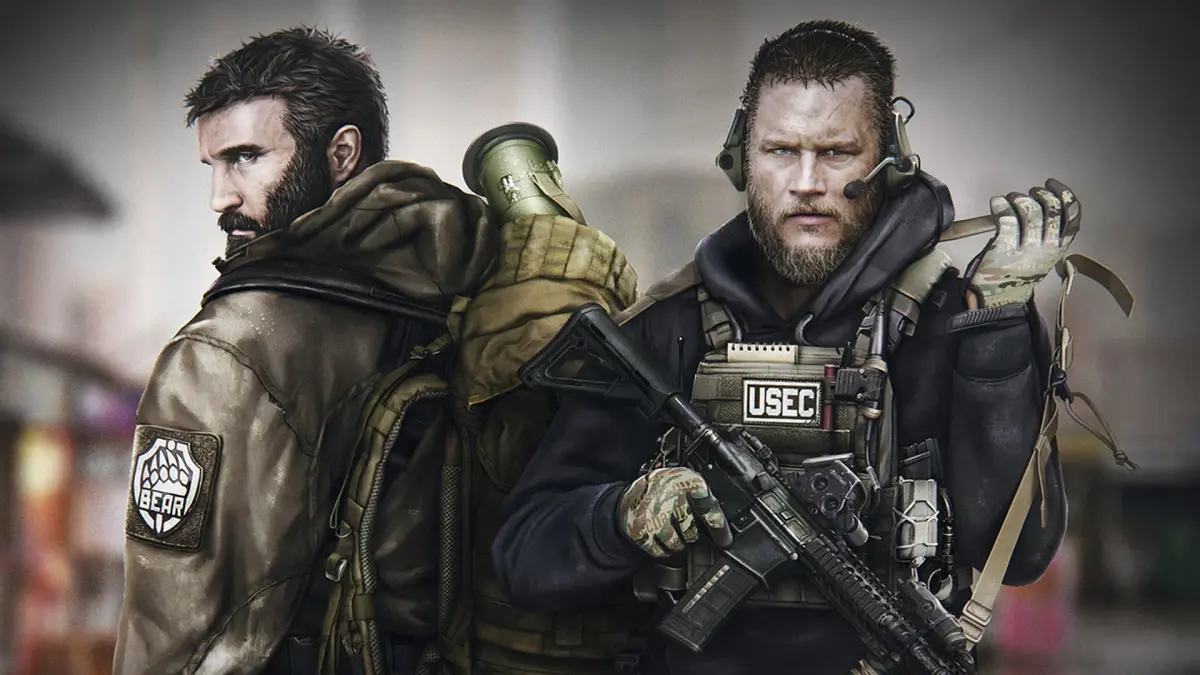

Get started with Escape from Tarkov! This guide walks you through installation, account setup, and initial configuration to get you into the game smoothly. Learn essential first steps.
Alright, so you're ready to dive into the brutal world of Escape from Tarkov? Awesome! First things first, we gotta get the game installed and your account sorted. It's not too complicated, but there are a few key steps to make sure you're set up right from the get-go.
The whole process starts with BattleState Games' launcher, so that's where we'll begin. You'll need to head over to their official website to grab it.
Here's the rundown:
- Download the Launcher: Go to the official Escape from Tarkov website. Look for the download link for the launcher – it's usually pretty prominent. Grab that installer and run it.
- Install the Launcher: Follow the on-screen prompts to install the launcher itself. It's pretty standard stuff, just pick where you want it and let it do its thing.
- Create Your Account: Once the launcher is installed, fire it up. You'll be prompted to create a new account or log in if you already have one. If you're new, you'll need to provide an email address, choose a username, and set a password. Make sure it's a strong one you'll remember! You'll likely need to verify your email address too, so keep an eye on your inbox.
- Purchase the Game: Escape from Tarkov isn't free-to-play. You'll need to purchase one of the available editions. Each edition offers different starting gear and stash sizes, so pick the one that best suits your budget and how seriously you plan to get into the game. You can usually do this right through the launcher or on the website.
- Download the Game: After purchasing, you'll be able to download the actual game files through the launcher. This is a big download, so make sure you have a stable internet connection and enough disk space. It can take a while depending on your internet speed.
- Install the Game: Once downloaded, the launcher will guide you through the installation process. Again, choose your preferred installation location.
Important Notes:
- Server Selection: When you first launch the game after installation, you'll be asked to select a server region. Pick the one that's geographically closest to you for the best ping and connection stability. You can change this later if needed, but it's best to start with the optimal one.
- Updates: Escape from Tarkov is constantly updated. The launcher will handle most of these, but always make sure you're running the latest version before jumping into a raid.
- Two-Factor Authentication (2FA): Seriously consider setting up 2FA on your account. It adds a crucial layer of security and can prevent unauthorized access to your account and all your hard-earned gear. You can usually find this option in your account settings on the website.
Once all that's done, you'll be ready to jump into the main menu and start your journey. It might seem like a lot, but taking the time to get the installation and account setup right will save you headaches down the line. Good luck out there, PMC!
100% Human-Written. AI Fact-Checked. Community Verified. Learn how AntMag verifies content