
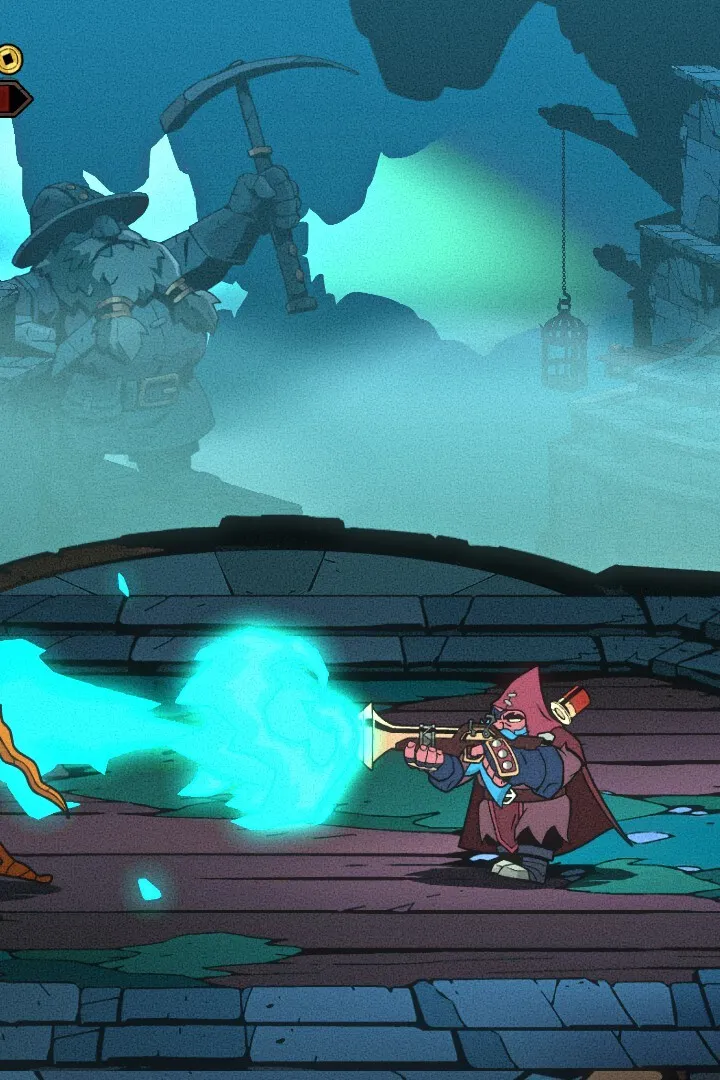
Check Absolum's PC system requirements. Learn minimum and recommended specs for optimal performance and a smooth gameplay experience.
Absolum is designed to be accessible on a wide range of hardware, but to ensure the smoothest gameplay experience, it's recommended to meet certain specifications. While the game is not overly demanding, adhering to these guidelines will help prevent performance issues like stuttering, long loading times, and graphical glitches. This section outlines the minimum and recommended system requirements for playing Absolum on PC.
Meeting the minimum requirements will allow you to run Absolum, but you may need to adjust graphical settings for optimal performance. The recommended requirements are for a more fluid and visually rich experience, allowing you to enjoy the game's detailed environments and effects without compromise.
Minimum System Requirements:
- Operating System: Windows 7 64-bit or newer
- Processor: Intel Core i5-4460 or AMD FX-6300
- Memory: 8 GB RAM
- Graphics: NVIDIA GeForce GTX 760 or AMD Radeon R7 260X (2GB VRAM)
- DirectX: Version 11
- Storage: 50 GB available space
Recommended System Requirements:
- Operating System: Windows 10 64-bit
- Processor: Intel Core i7-4770 or AMD Ryzen 5 1600
- Memory: 16 GB RAM
- Graphics: NVIDIA GeForce GTX 1060 or AMD Radeon RX 580 (6GB VRAM)
- DirectX: Version 11
- Storage: 50 GB available space (SSD recommended)
Note: An internet connection may be required for initial activation, updates, and online features if applicable. Ensure your graphics card drivers are up to date for the best compatibility and performance. While Absolum is optimized for PC, performance can also be influenced by background applications and system maintenance.
If you encounter performance issues, consider lowering in-game graphical settings such as texture quality, shadow detail, and anti-aliasing. Disabling VSync can sometimes improve frame rates, though it may introduce screen tearing. For those with SSDs, installing Absolum on one is highly recommended for significantly reduced loading times, especially when transitioning between large game areas.
100% Human-Written. AI Fact-Checked. Community Verified. Learn how AntMag verifies content