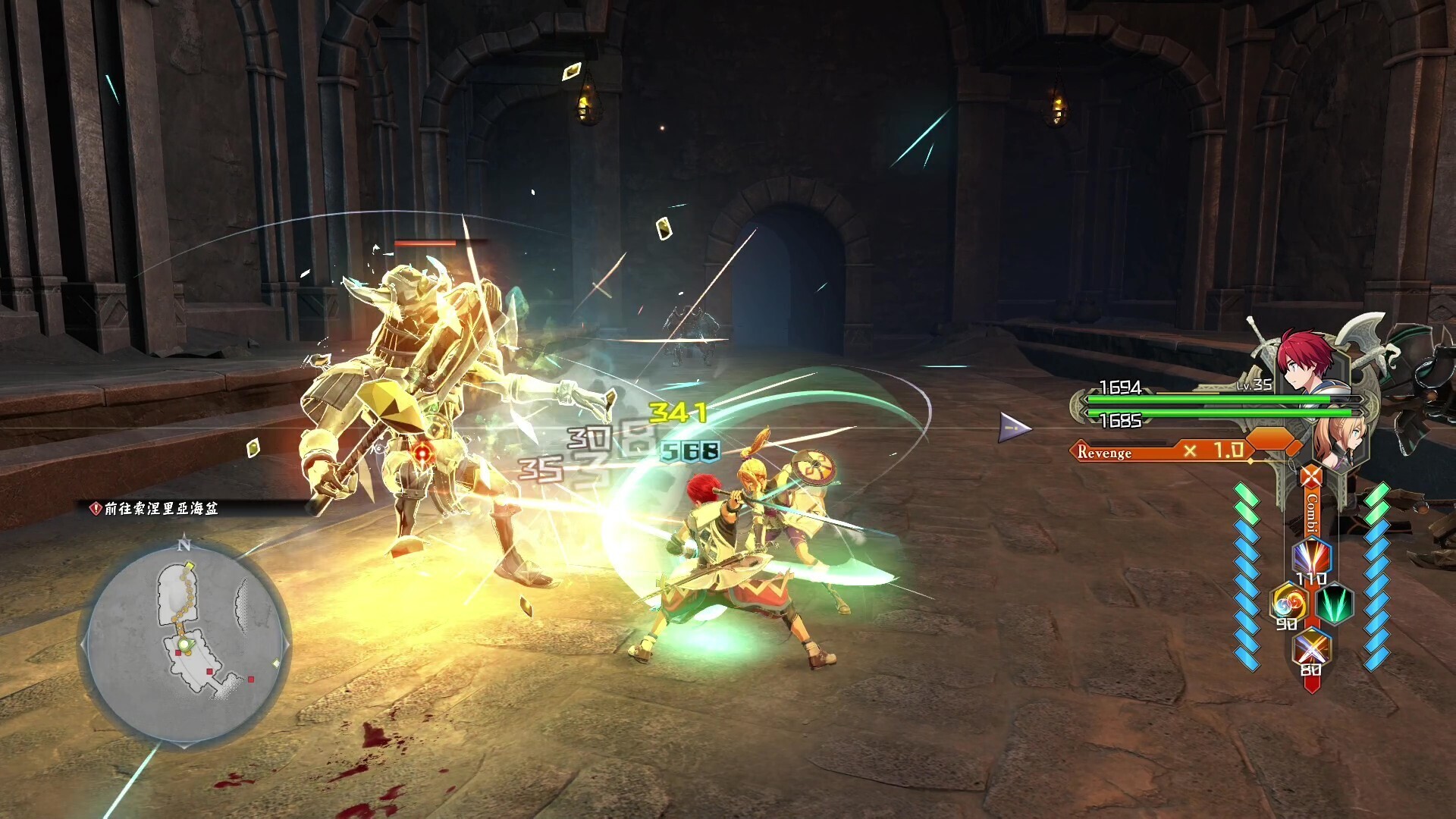
Walkthrough for Ys X: Proud Nordics Prologue: The Raid. Learn about Additional Footholds, battle tutorials, and interacting with NPCs.
Walkthrough
- 1Boot up Ys X: Proud Nordics and access the Settings menu to adjust options like Combat Assist and minimap (map that shows your surroundings) orientation.
- 2Start the game and choose your mode. You will be asked if you want Additional Footholds for hard-to-reach places; select Yes or No.
- 3The game begins with narration from Dogi.
- 4On the Passenger Liner Adamas, you will speak with Adol. Your dialogue choices have no consequences.
- 5A trophy called "A New Adventure" will be awarded.
- 6Familiarize yourself with the sub-menus: Left Direction accesses the Map, Down Direction accesses the Journal, Right Direction accesses the Inventory, Up Direction accesses the Log, and the Option button opens the Camp Menu.
- 7Characters you can interact with are marked by a blue :) icon, which turns gray when they have no further dialogue. Characters with blue/gray circles offer only short chats and cannot be interacted with further.
- 8Talk to Captain LaSalle, indicated by a (!), and choose the first dialogue option to continue.
- 9Engage in battle tutorials: learn Attacking & Targeting by pressing X to attack and R3 to lock on (target an enemy).
- 10Learn Guarding & Evading by pressing R2 to guard and L1 to dodge (evade an attack).
- 11An opening cutscene (a non-interactive cinematic the game plays automatically) will play.
Tips
- Dialogue choices with Adol have no consequences.
- The minimap can be set to always face north in the Settings menu.
- Characters with a blue :) icon are available for interaction.
100% Human-Written. AI Fact-Checked. Community Verified. Learn how AntMag verifies content