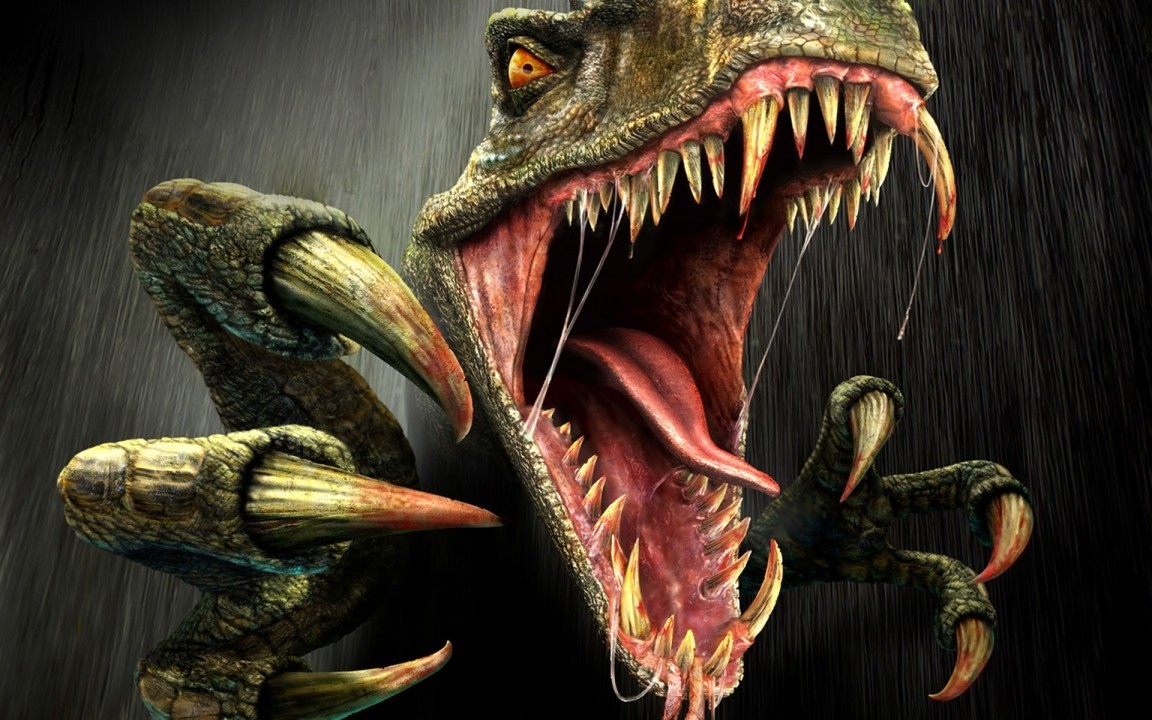
Turok Origins default controls for A Button, B Button, Z Button, C Buttons, R Button, Control Pad, Analog Stick, and Start Button.
Controls:
- A Button: Go forward in your selection of weaponry.
- B Button: Go backward in your selection of weaponry.
- Z Button: Fire/Use your currently selected weapon.
- C-Up: Move forward.
- C-Left: Move to the left.
- C-Down: Move backward.
- C-Right: Move to the right.
- R Button: Jump up and down.
- Control Pad: Allows you to turn the running mode on and off.
- Analog Stick: Looks around, can help for aiming a weapon sometimes.
- Start Button: Pauses the game and accesses the Options menu.
Tips
- The Analog Stick can be used for looking around and sometimes for aiming your weapon.
- The Control Pad is used to toggle running mode on and off.
100% Human-Written. AI Fact-Checked. Community Verified. Learn how AntMag verifies content