
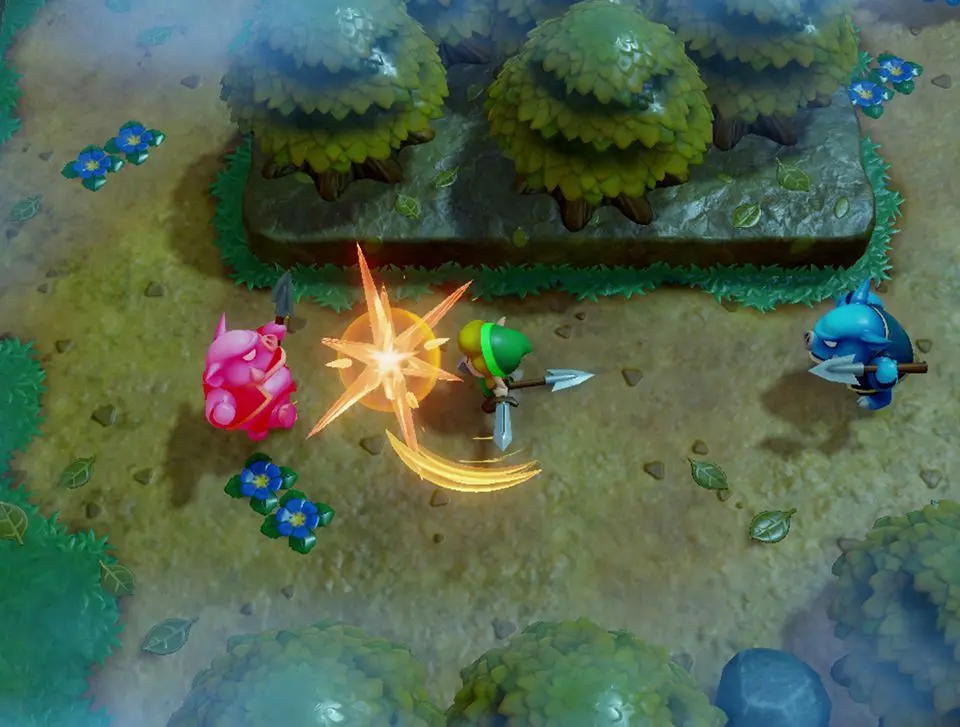
Learn the controls and user interface for The Legend of Zelda: Link's Awakening on Nintendo Switch. Master Link's movement and swordplay with our comprehensive guide.
This guide details the controls and user interface for The Legend of Zelda: Link's Awakening on the Nintendo Switch. The remake features updated graphics and some gameplay adjustments compared to the original Game Boy version.
Key changes include:
- HD, 3D graphics with a diorama-like art style.
- Link's hair is consistently blond, unlike the original's limited color palette.
- Fully animated introduction and ending cutscenes.
- Enemy models are updated to match those from games like A Link Between Worlds.
- Doors that require a pot to open now display a pot icon.
- Overworld areas load entirely, removing screen transitions.
- Larger dungeon rooms scroll continuously instead of having separate screens.
- Hero Mode is available from the start.
- Link can slash his sword in eight directions, an improvement over the original's four.
- Link consistently swings his sword with his left hand, regardless of direction faced, except in side-scrolling sections.
100% Human-Written. AI Fact-Checked. Community Verified. Learn how AntMag verifies content